MIDI controllers
DAW surfaces, DJ controllers, and synth interfaces. USB, DIN, or BLE MIDI on supported boards. High-resolution control, presets, and displays.
Explore MIDI features
Use movement, touch, distance, and light to control sound and visuals. OpenDeck connects sensors and physical controls to your software, configured from your browser.
*Connections and supported components depend on your board.
DAW surfaces, DJ controllers, and synth interfaces. USB, DIN, or BLE MIDI on supported boards. High-resolution control, presets, and displays.
Explore MIDI featuresSend distance, gesture, touch, and orientation data over Ethernet to your visuals or show-control software. Discover devices with mDNS.
Explore OSC featuresHardware-independent firmware built on Zephyr RTOS. Add a custom board variant, extend the source, or shape OpenDeck around your own device.
Create your custom boardHave an idea but need help bringing it to life? Talk to Shantea Controls about a custom build for your studio, stage, or project.
Custom work →Build an instrument you play without touching, visuals that follow your movement, or a scene that responds to light. Configure the sensor in OpenDeck, stream its data over Ethernet OSC, and shape the response in the software of your choice, including Processing, TouchDesigner, QLab, and many more.
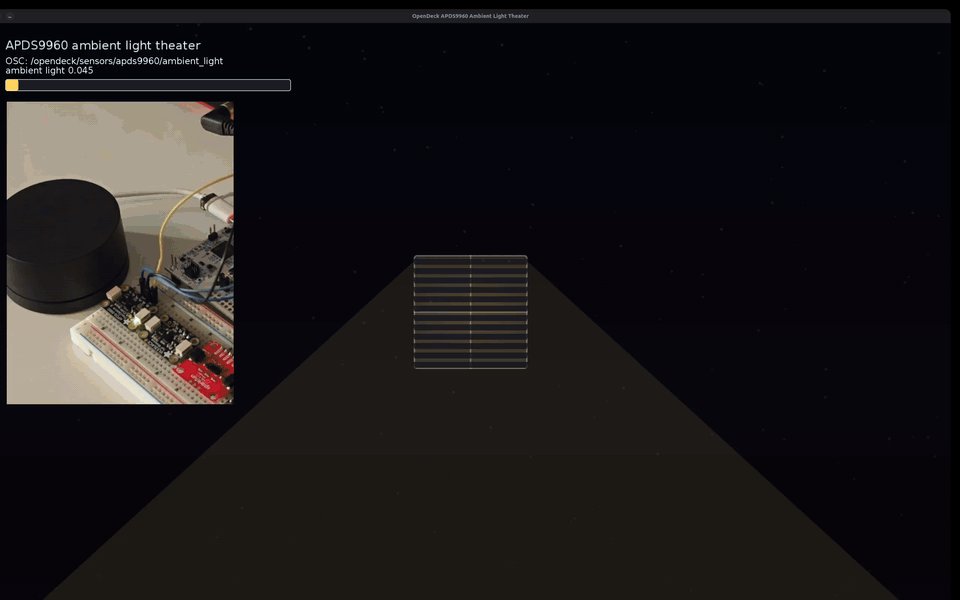
APDS-9960 · Ambient light
Cover or expose the sensor to dim and brighten a virtual room, open its blinds, and change the motion of floating dust.
Try this example ↗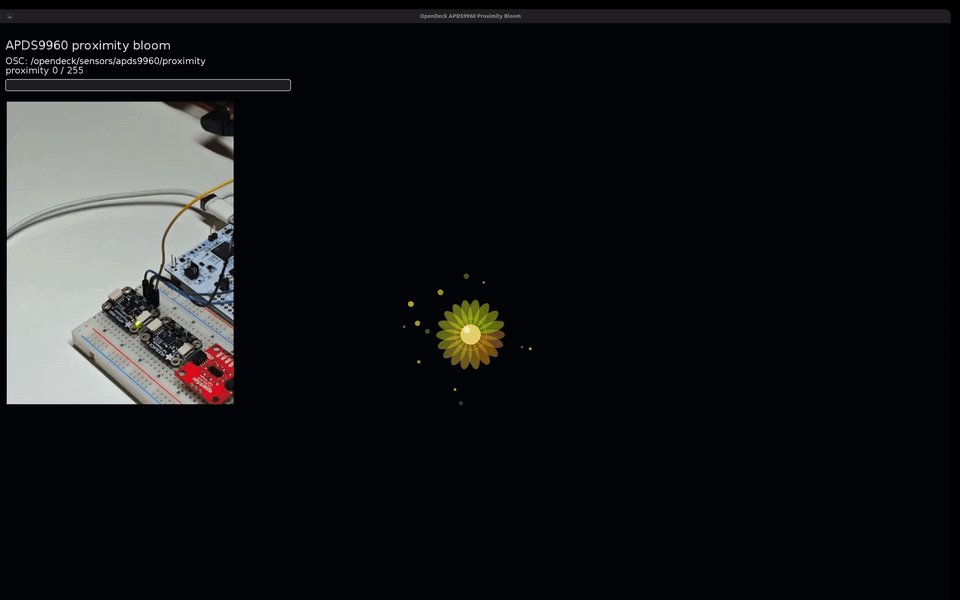
APDS-9960 · Proximity
Move a hand toward the sensor to grow a glowing bloom, brighten its core, and energize the particles around it.
Try this example ↗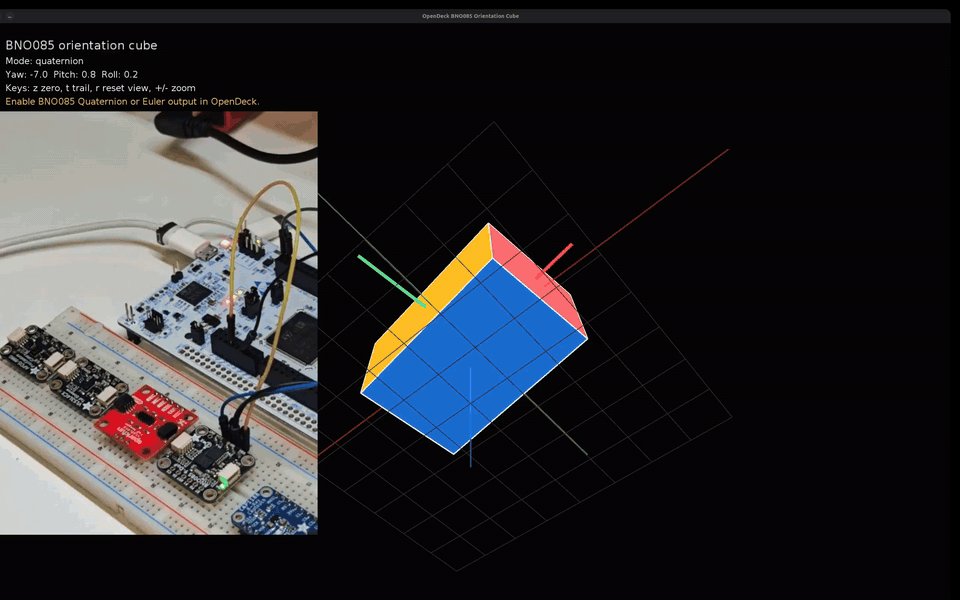
BNO085 · Orientation
Rotate and tilt the sensor to steer a 3D cube. Orientation data connects physical movement to the scene on screen.
Try this example ↗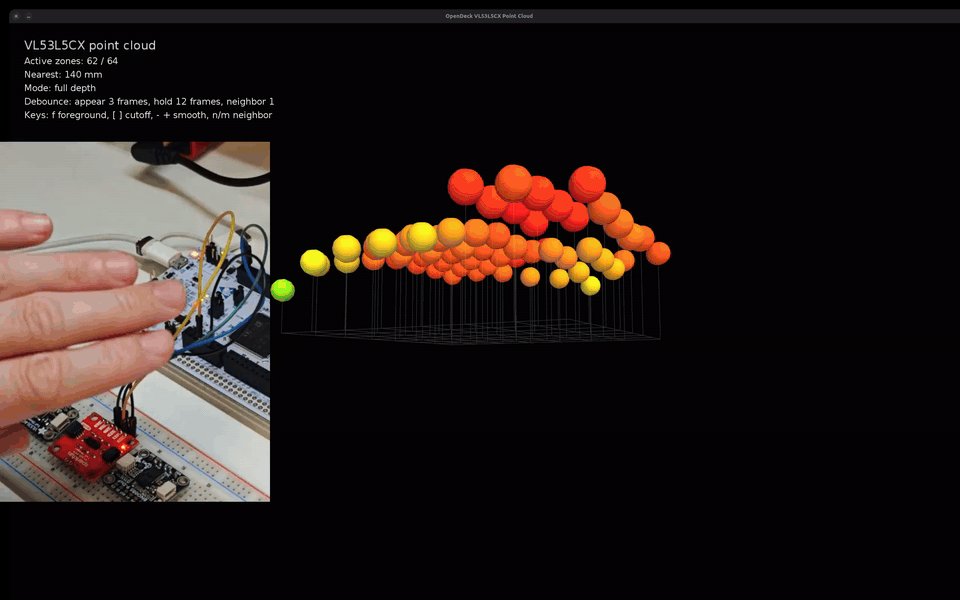
VL53L5CX · Depth sensing
Move your hand above an 8×8 distance sensor and see its shape as a live point cloud. Use the same depth data for position, presence, or touchless instruments.
Try this example ↗These demos use an Ethernet-capable board with a supported sensor. The Processing sketches run on your computer. Sensor wiring and configuration ↗
Pick the connections and I/O you need, then follow your board’s wiring guide for buttons, encoders, pots, LEDs, or sensors.
Flash a supported development board, or start with an official OpenDeck board. Installation and update options depend on the target.
Set mappings and device behavior, then connect to your music, visuals, or control software. No firmware coding required.
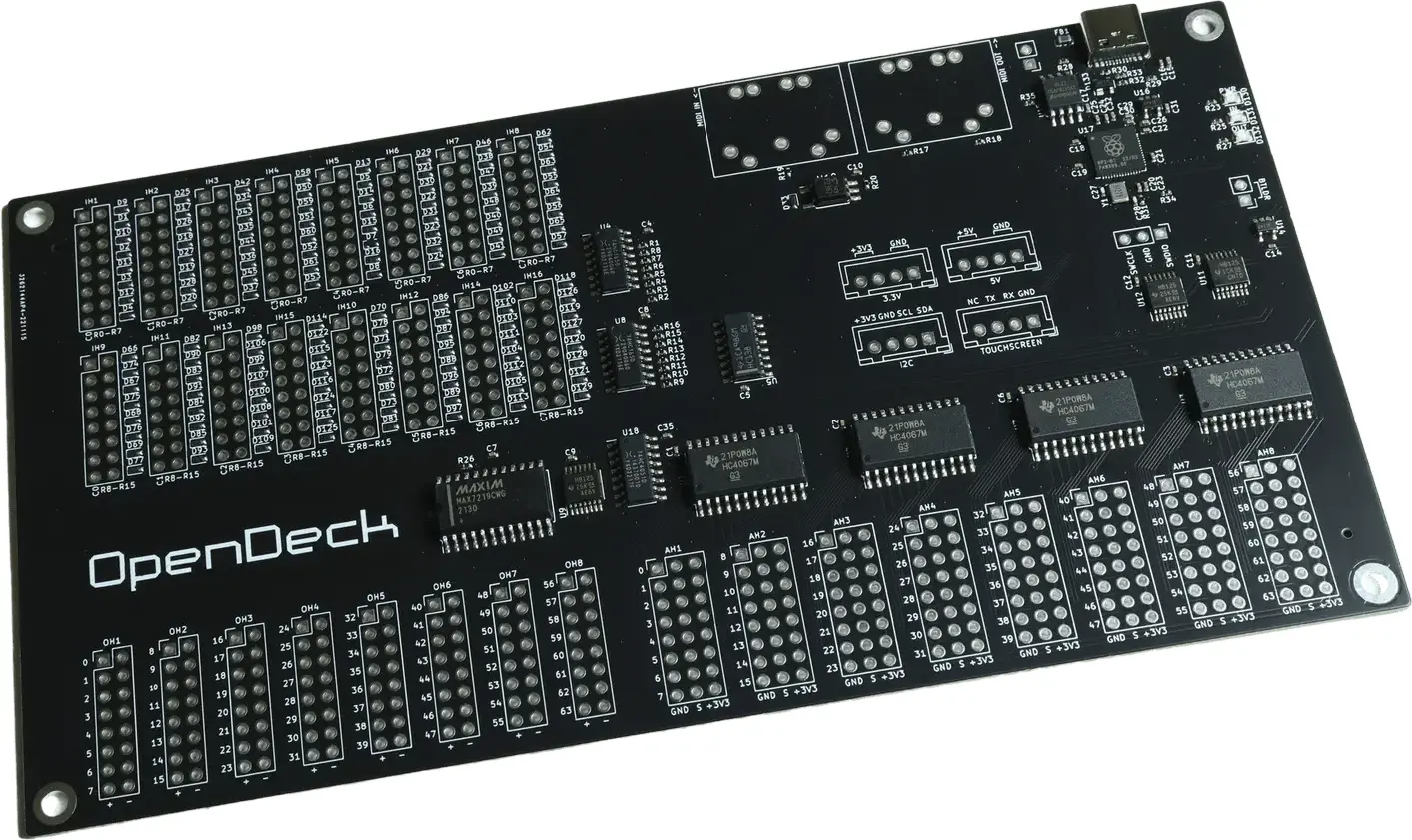
MIDI: USB, DIN
OSC: No
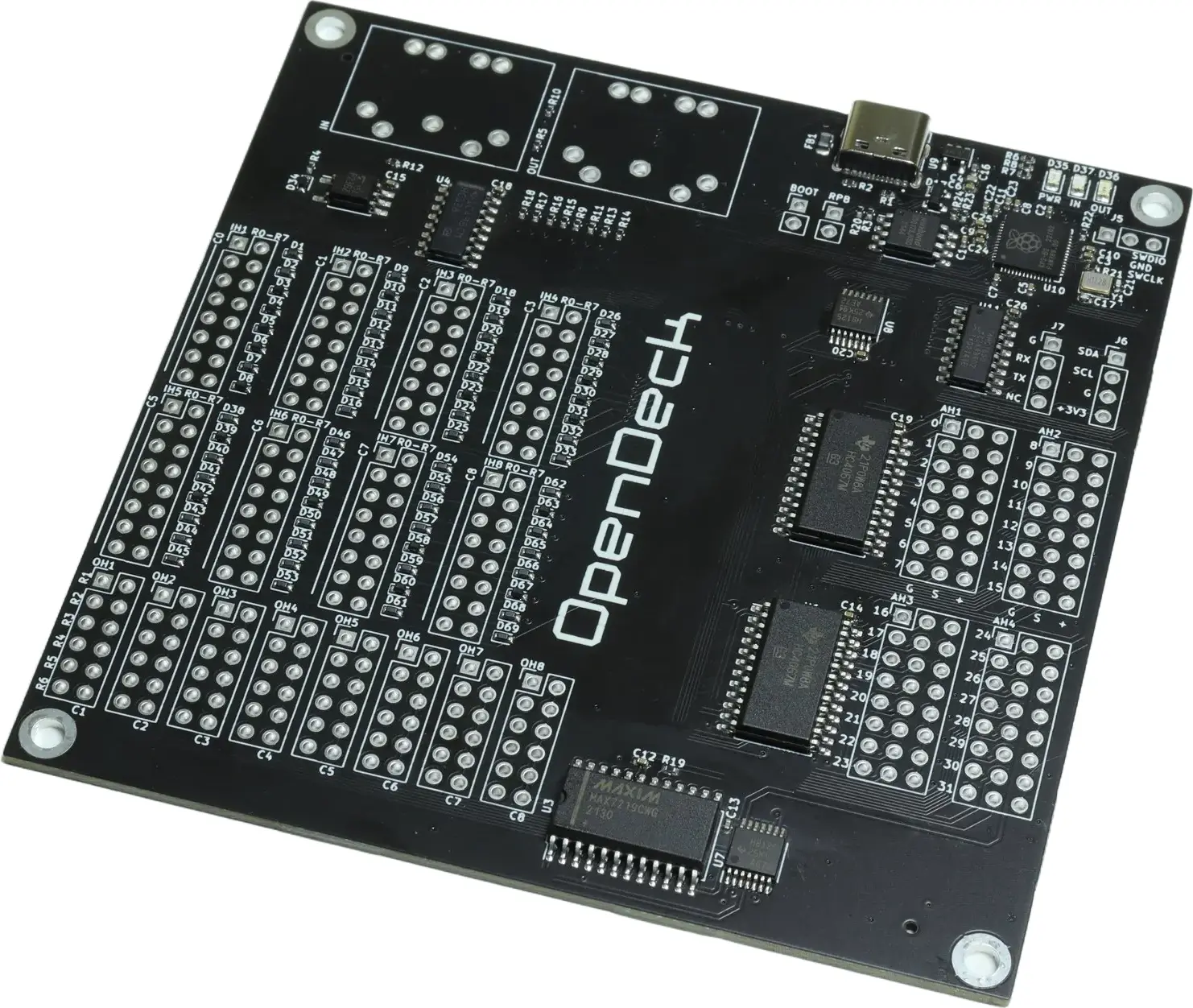
MIDI: USB, DIN
OSC: No
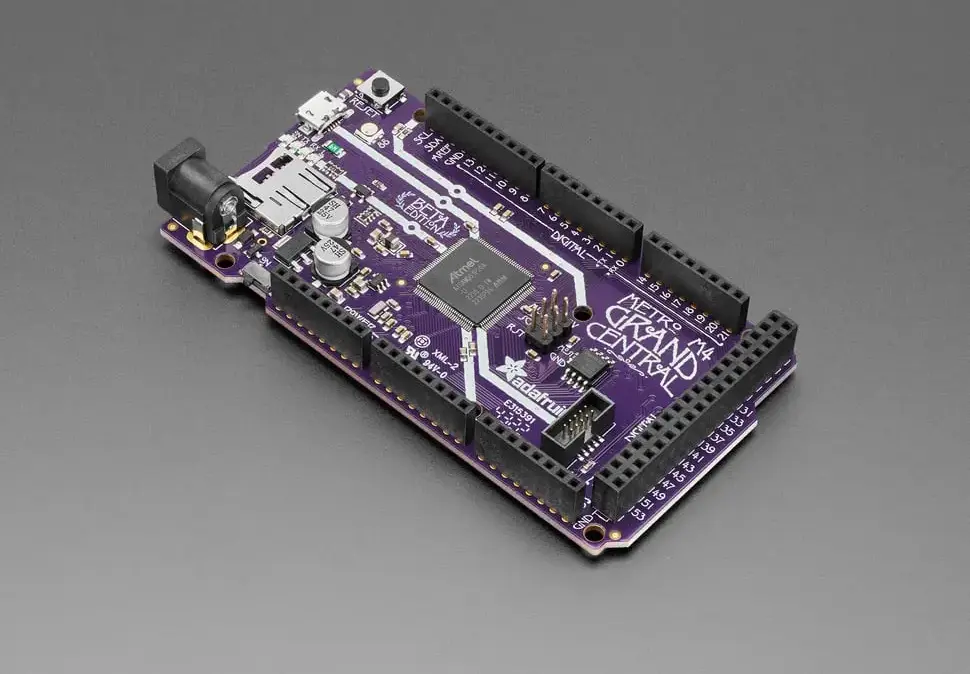
MIDI: USB, DIN
OSC: No
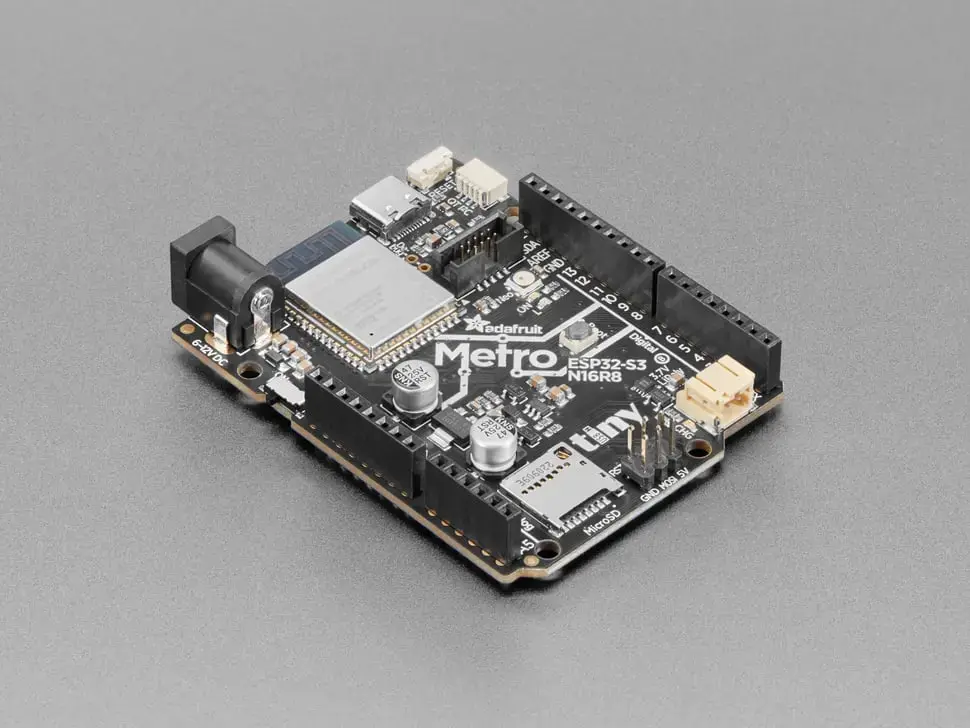
MIDI: USB, DIN
OSC: No
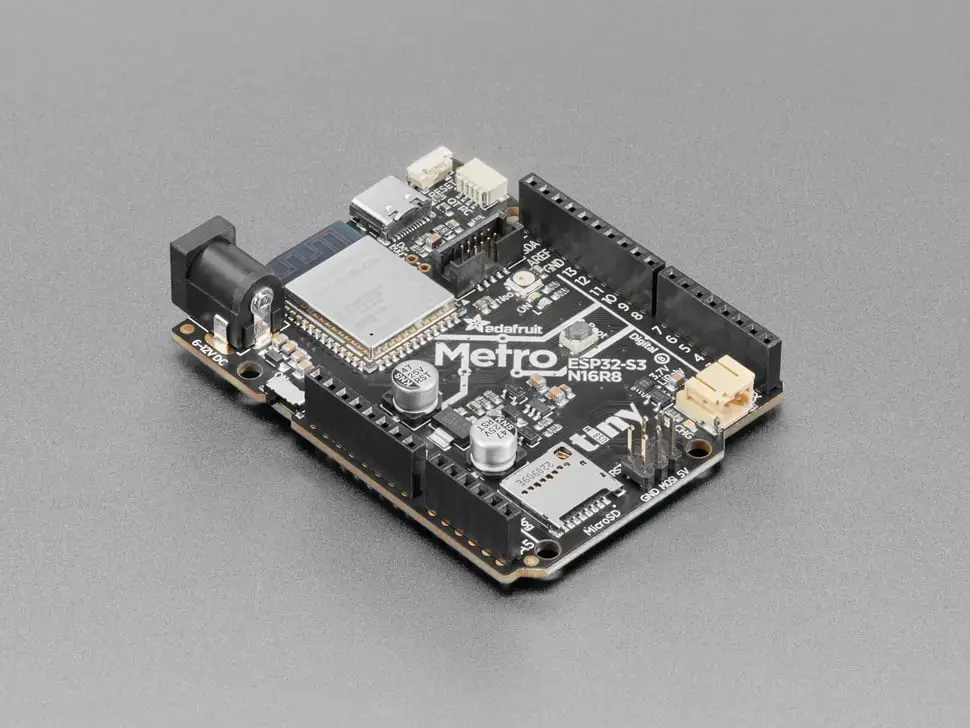
MIDI: USB
OSC: Ethernet
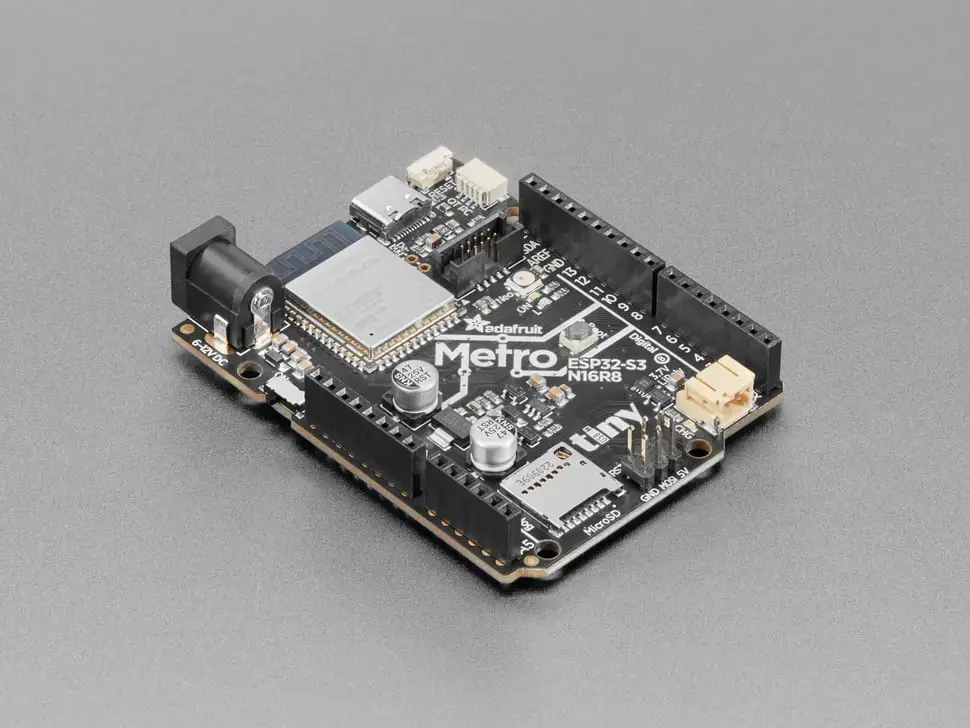
MIDI: USB
OSC: Ethernet
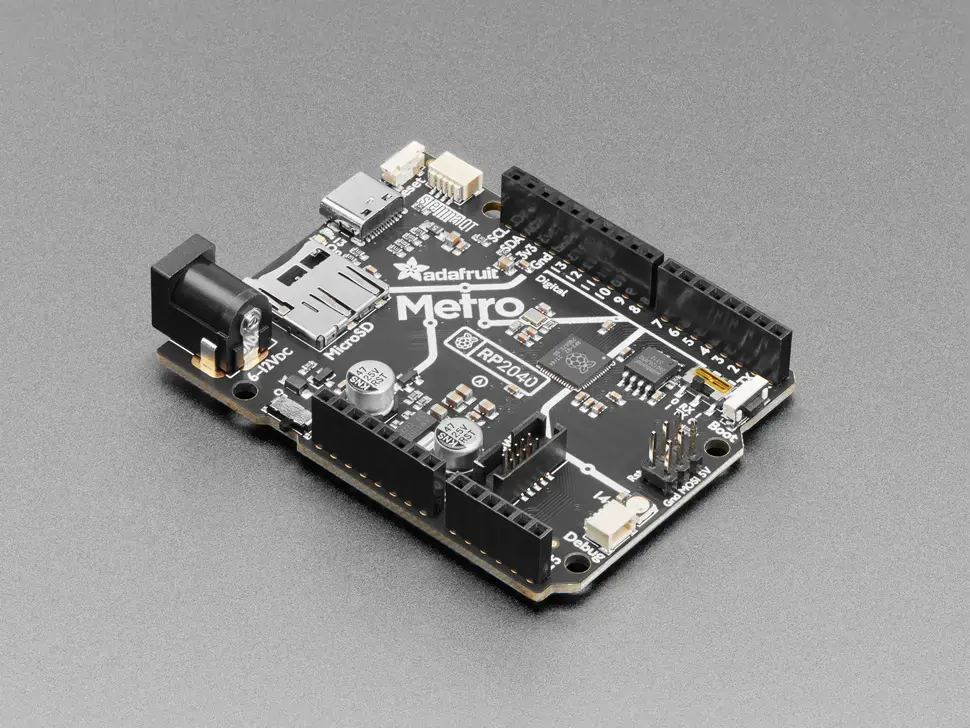
MIDI: USB, DIN
OSC: No
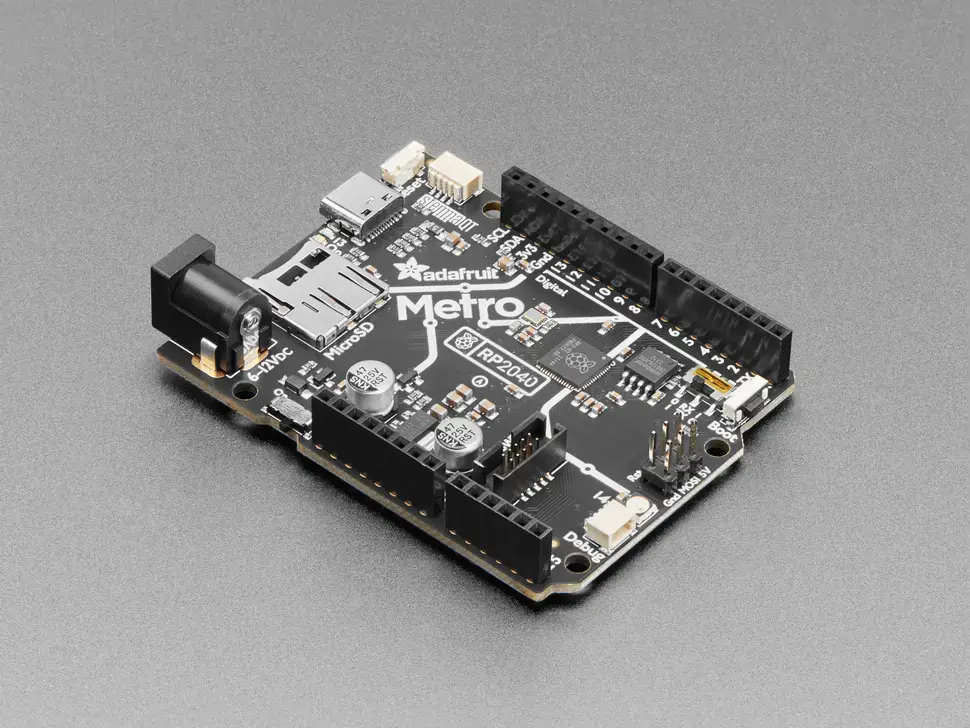
MIDI: USB
OSC: Ethernet
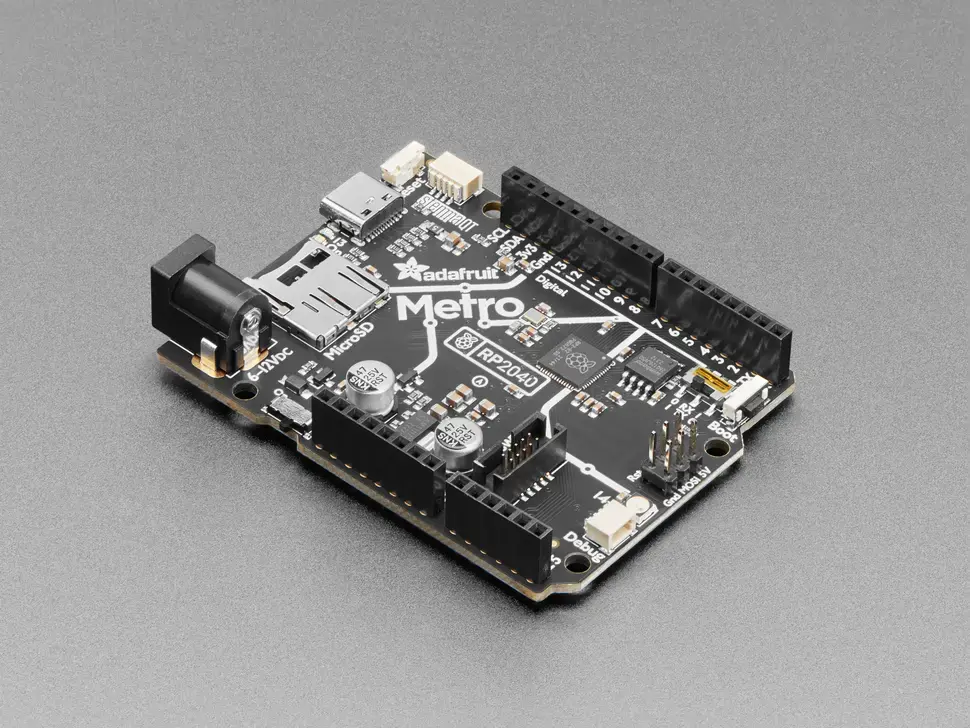
MIDI: USB
OSC: Ethernet
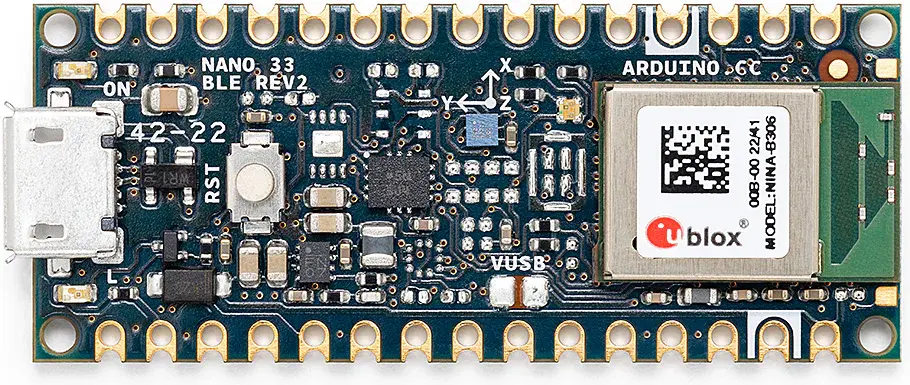
MIDI: USB, BLE, DIN
OSC: No
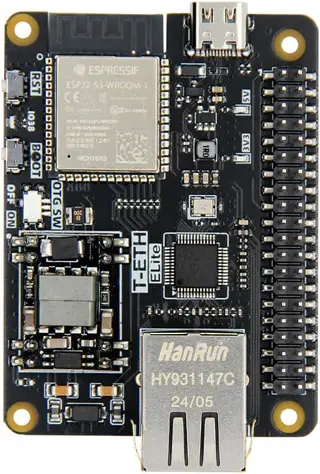
MIDI: USB
OSC: Ethernet
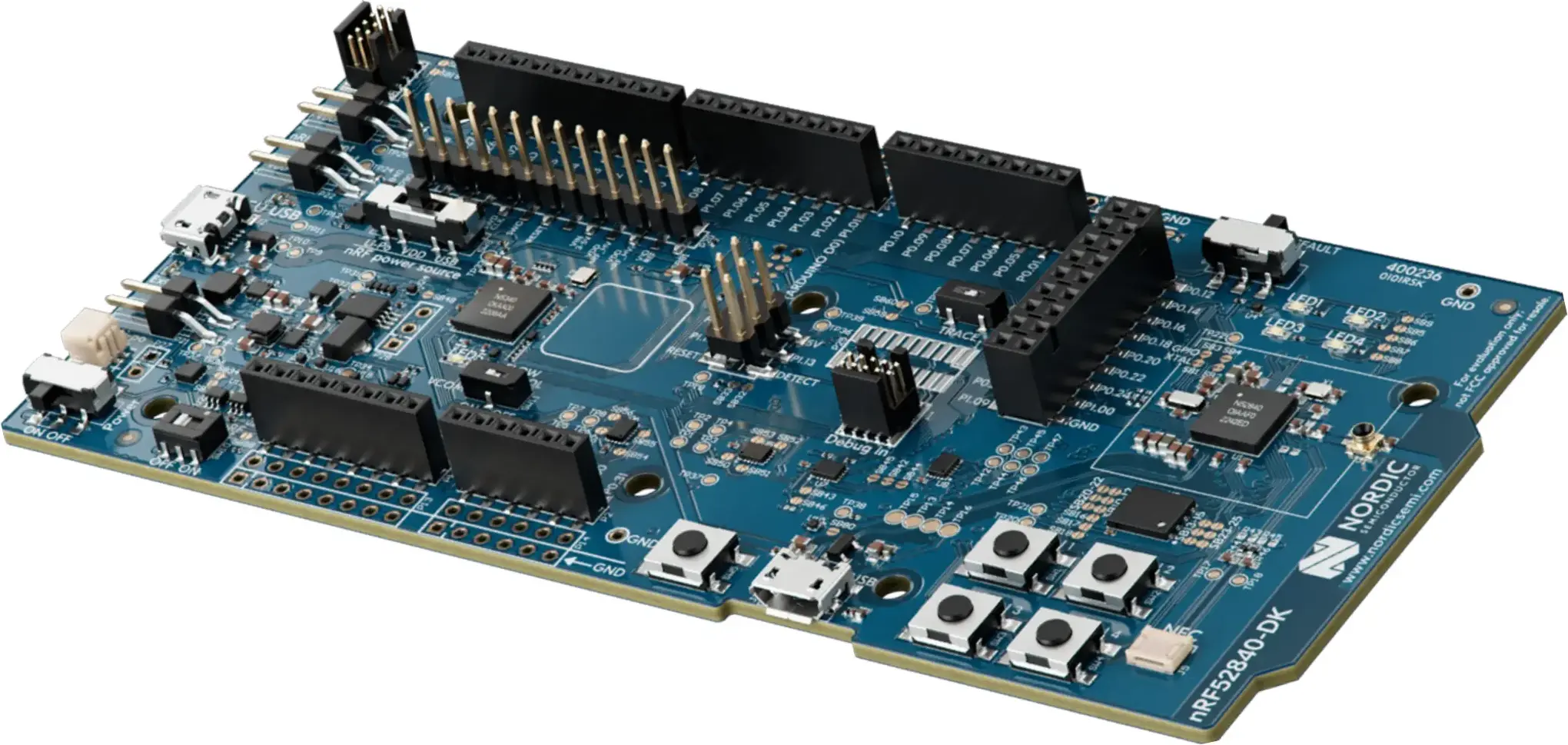
MIDI: USB, DIN, BLE
OSC: No
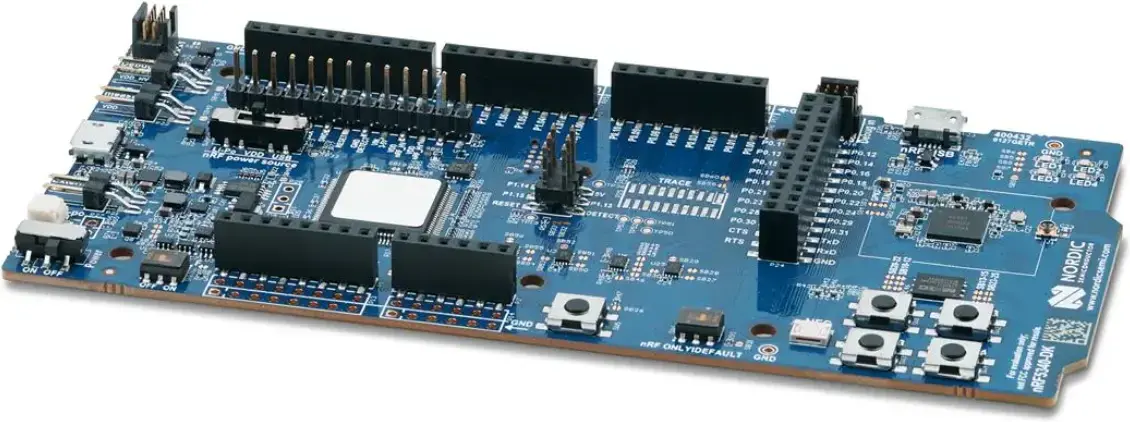
MIDI: USB, DIN, BLE
OSC: No
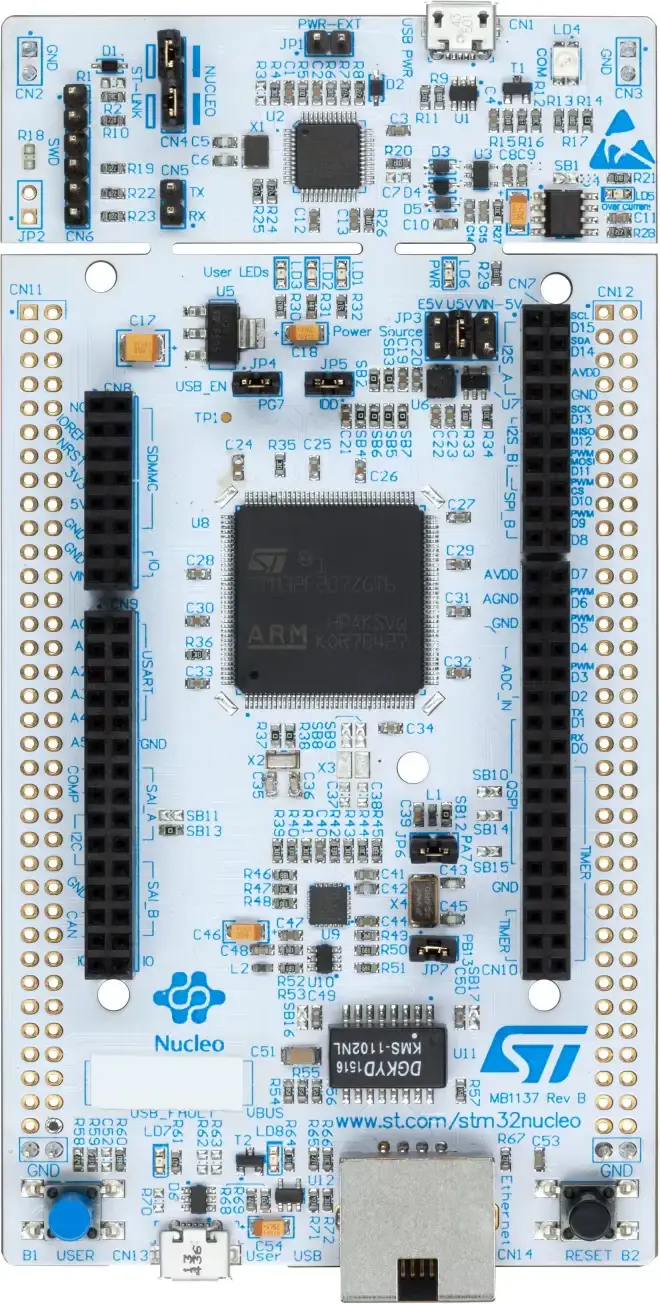
MIDI: DIN
OSC: Ethernet
MIDI: DIN
OSC: Ethernet
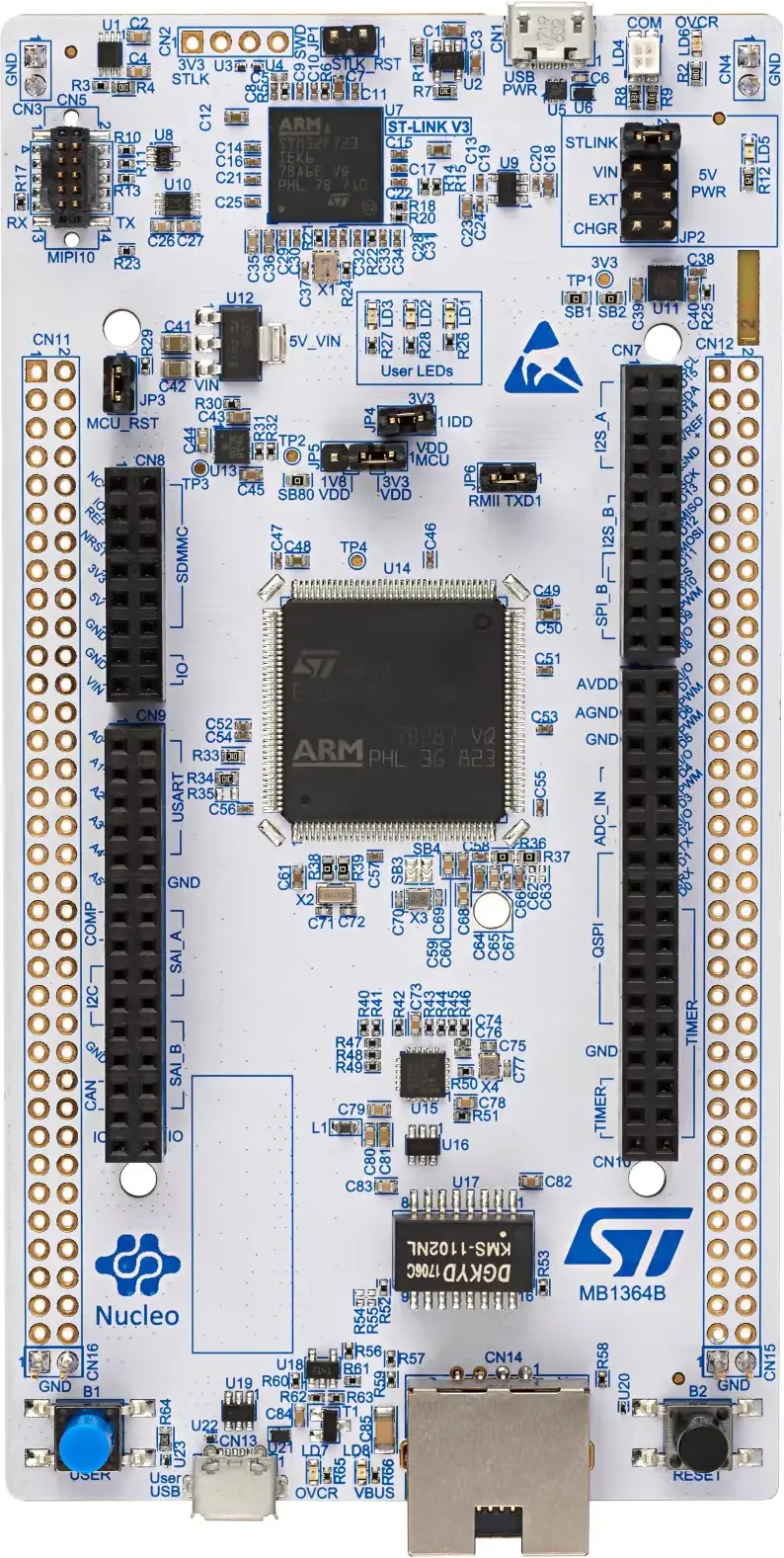
MIDI: DIN
OSC: Ethernet
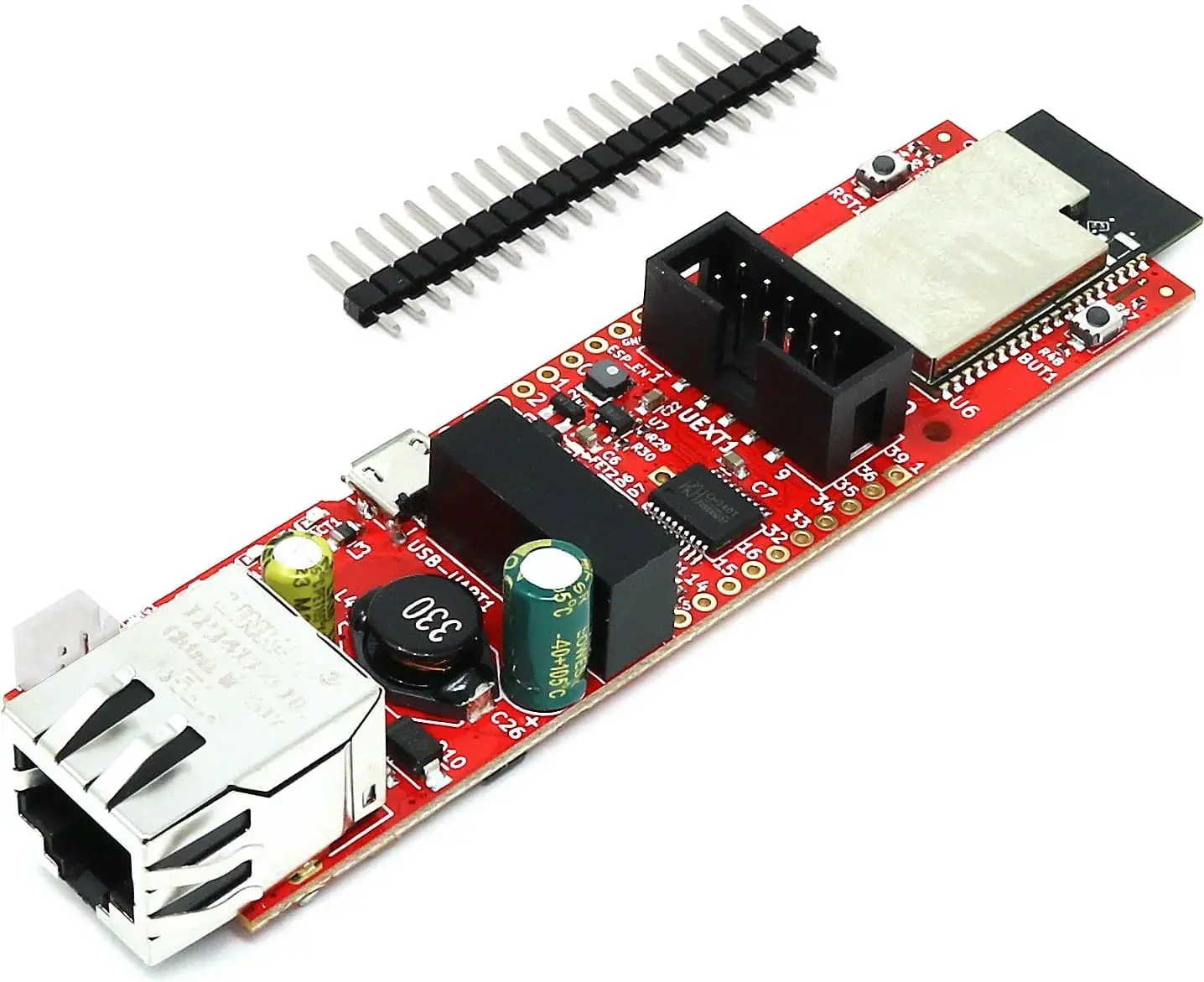
MIDI: No
OSC: Ethernet
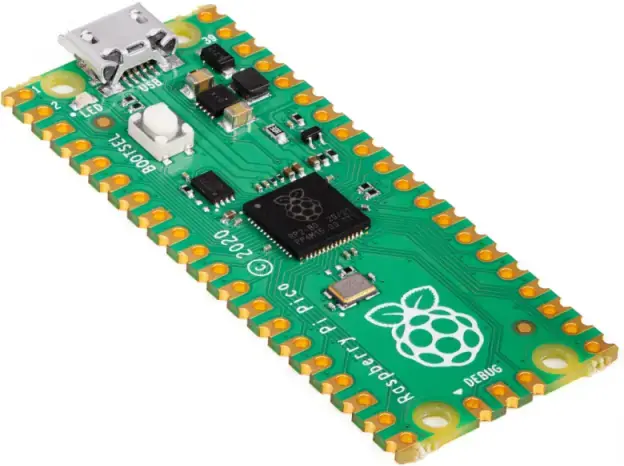
MIDI: USB, DIN
OSC: No
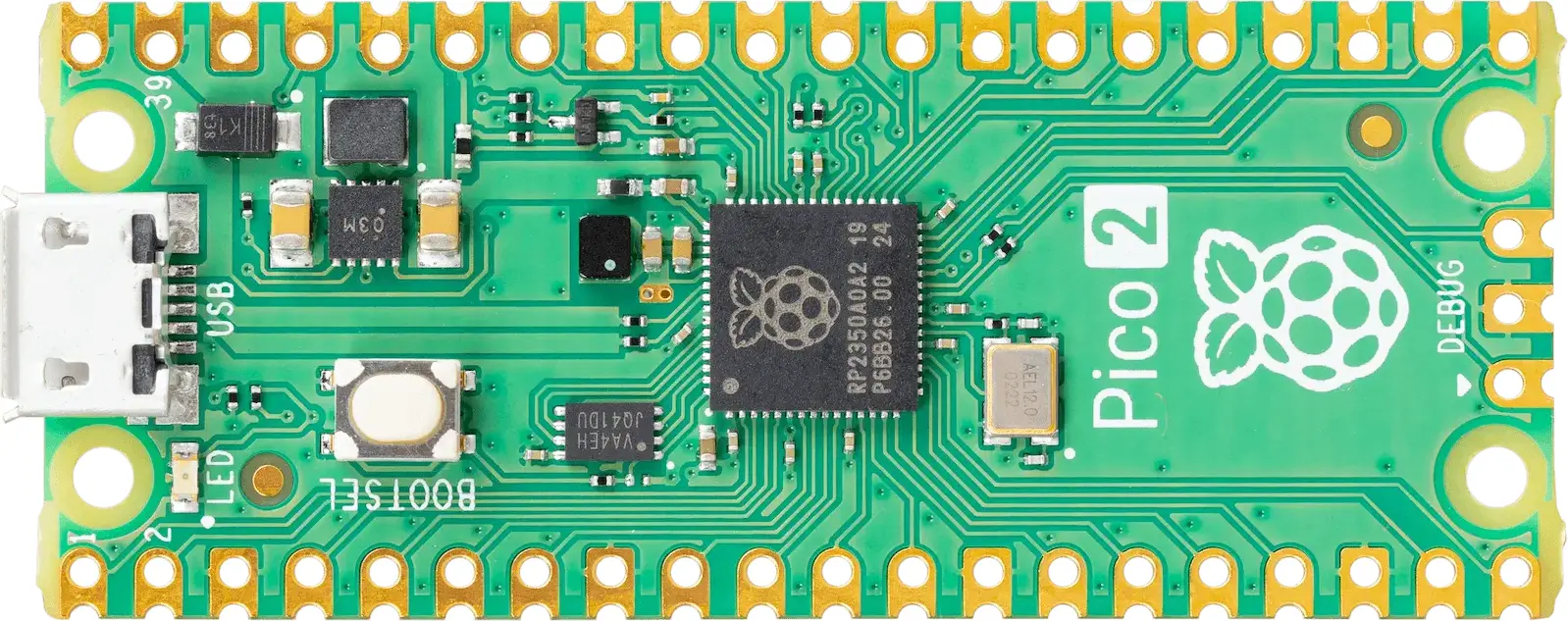
MIDI: USB, DIN
OSC: No
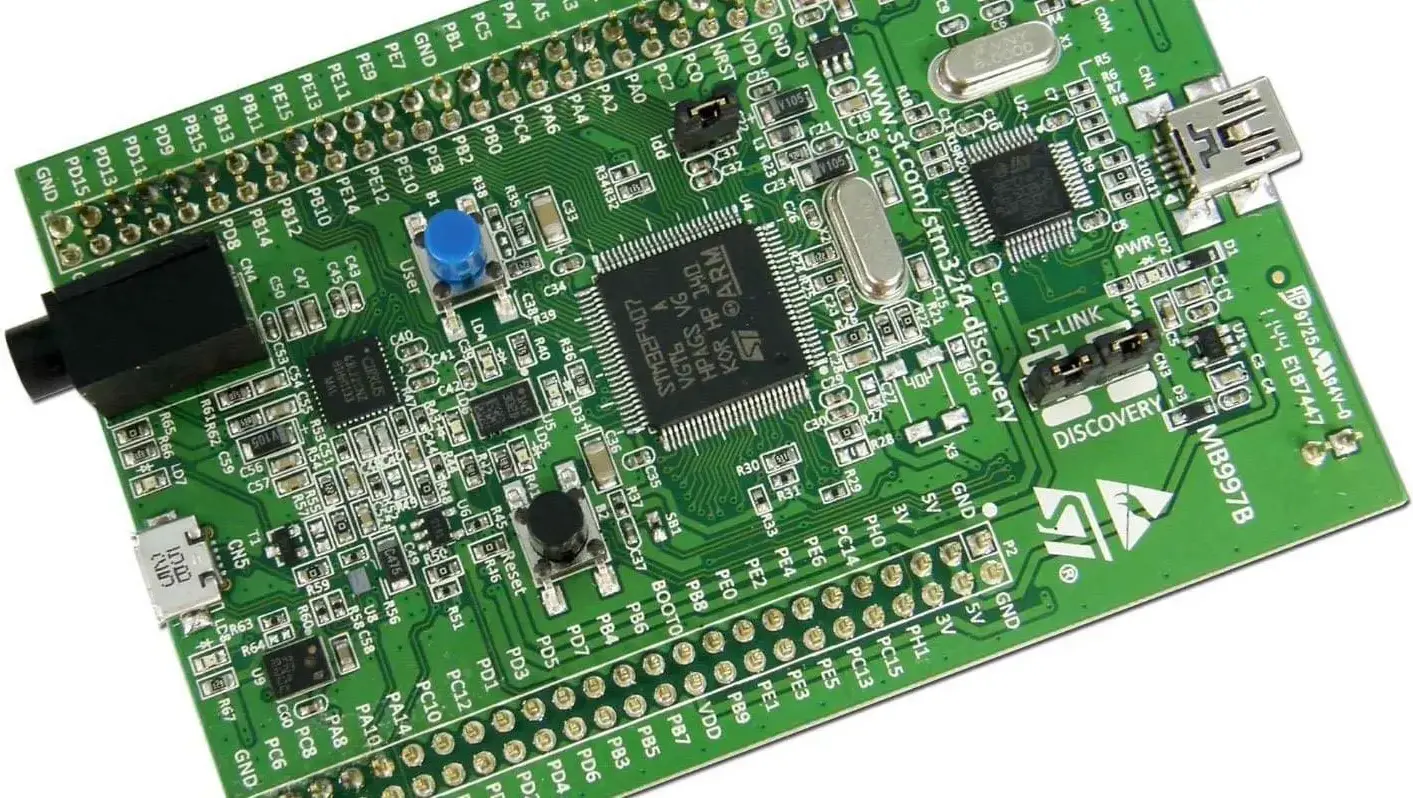
MIDI: USB, DIN
OSC: No
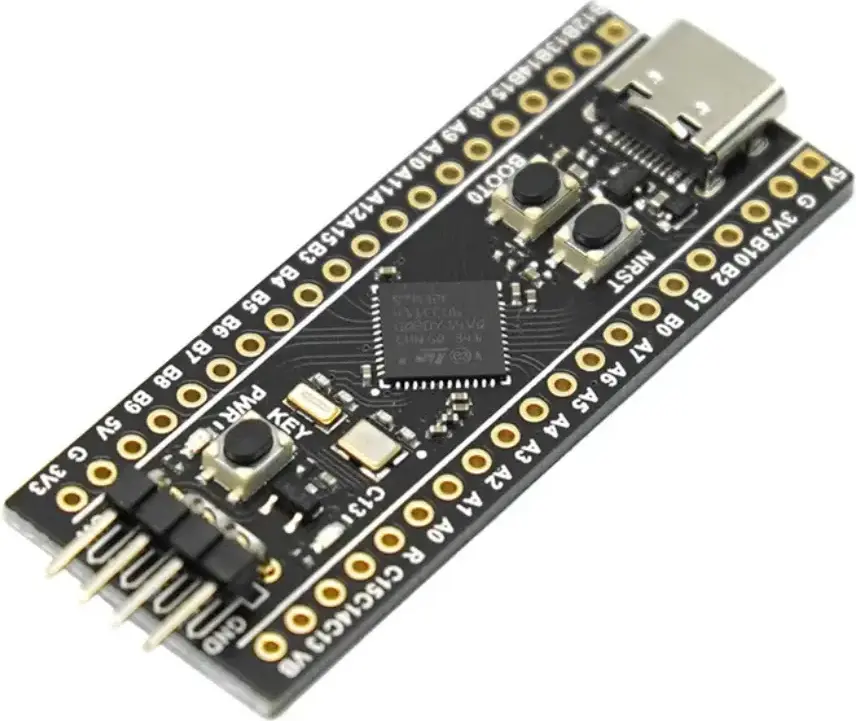
MIDI: USB, DIN
OSC: No
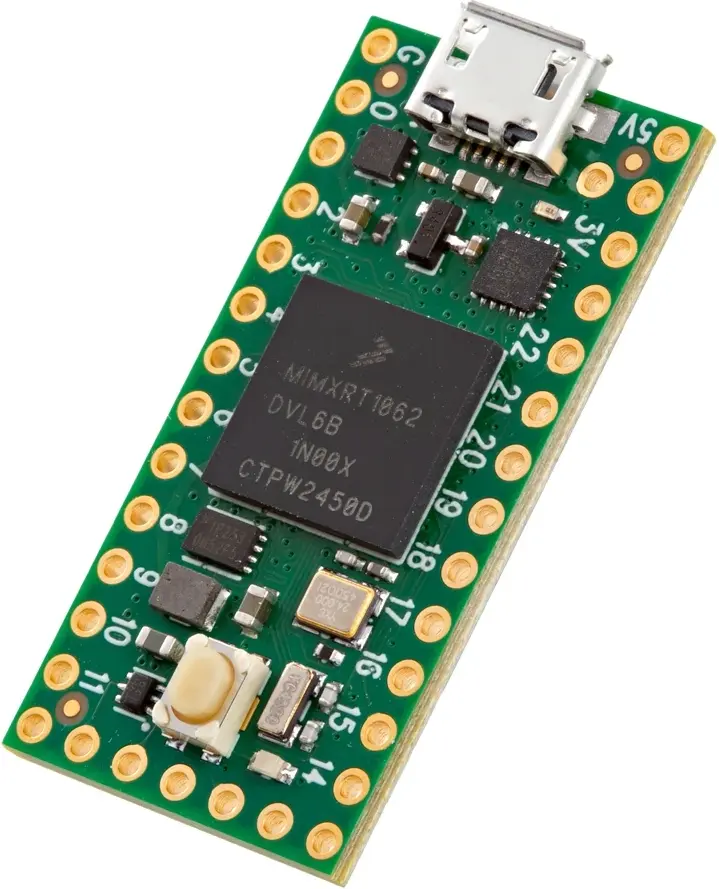
MIDI: USB, DIN
OSC: No
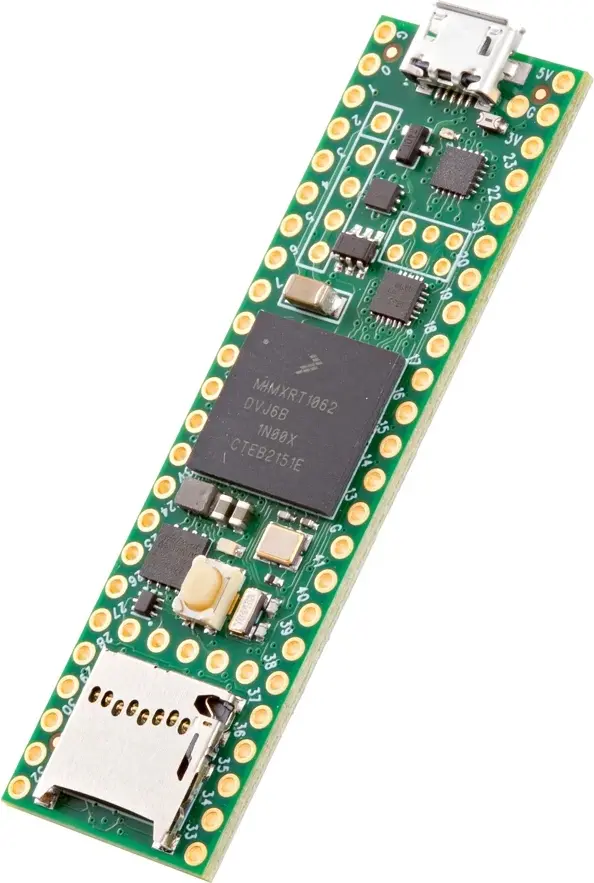
MIDI: USB, DIN
OSC: No
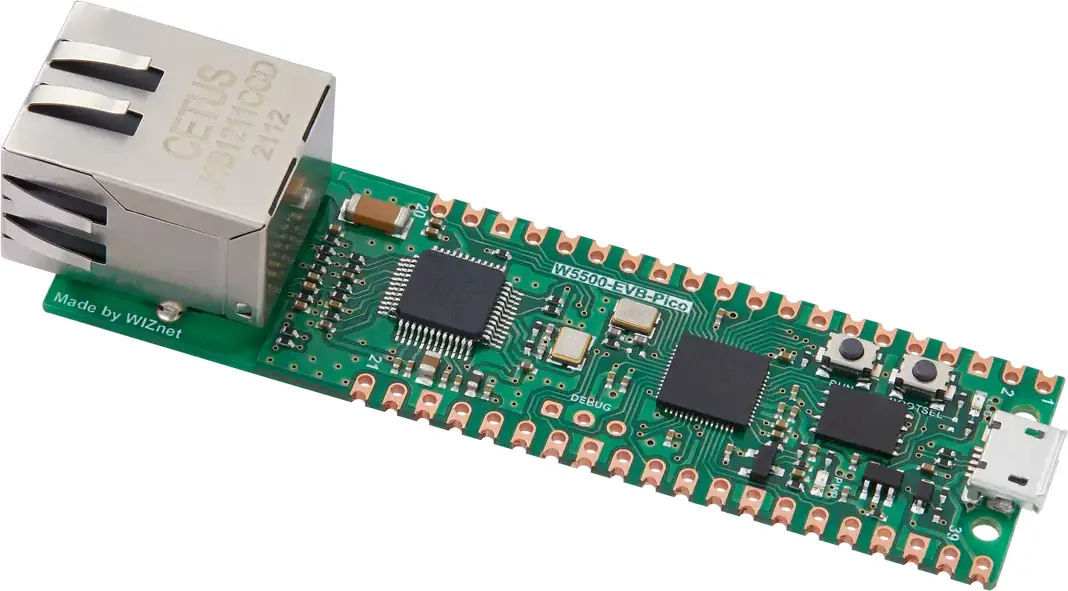
MIDI: USB
OSC: Ethernet
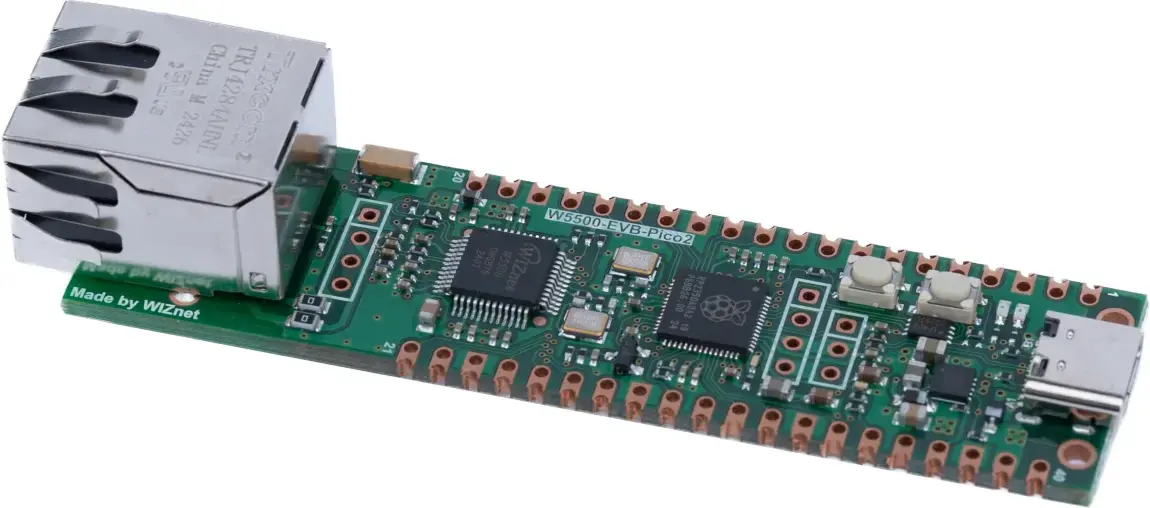
MIDI: USB, DIN
OSC: Ethernet
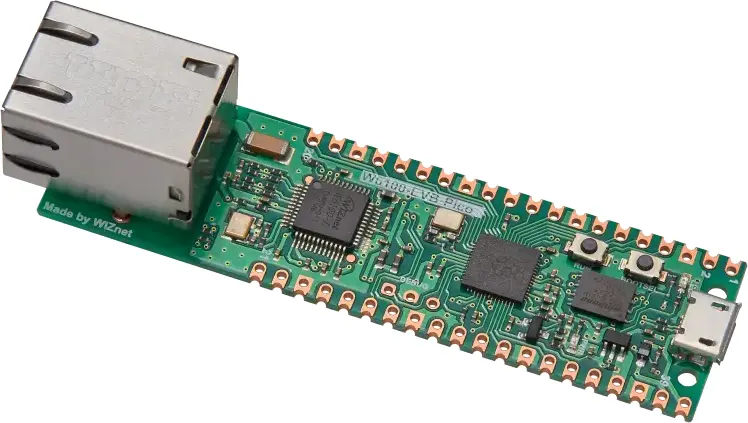
MIDI: USB, DIN
OSC: Ethernet
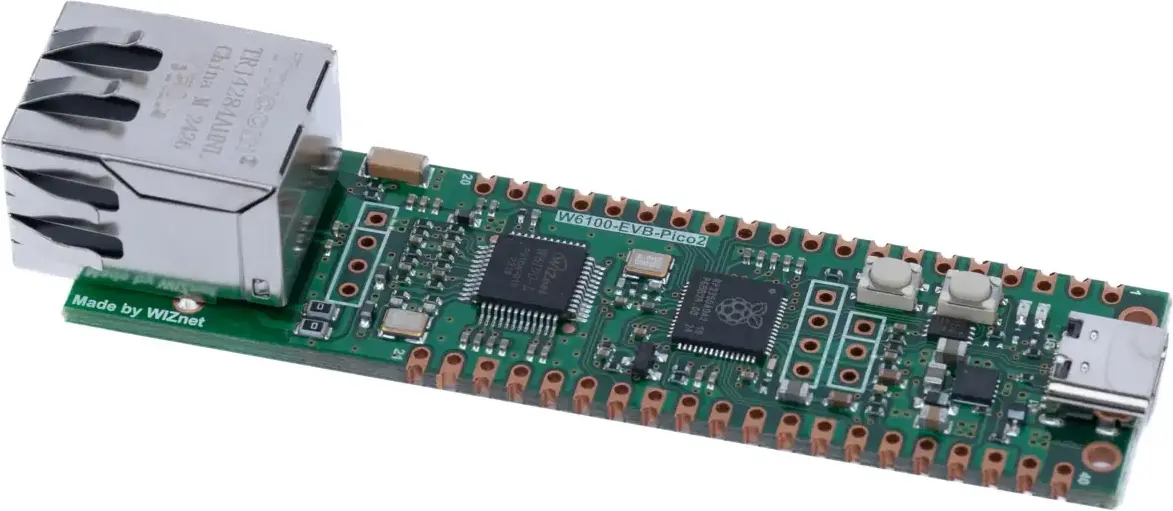
MIDI: USB, DIN
OSC: Ethernet
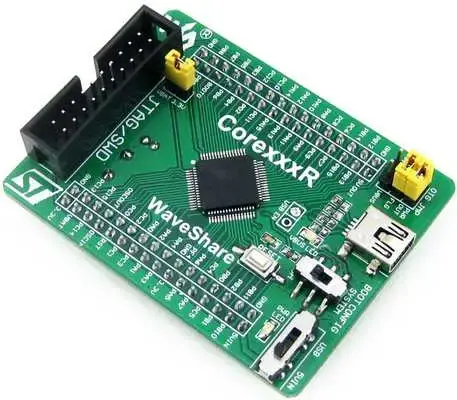
MIDI: USB, DIN
OSC: No
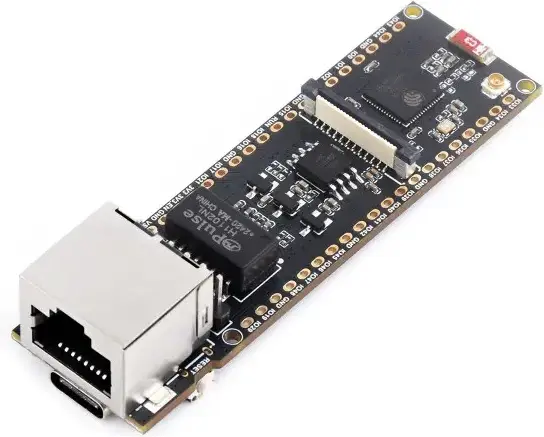
MIDI: USB
OSC: Ethernet
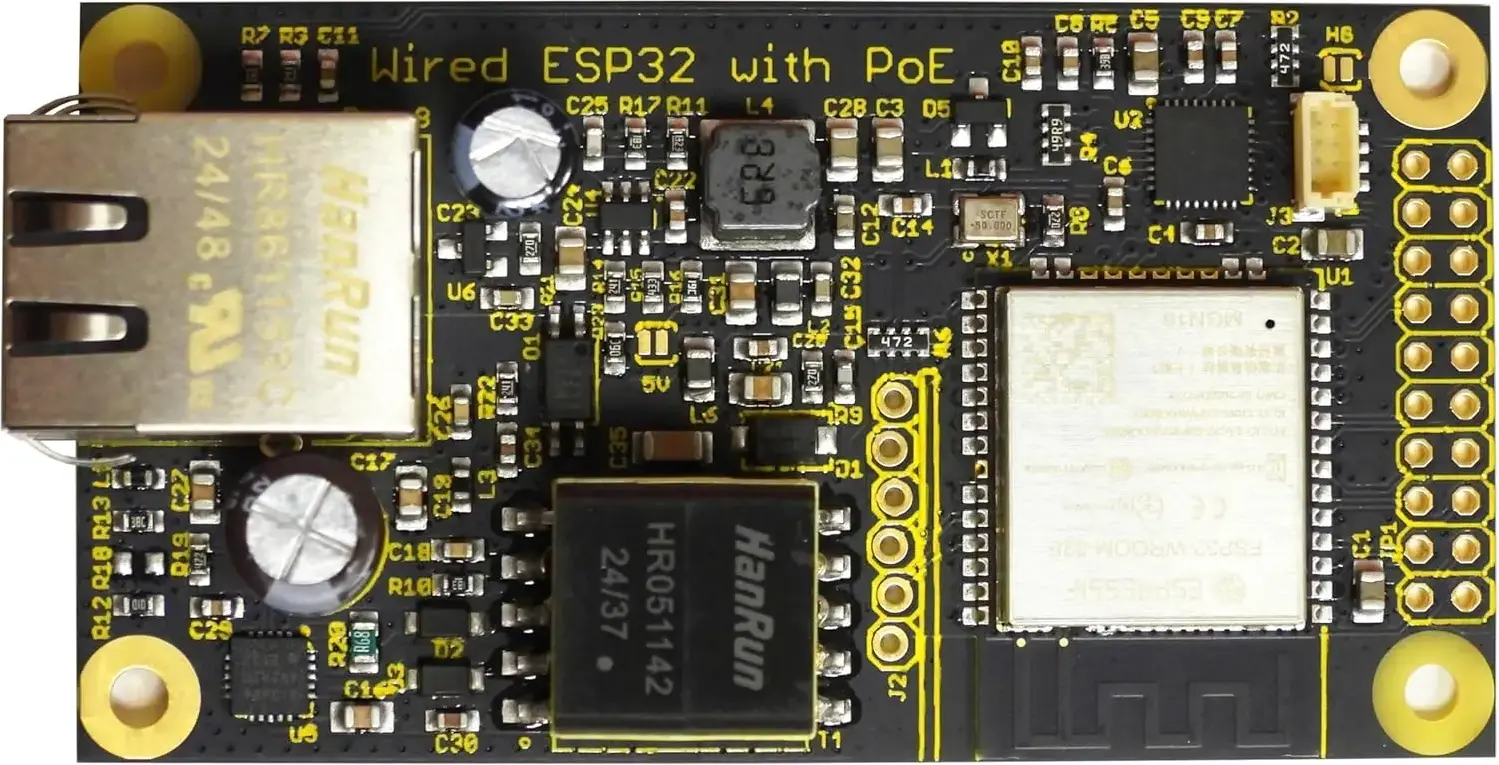
MIDI: No
OSC: Ethernet
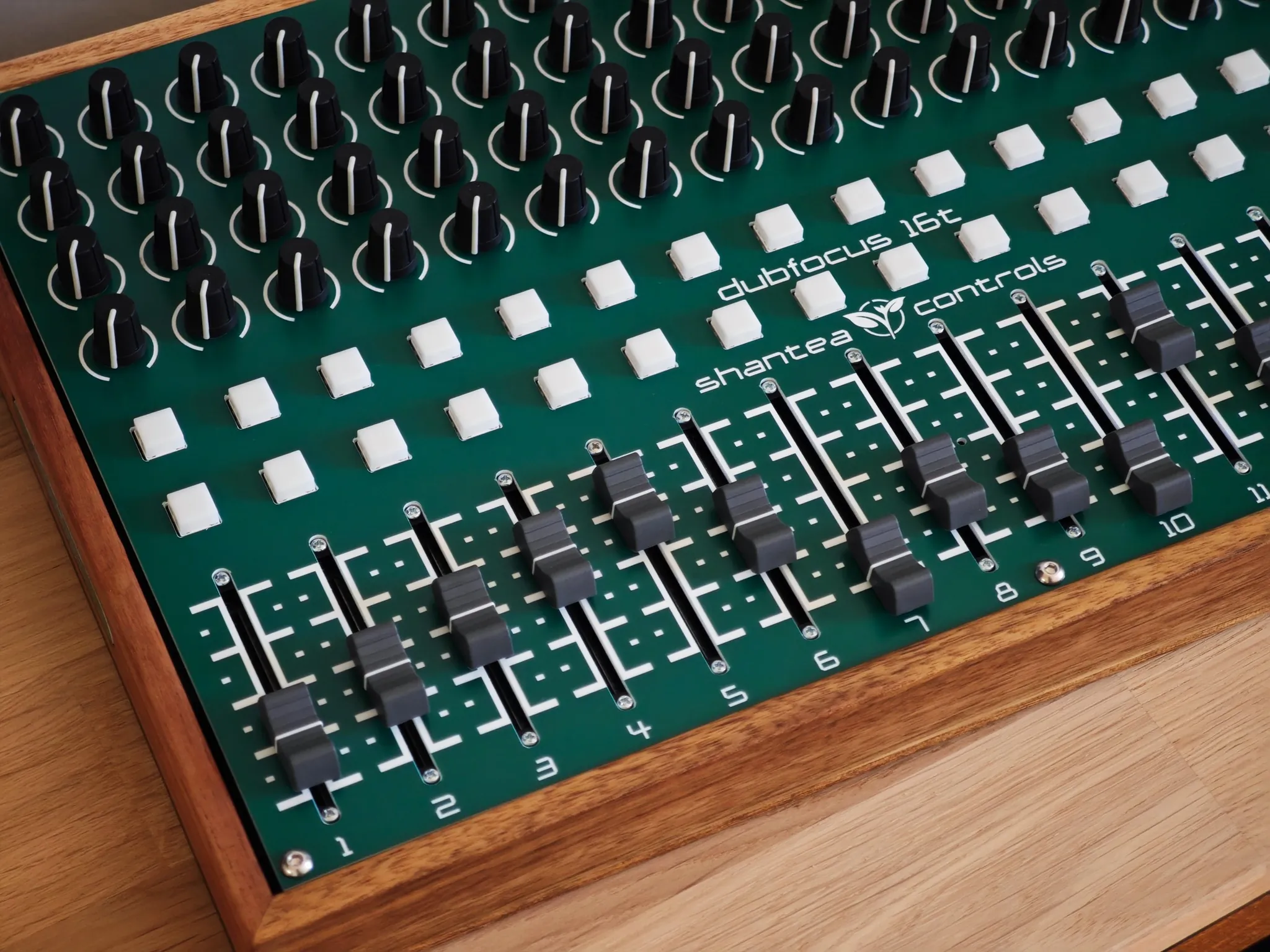
Explore a selection of controllers and custom builds made with OpenDeck.
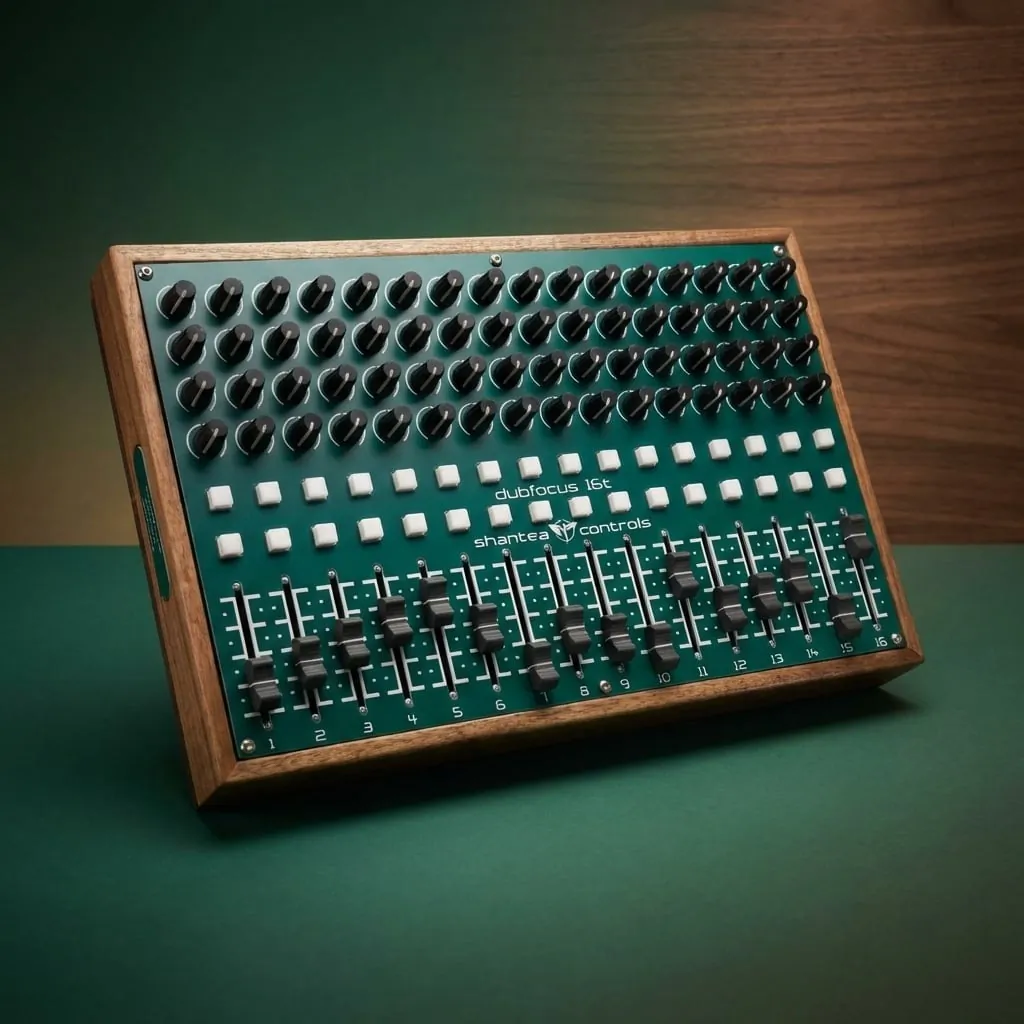
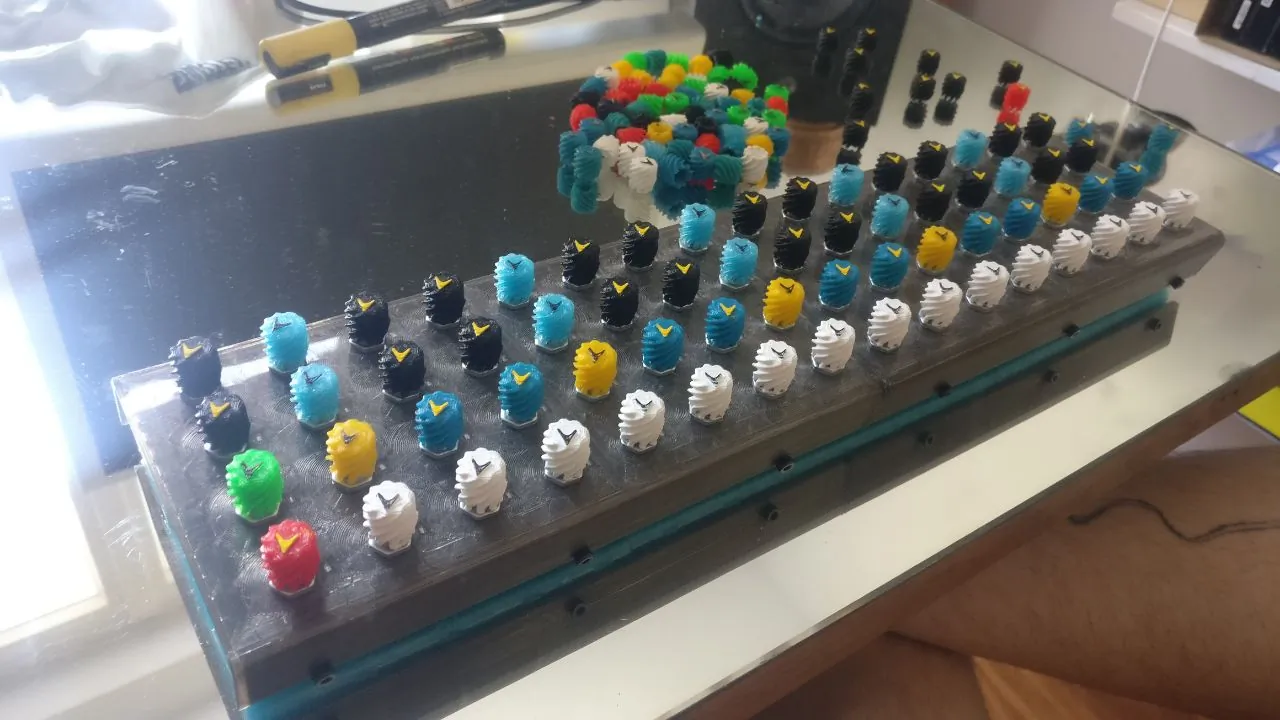
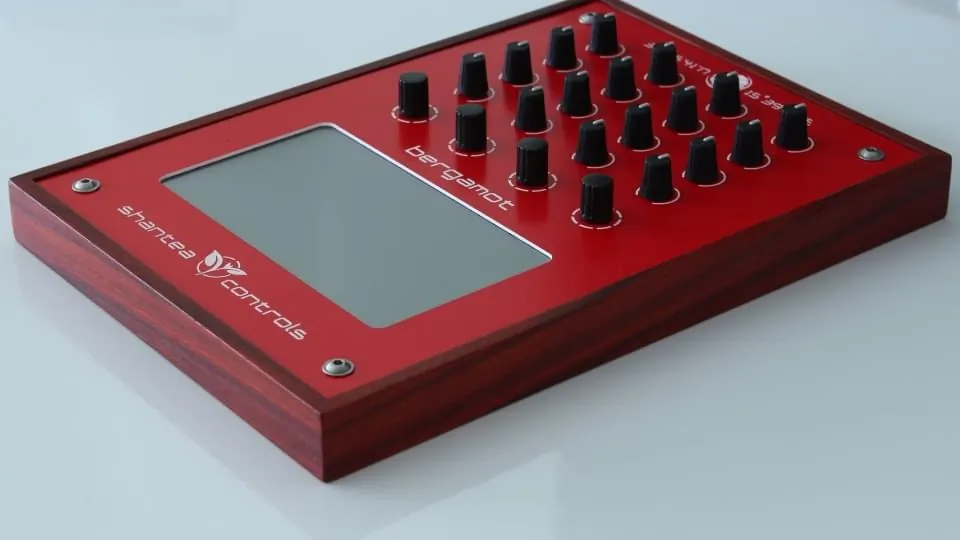
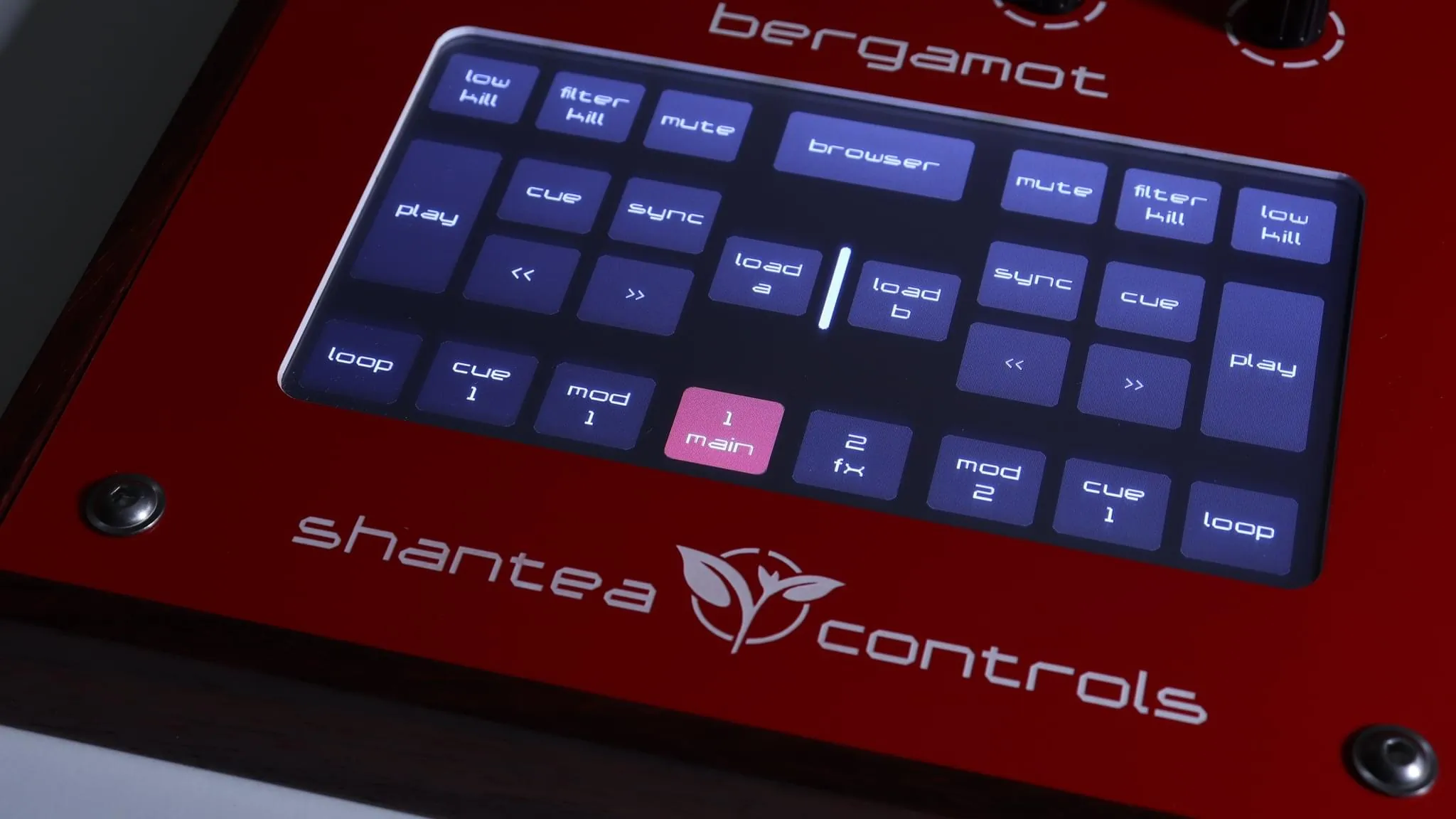
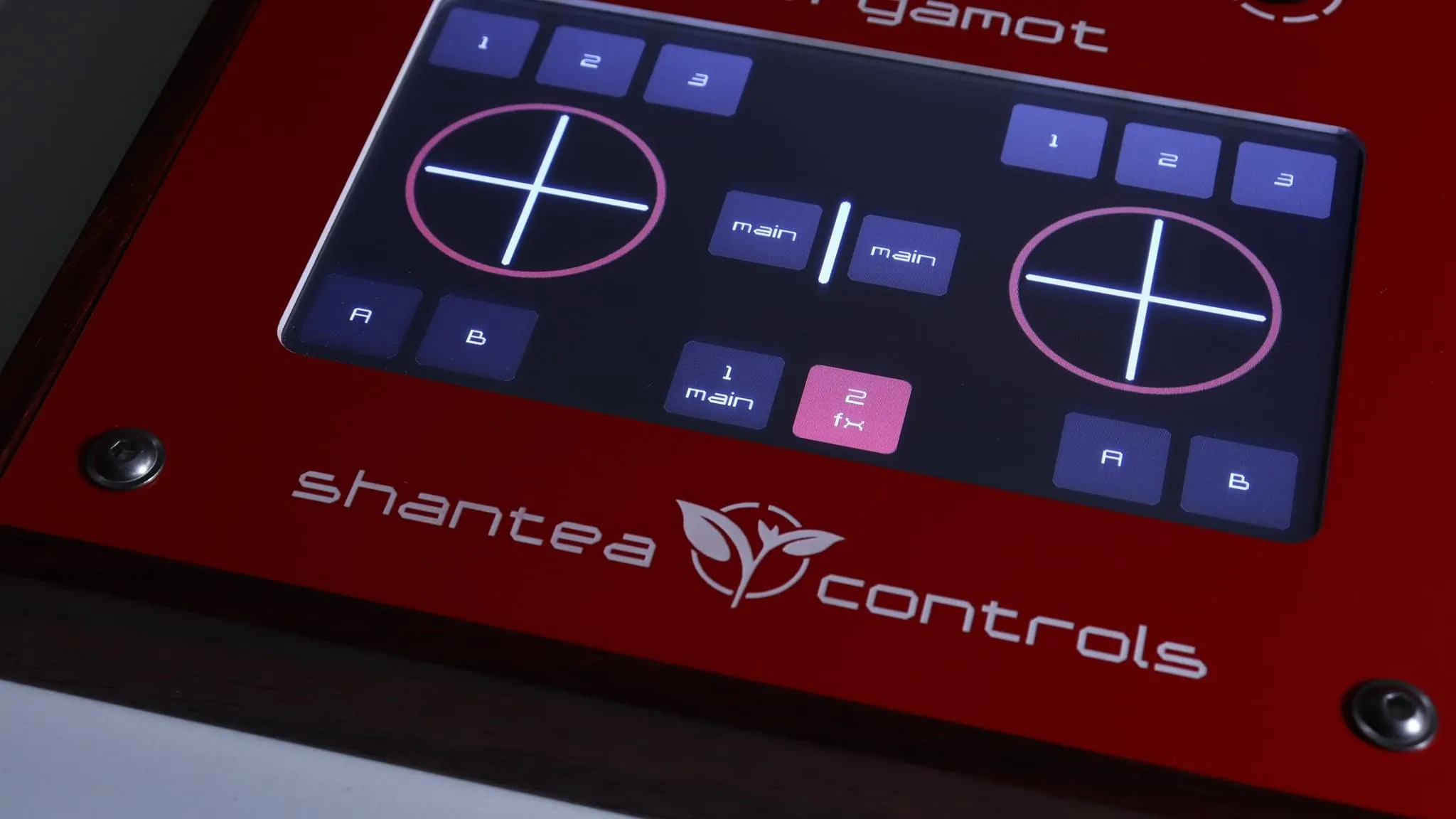
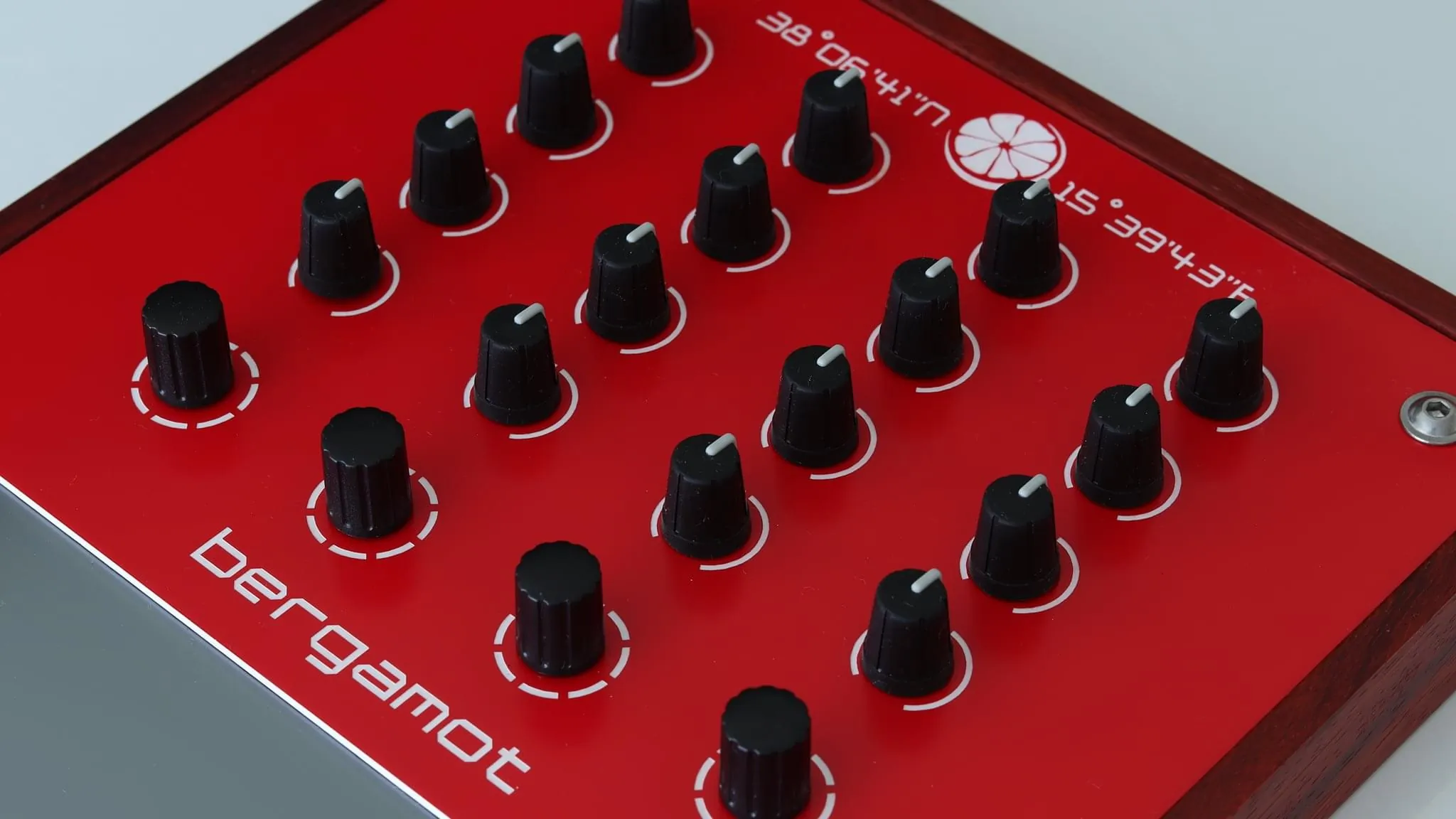
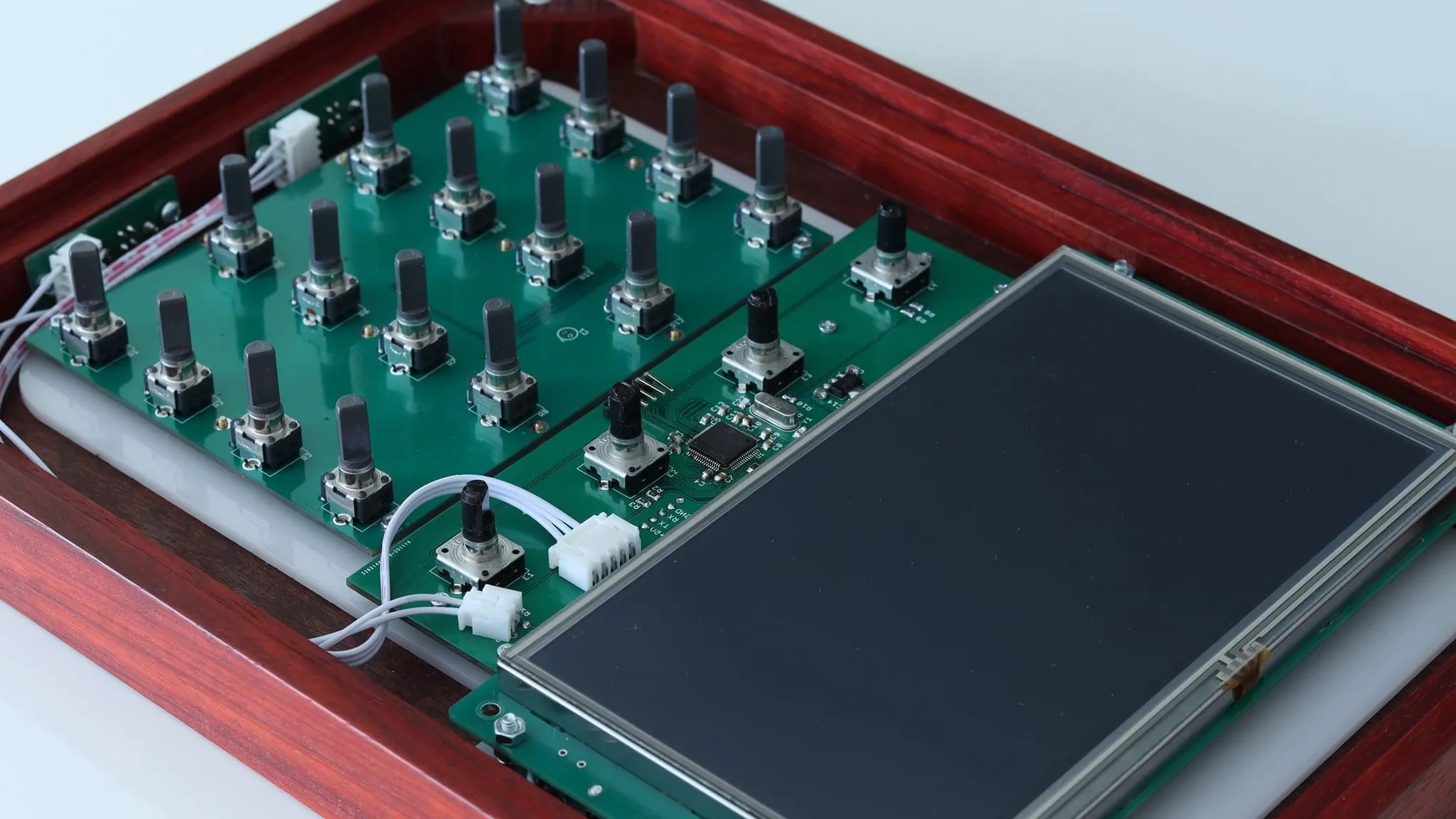
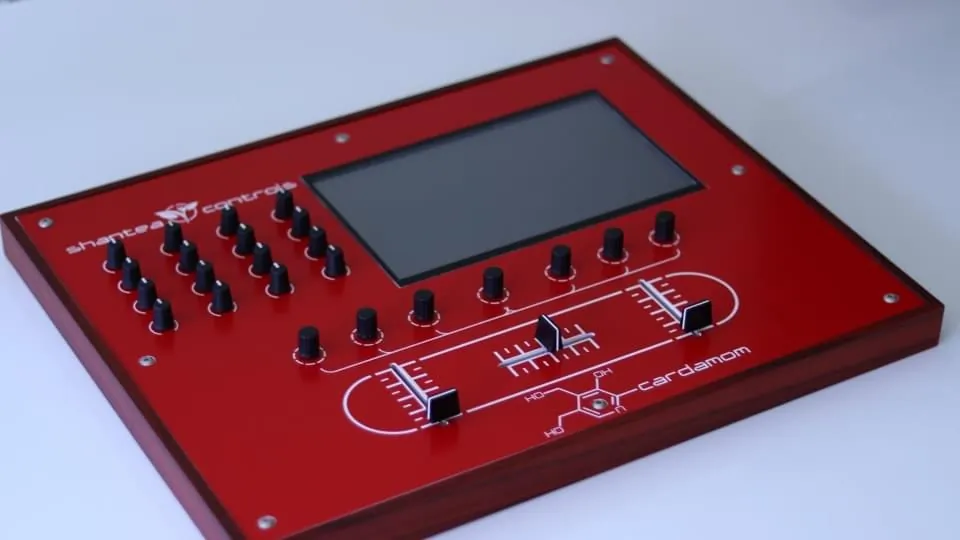
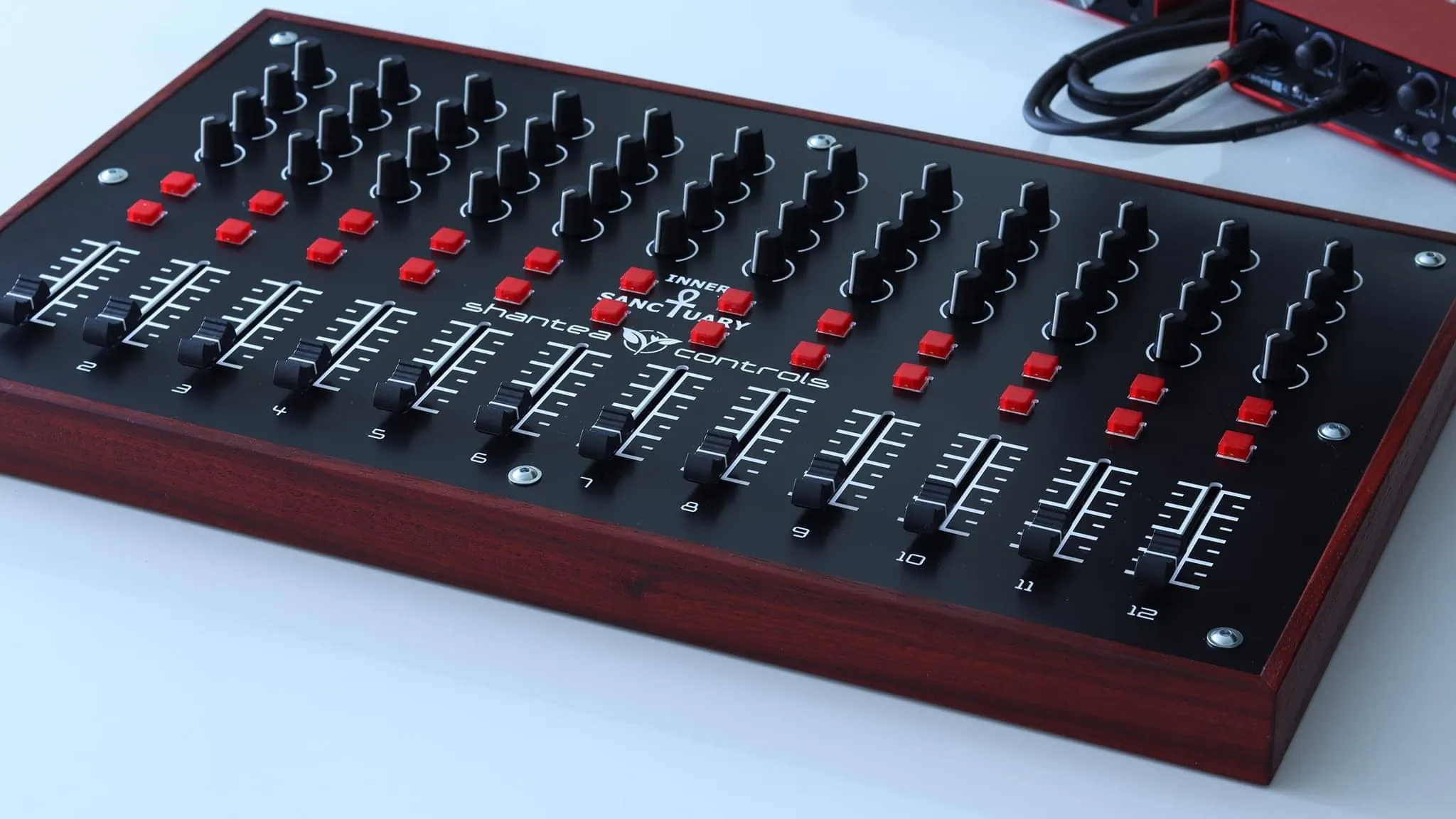
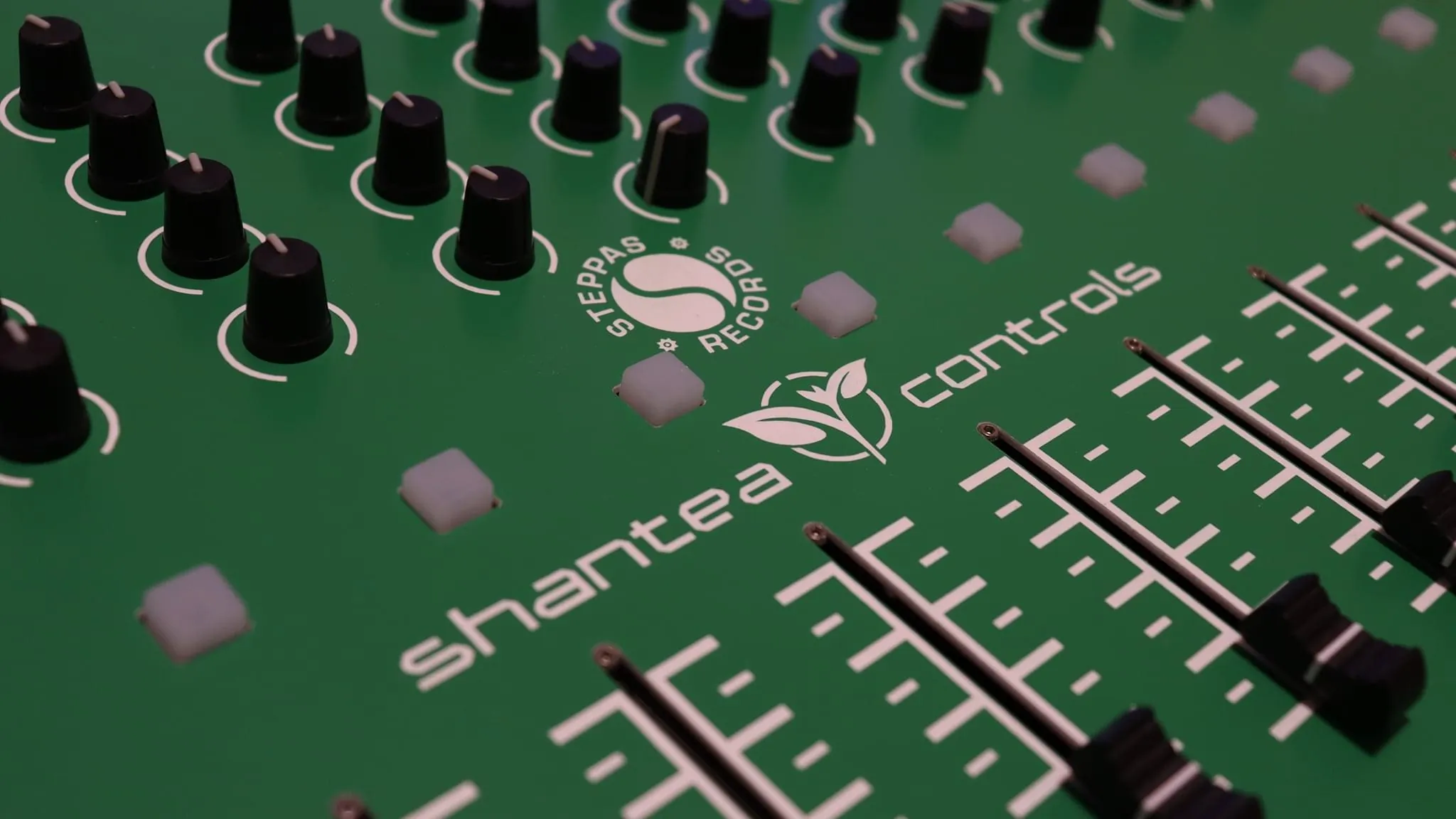
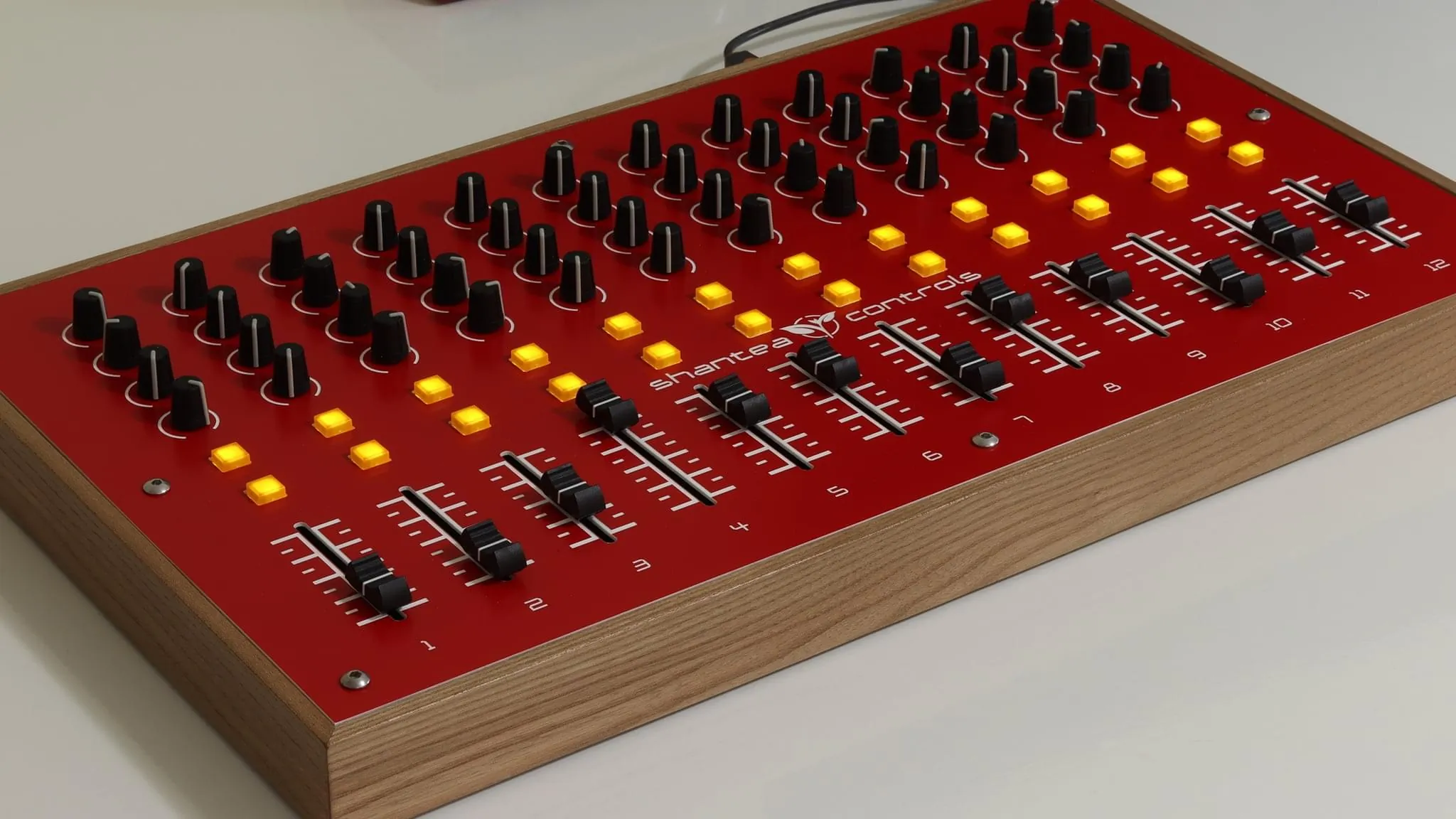
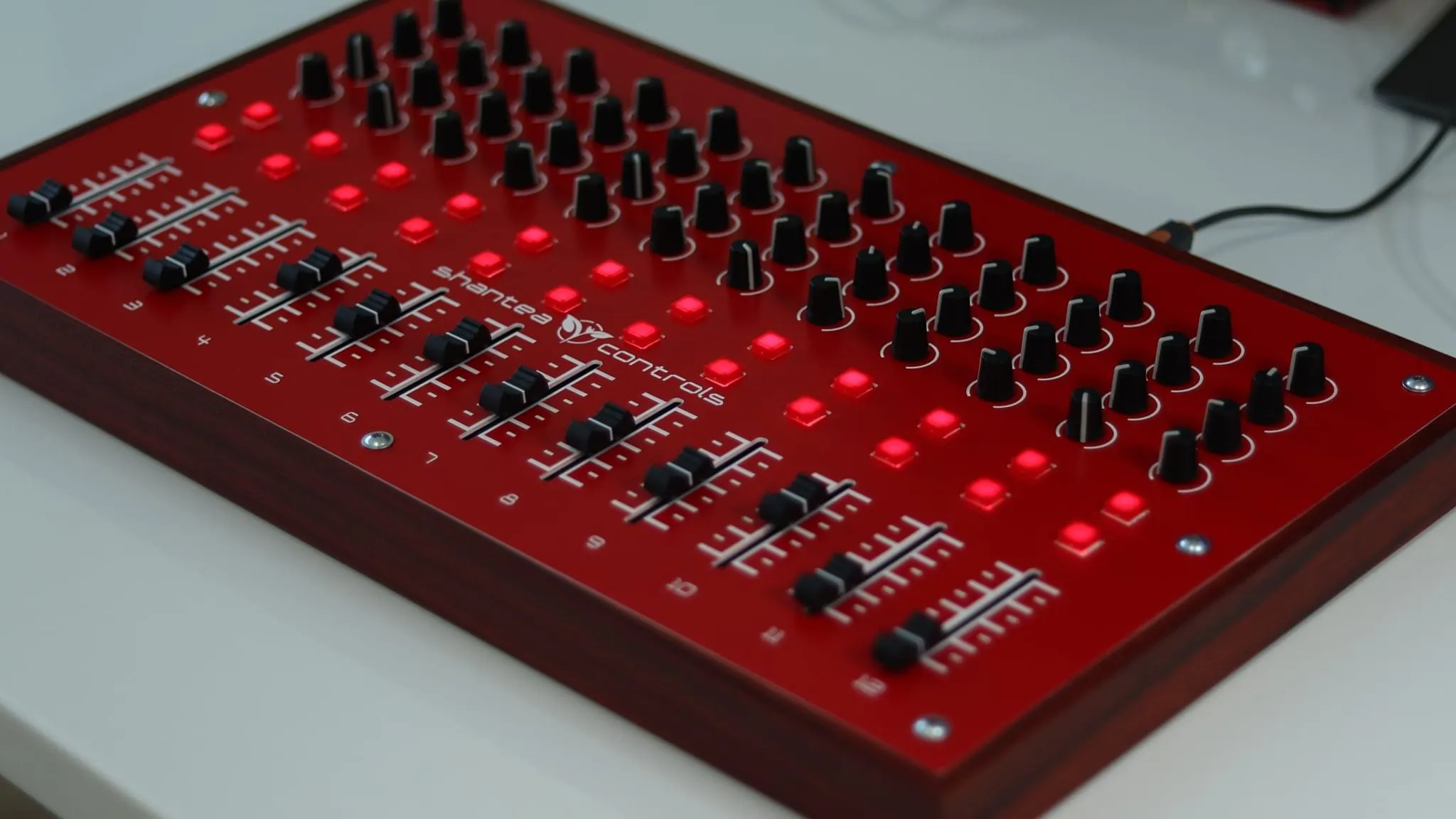
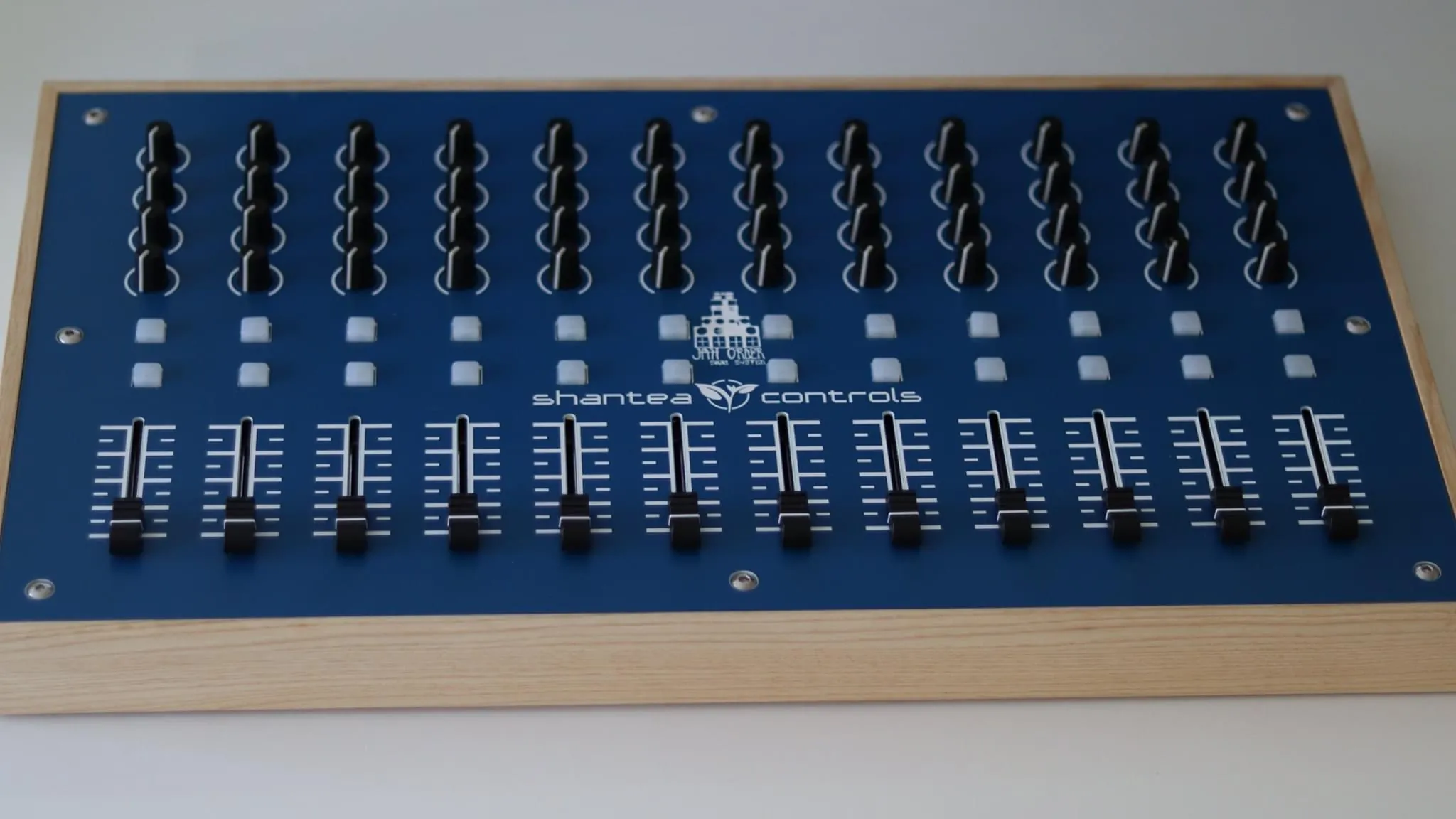
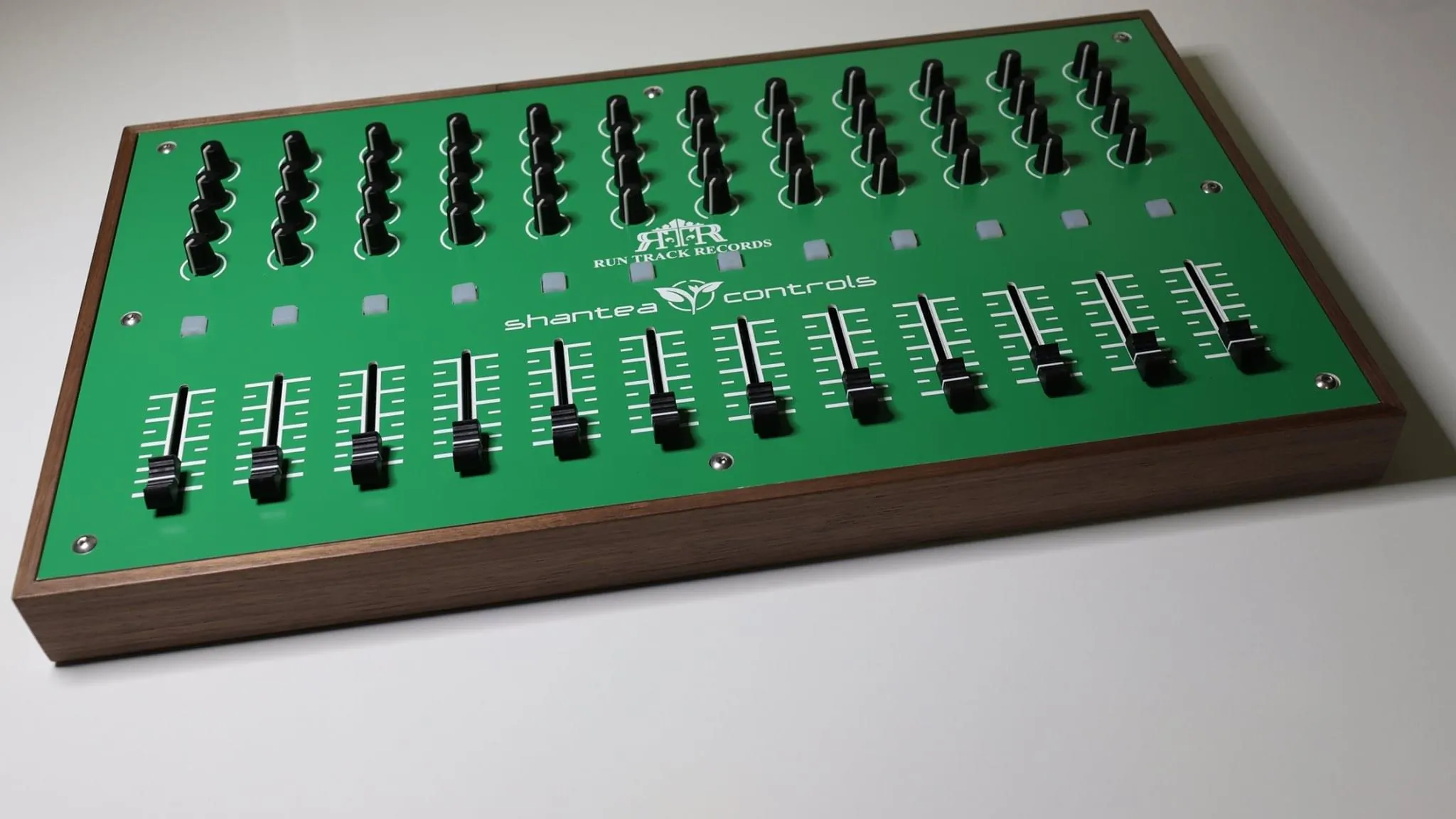
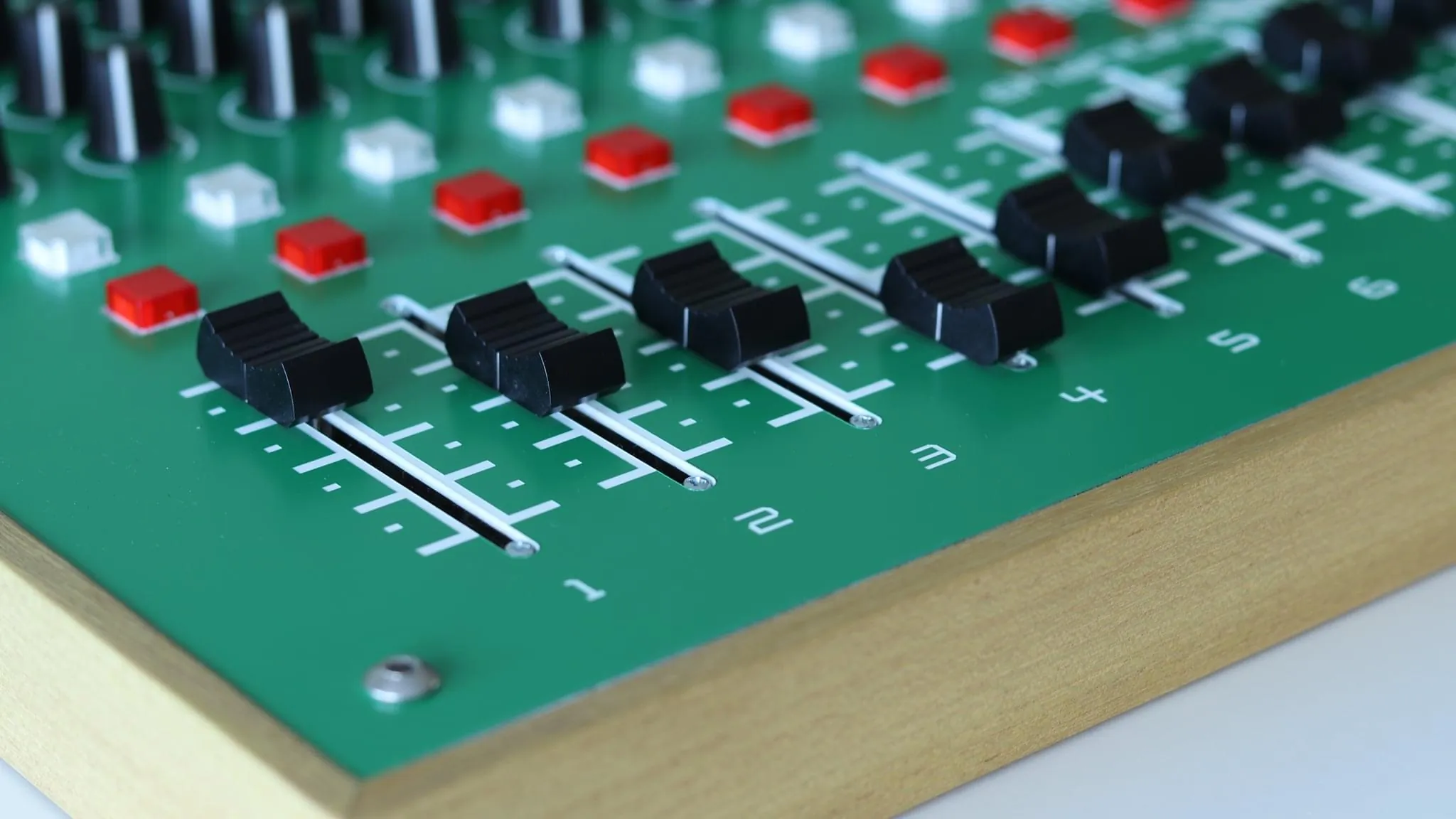
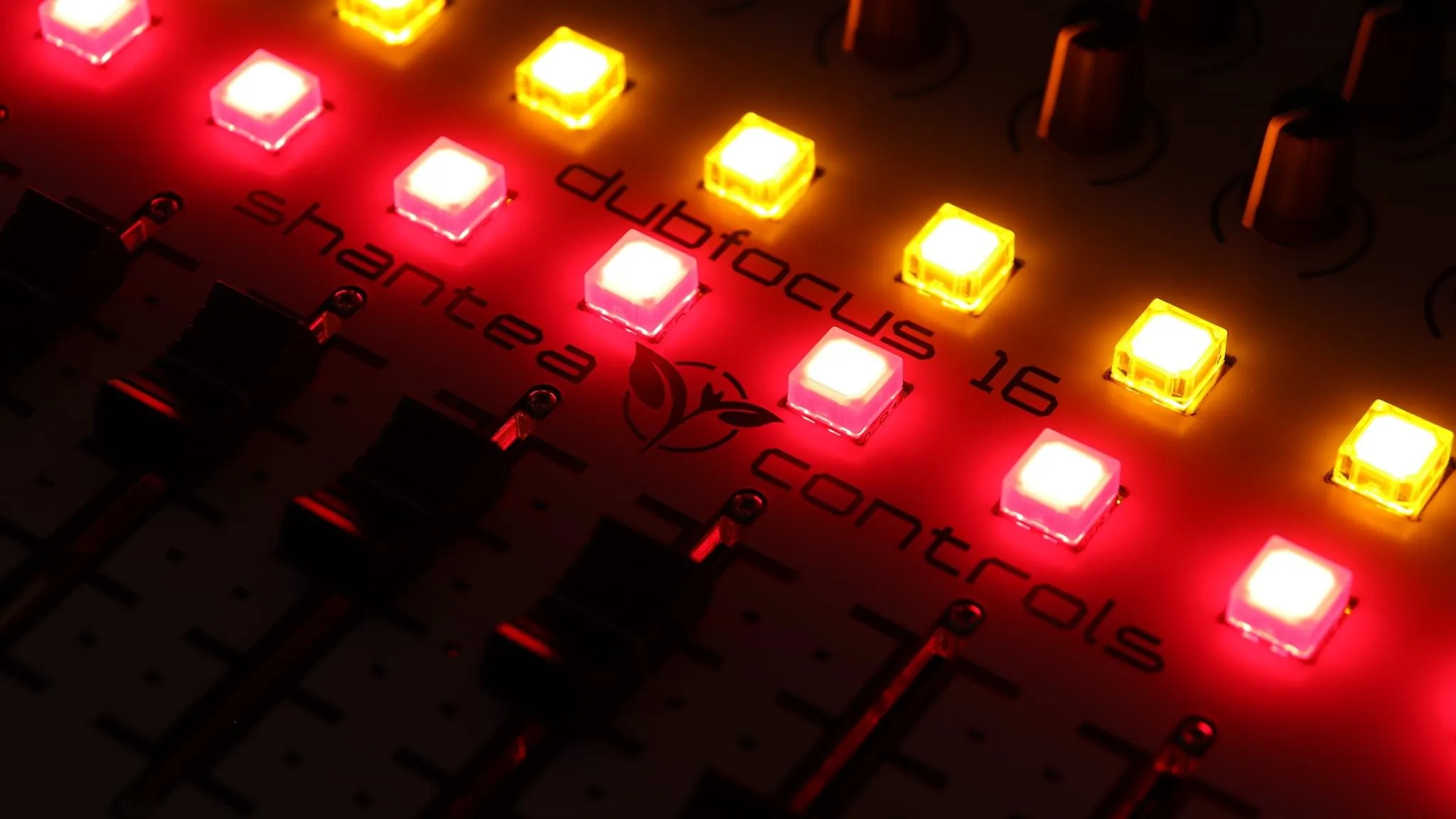
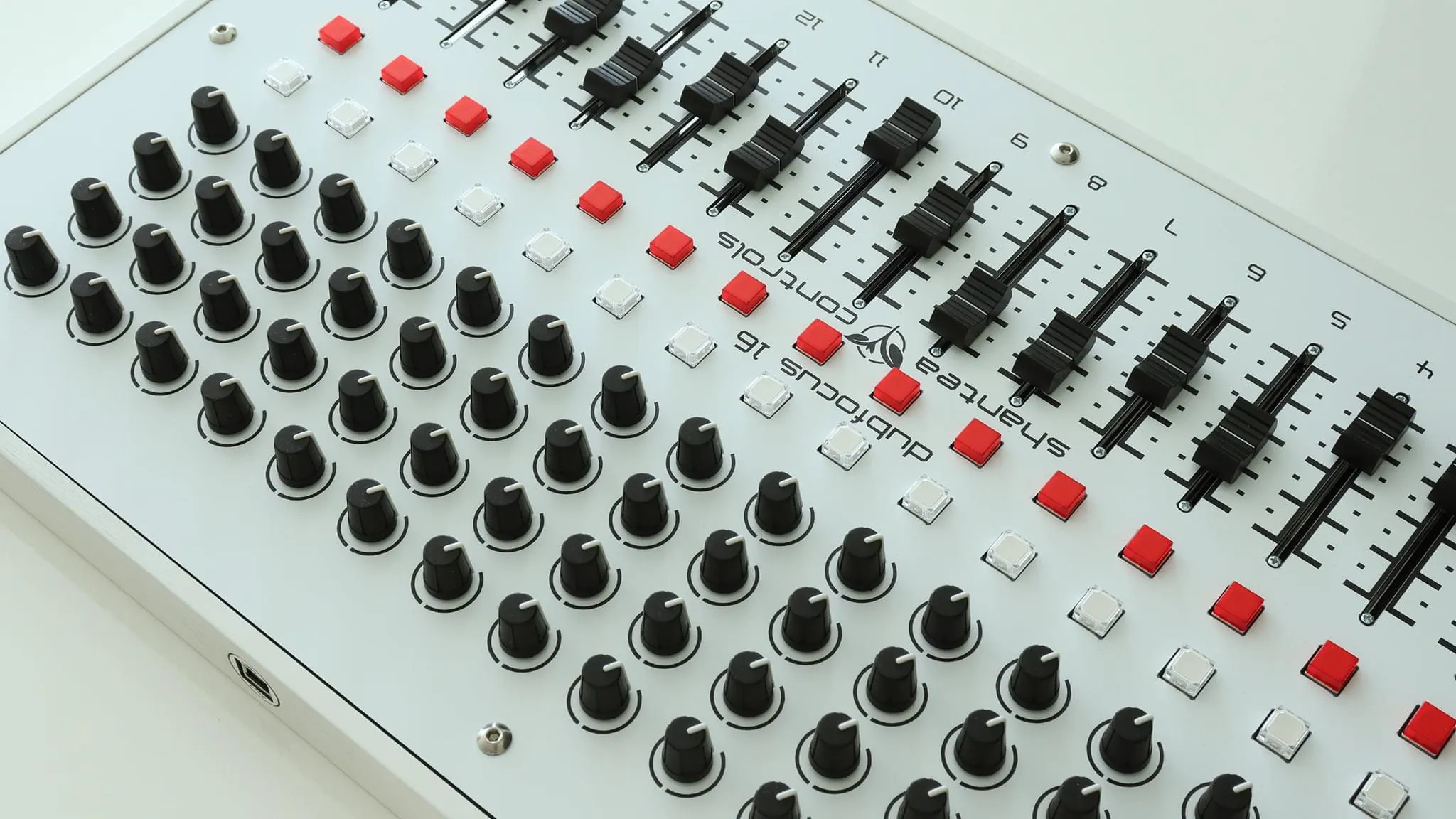
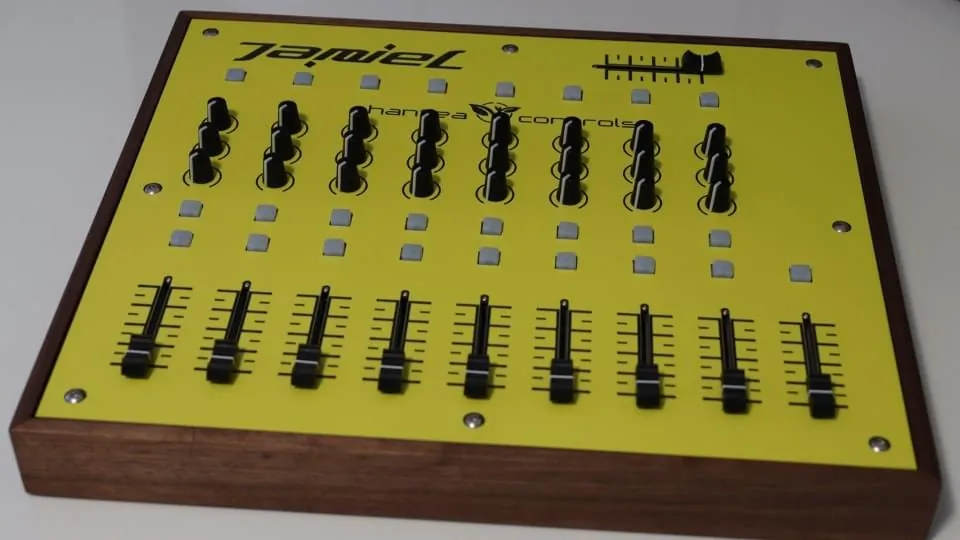
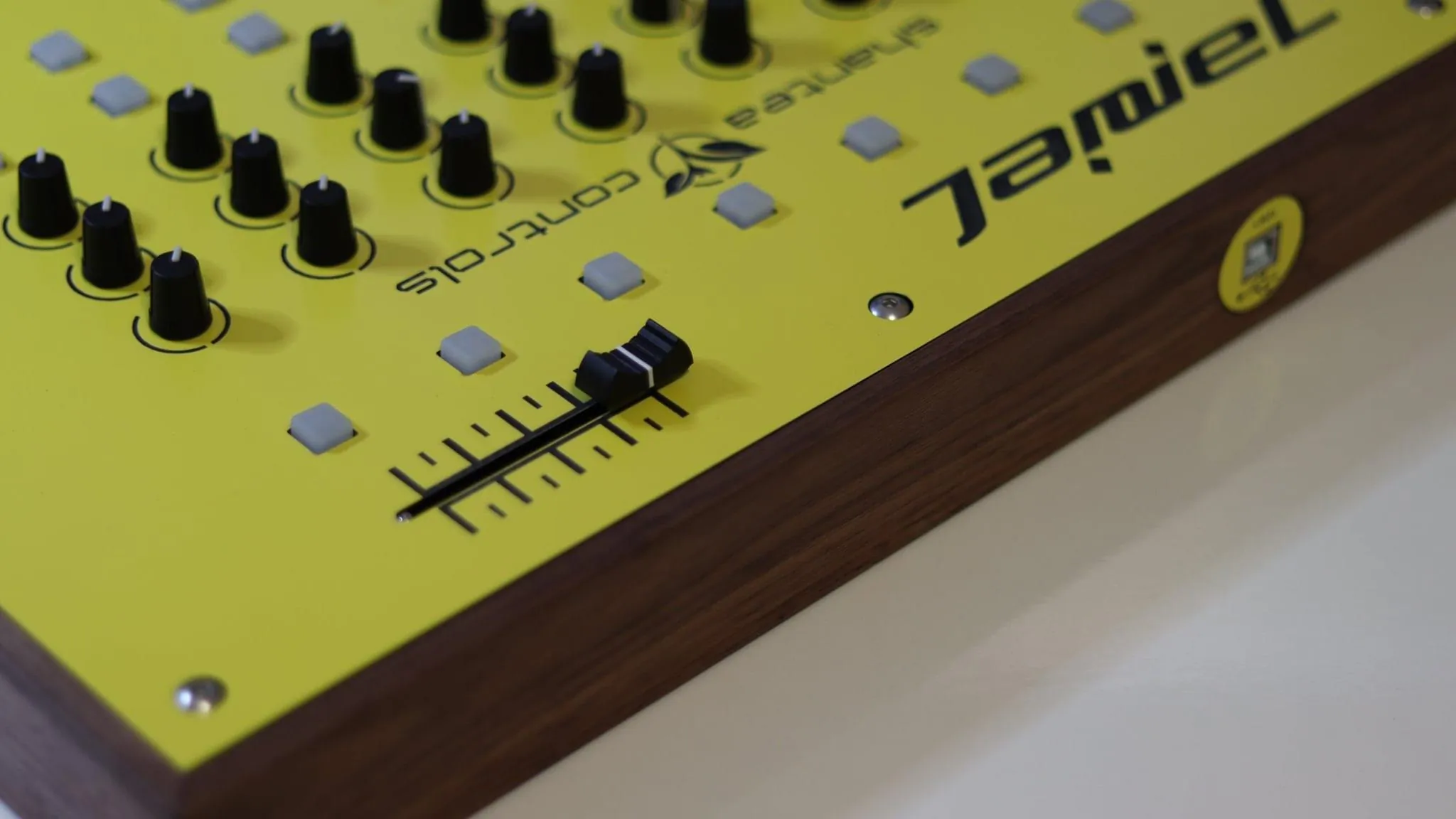
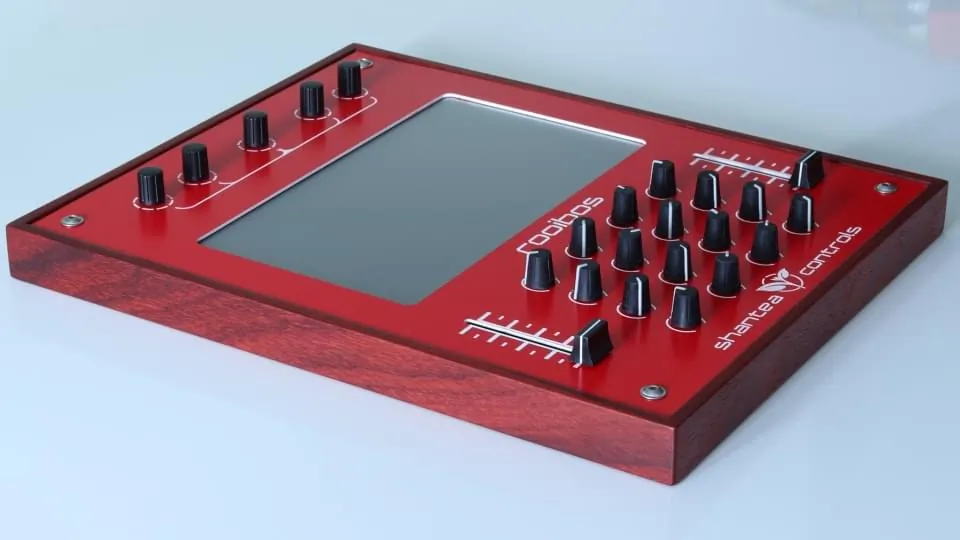
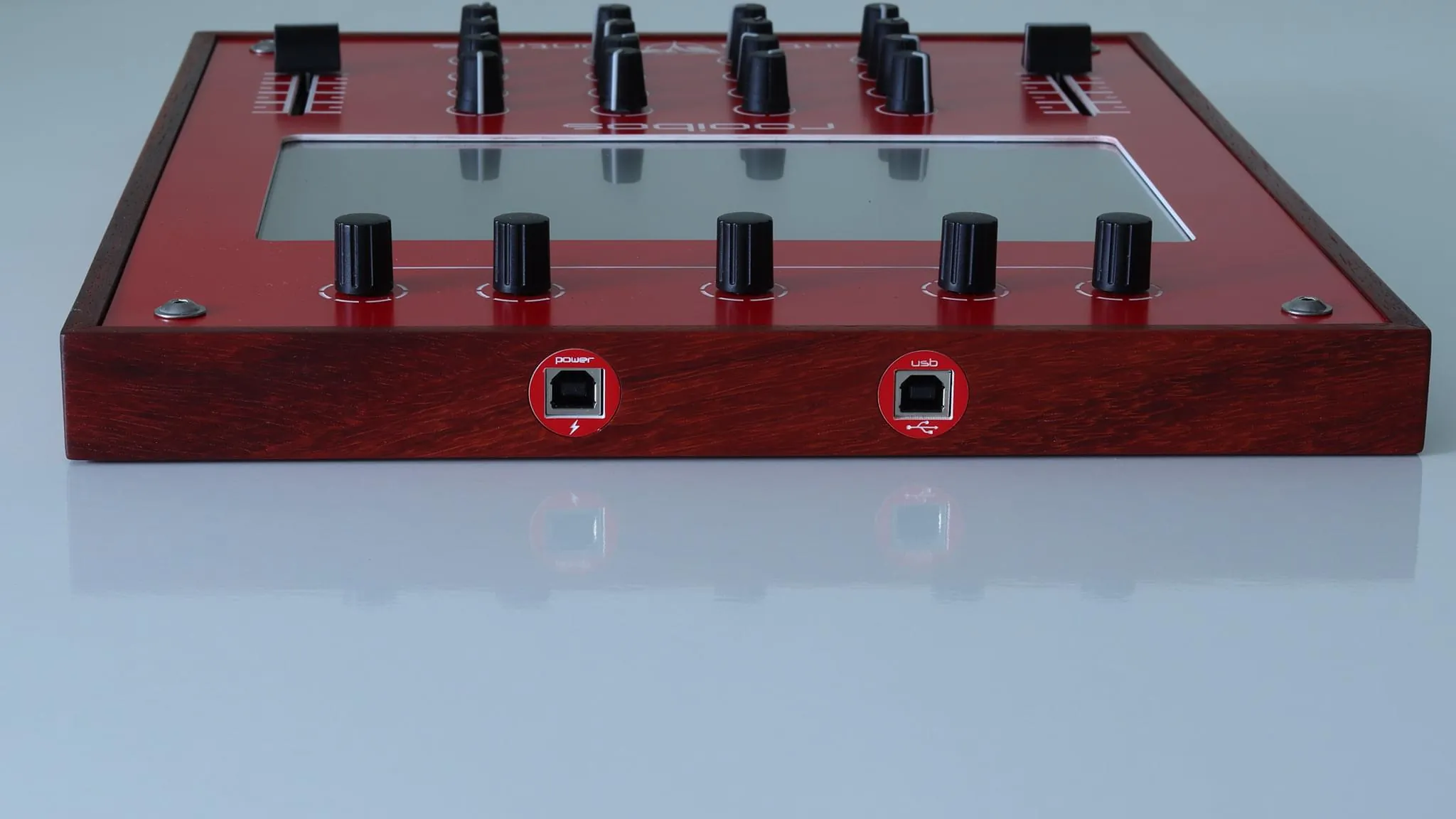
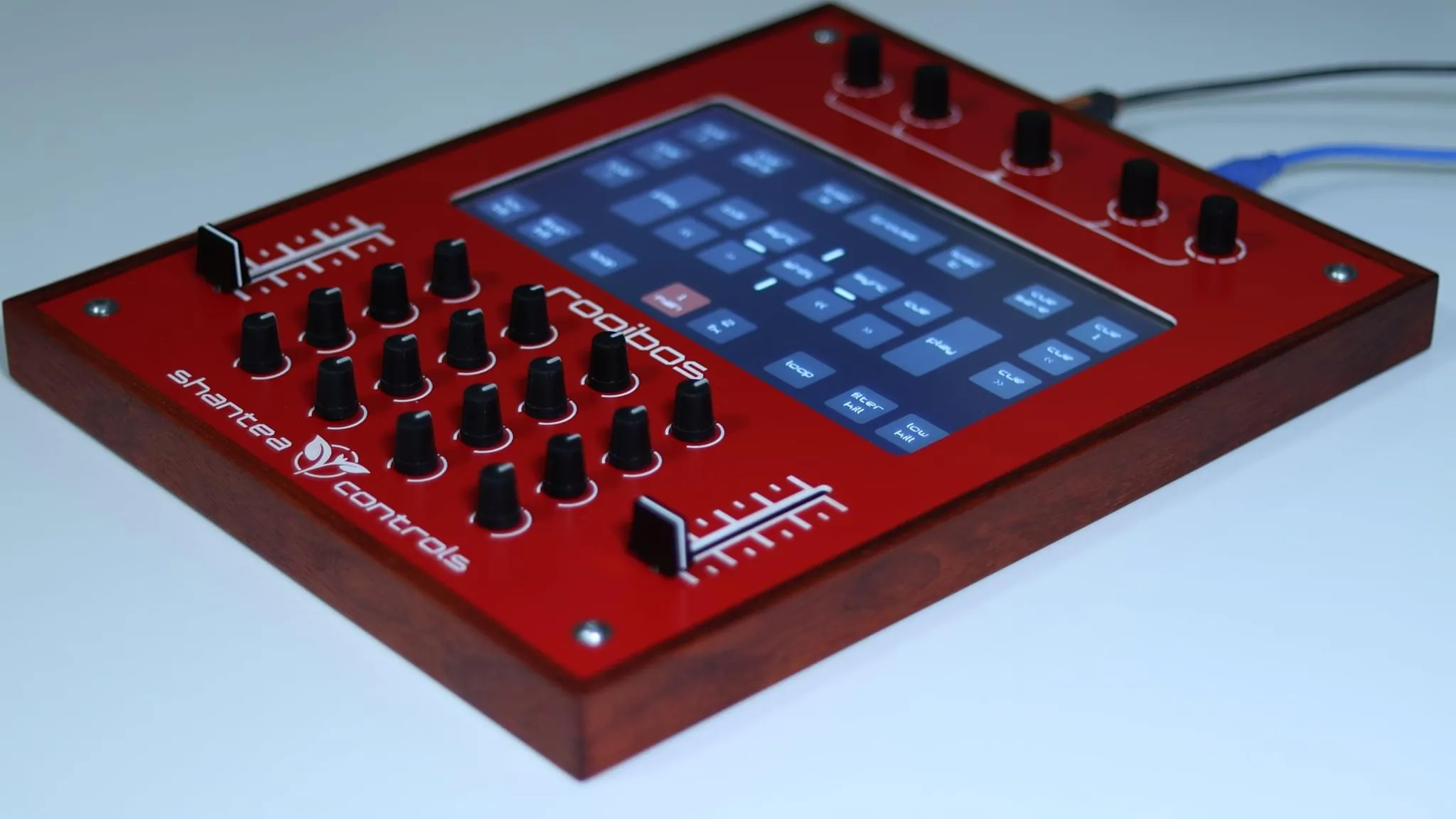
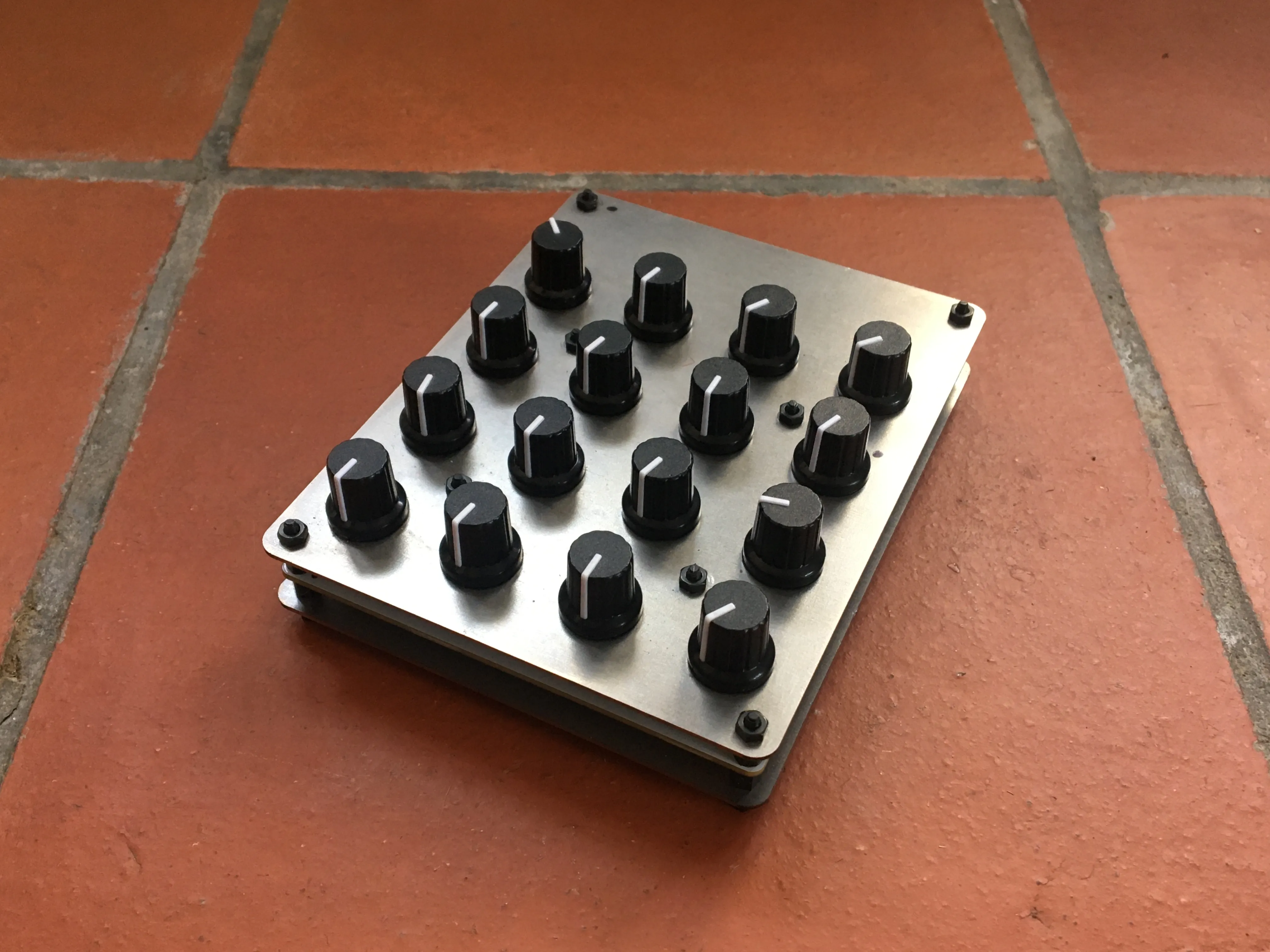
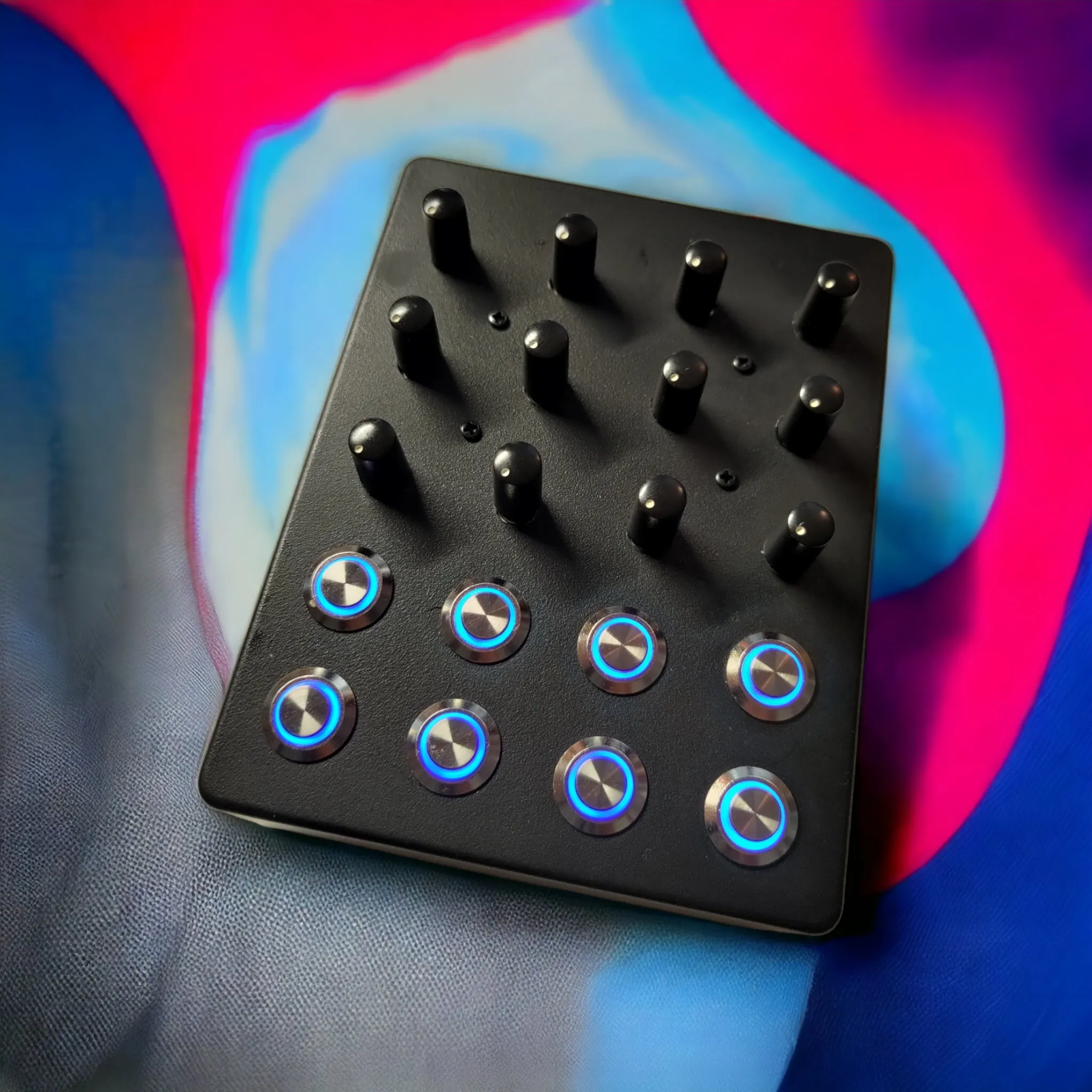
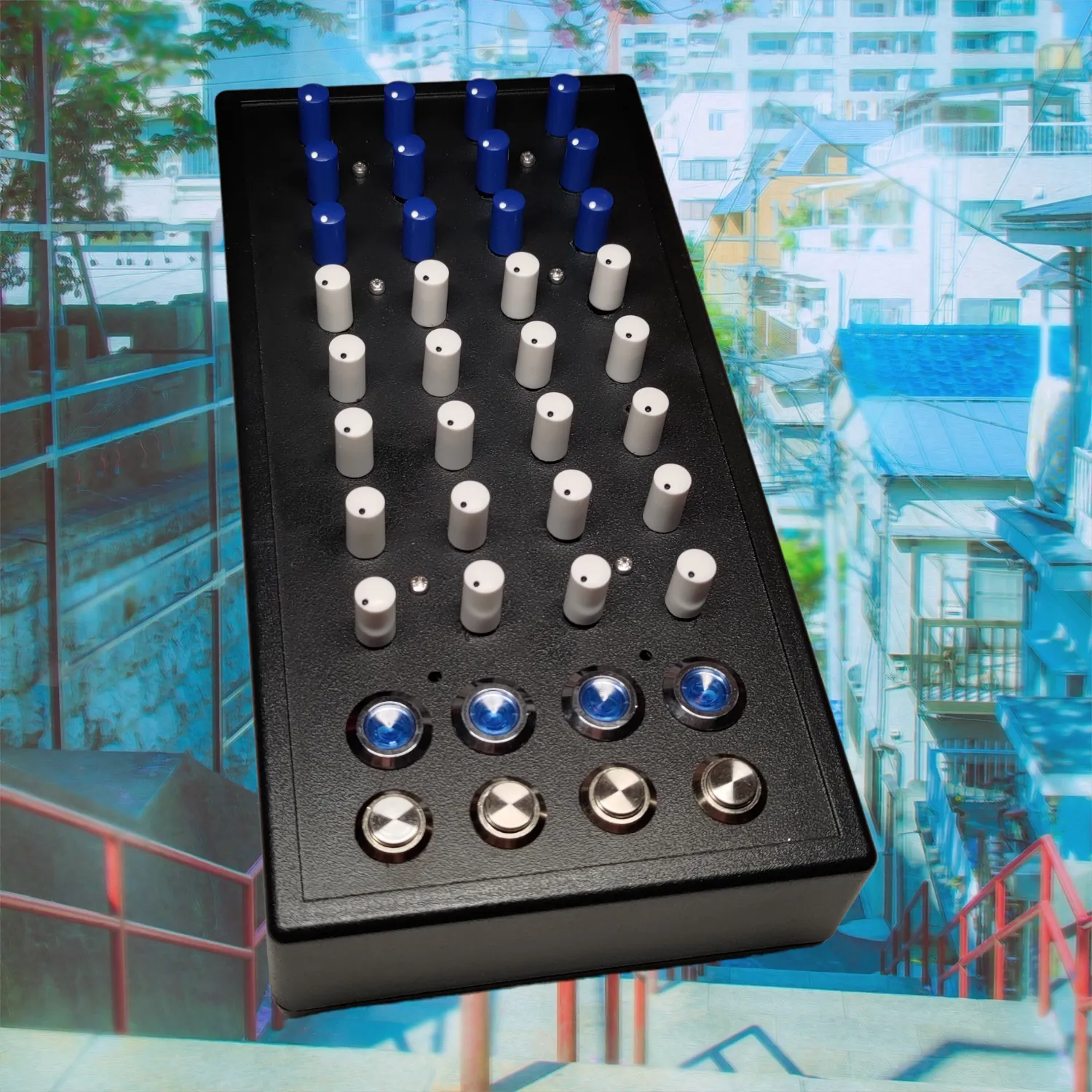
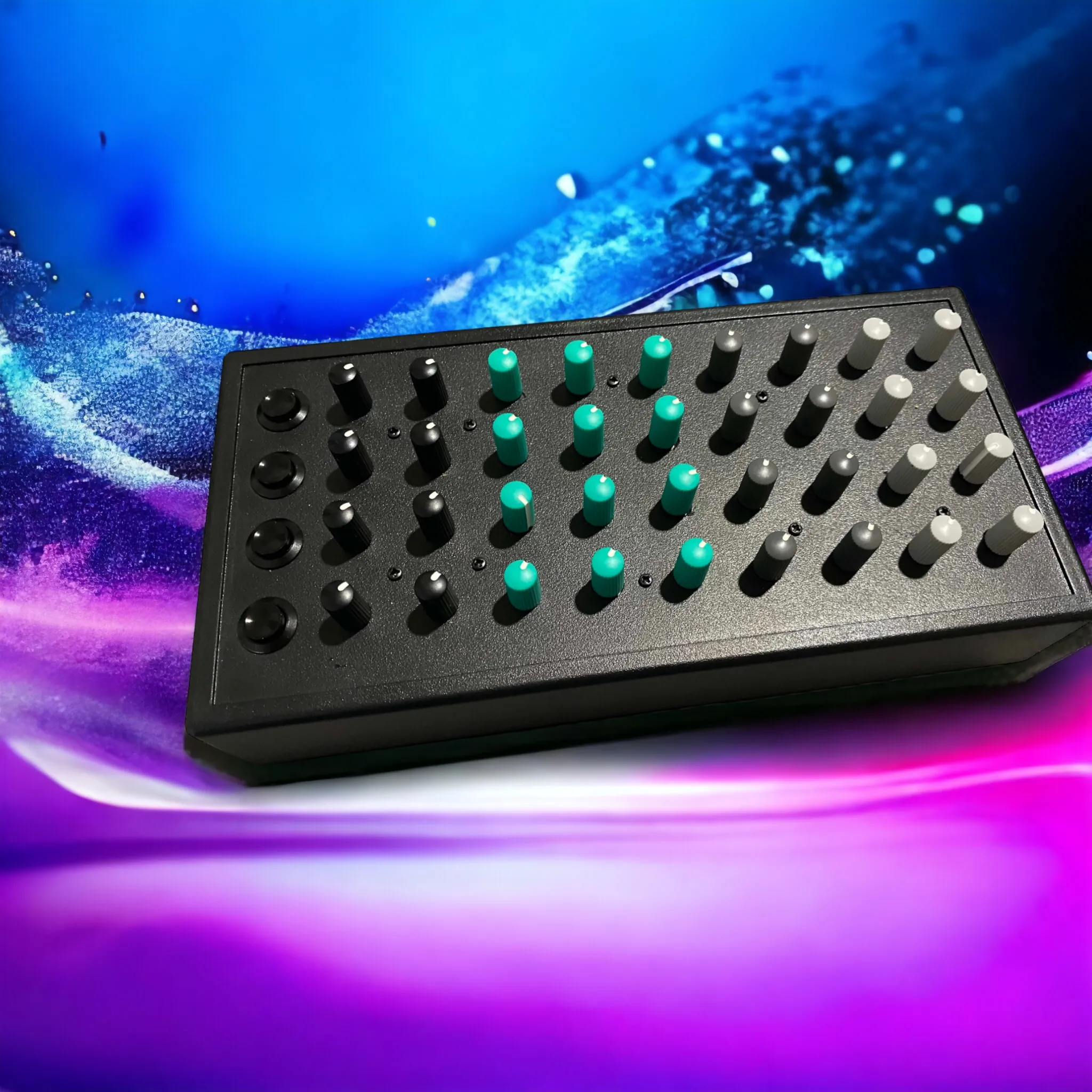
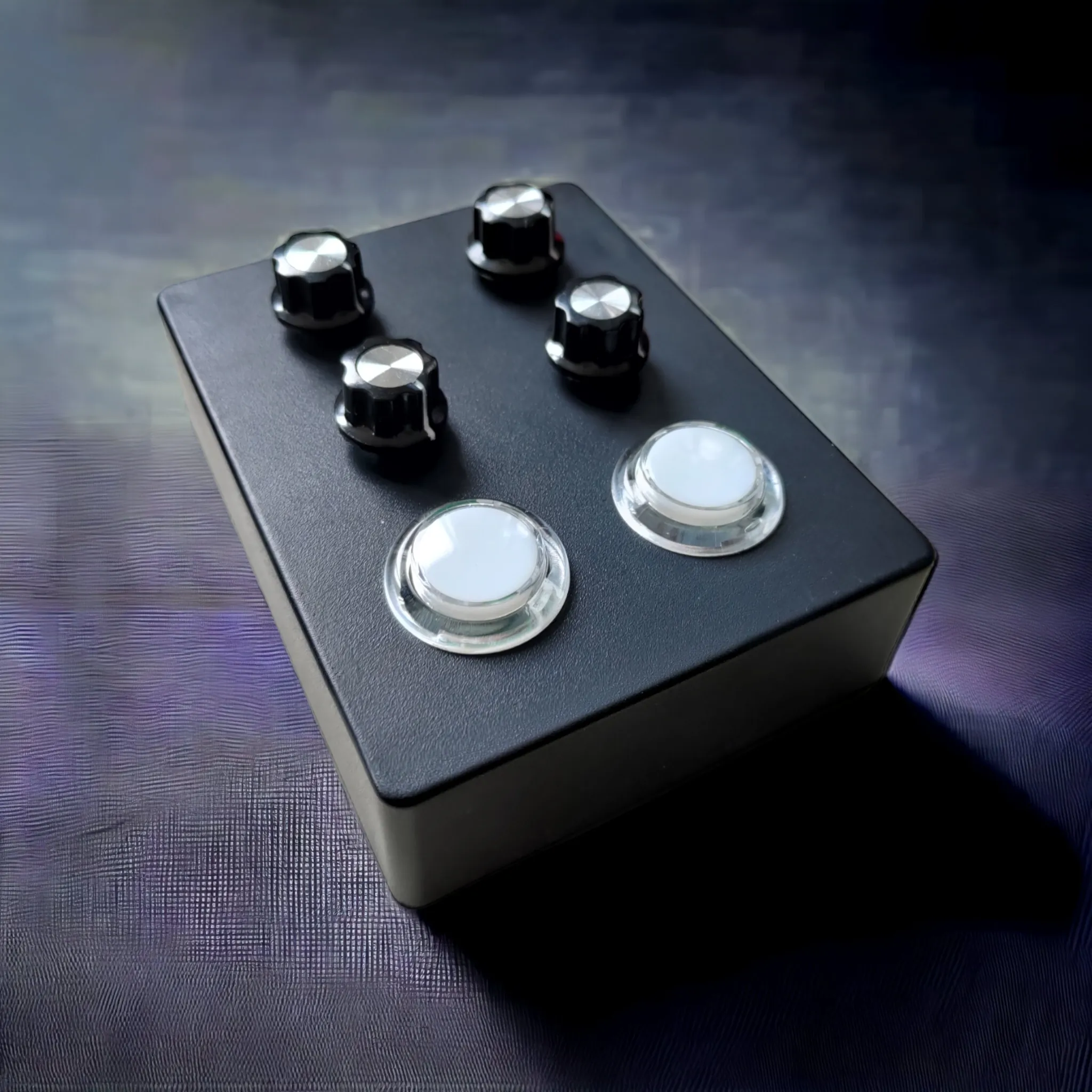
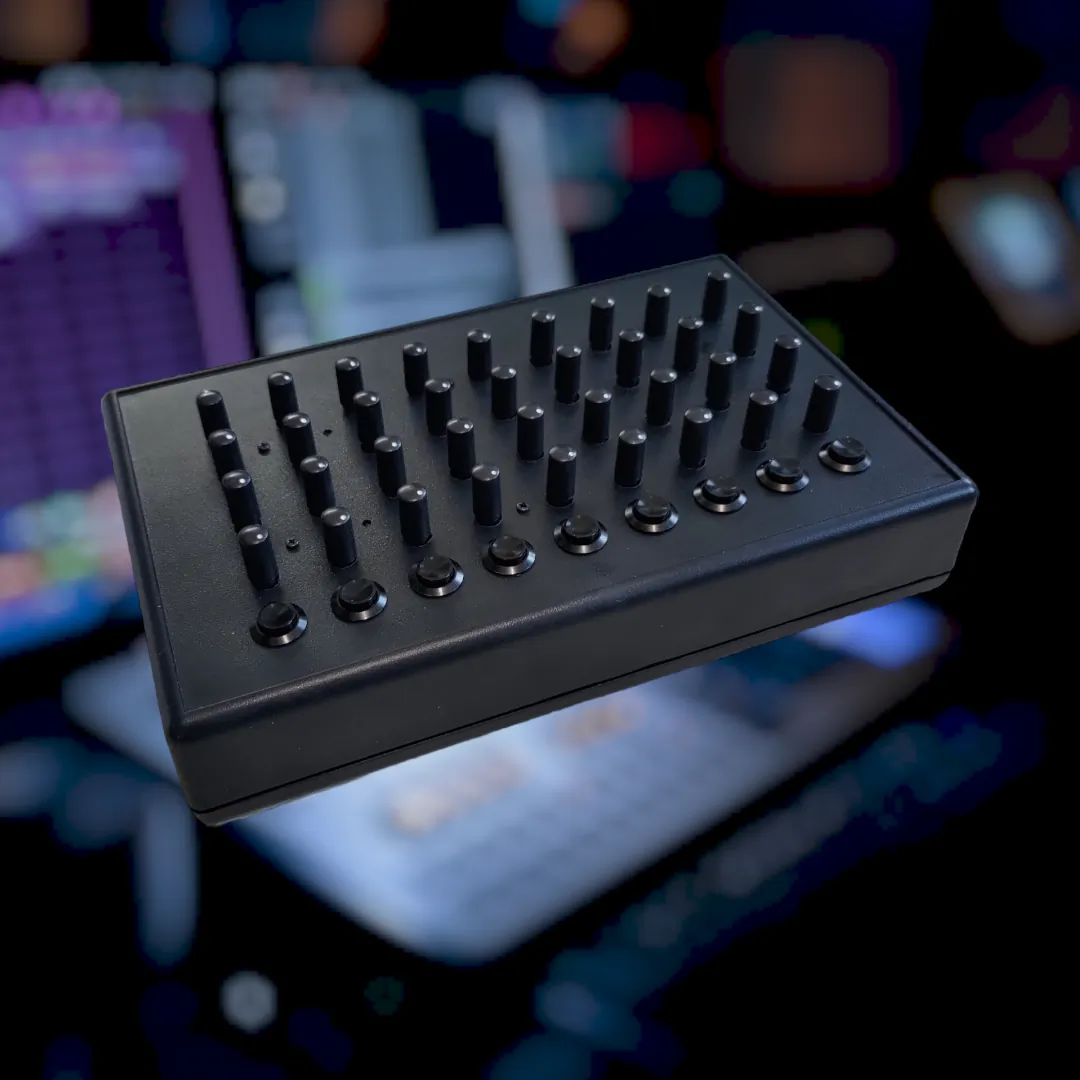
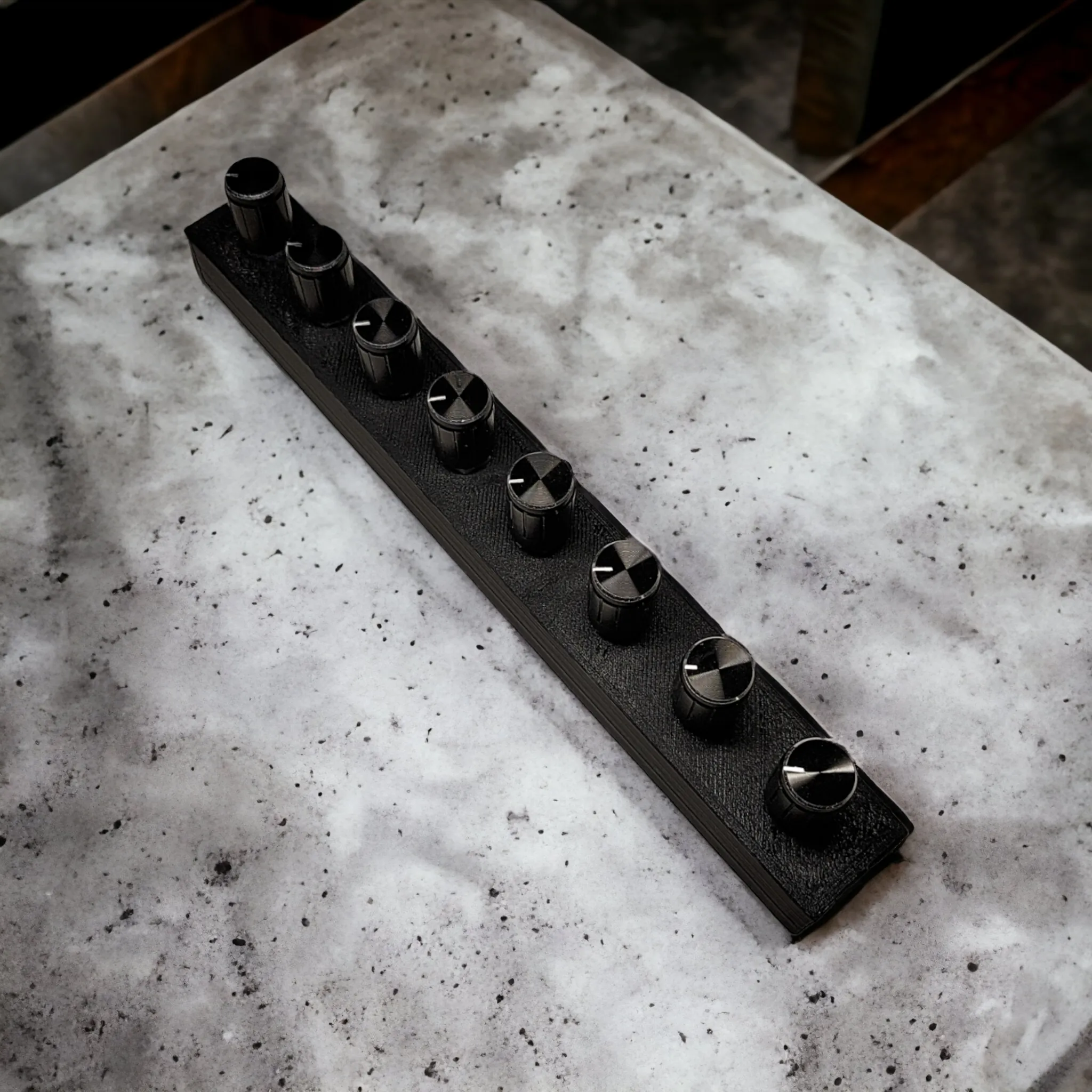
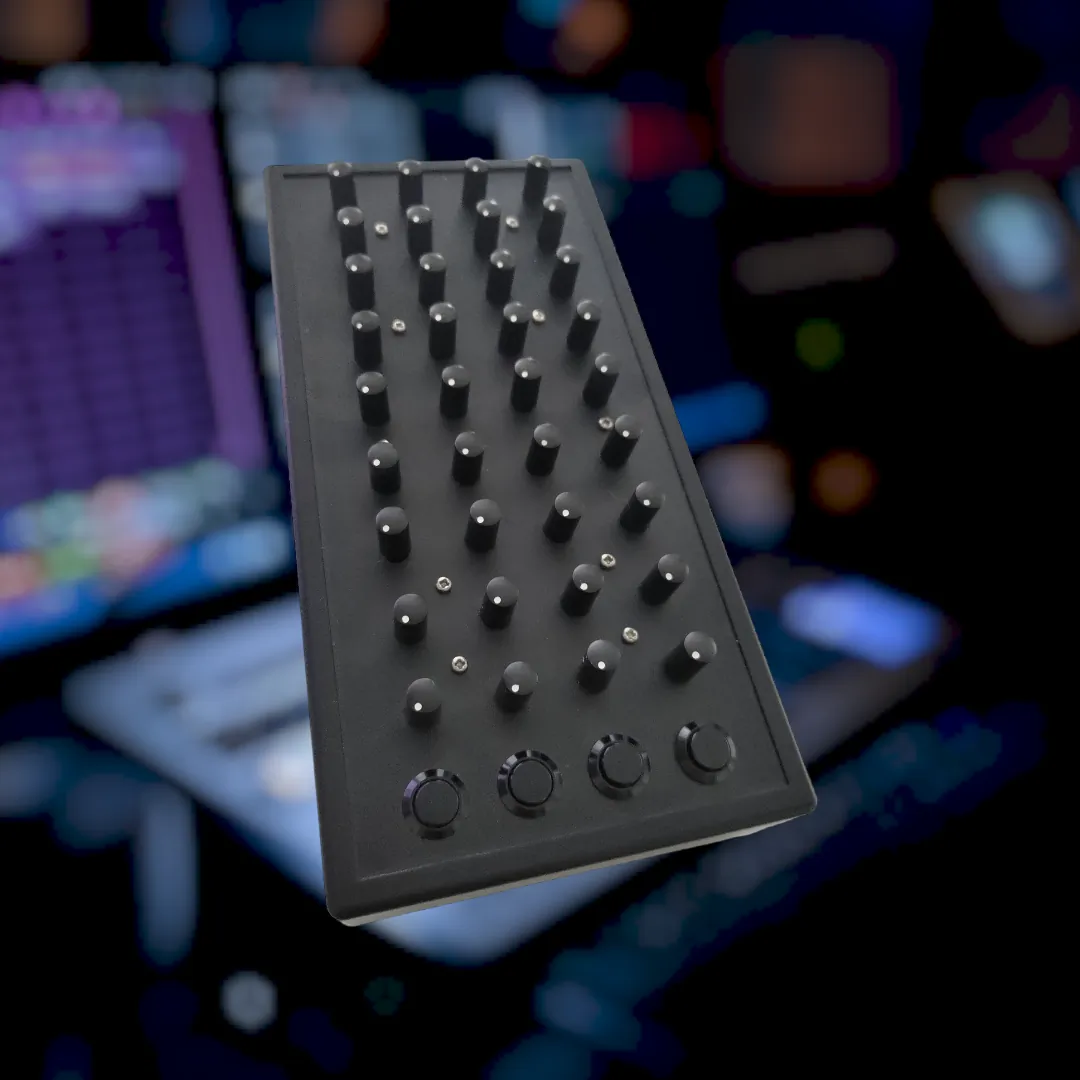
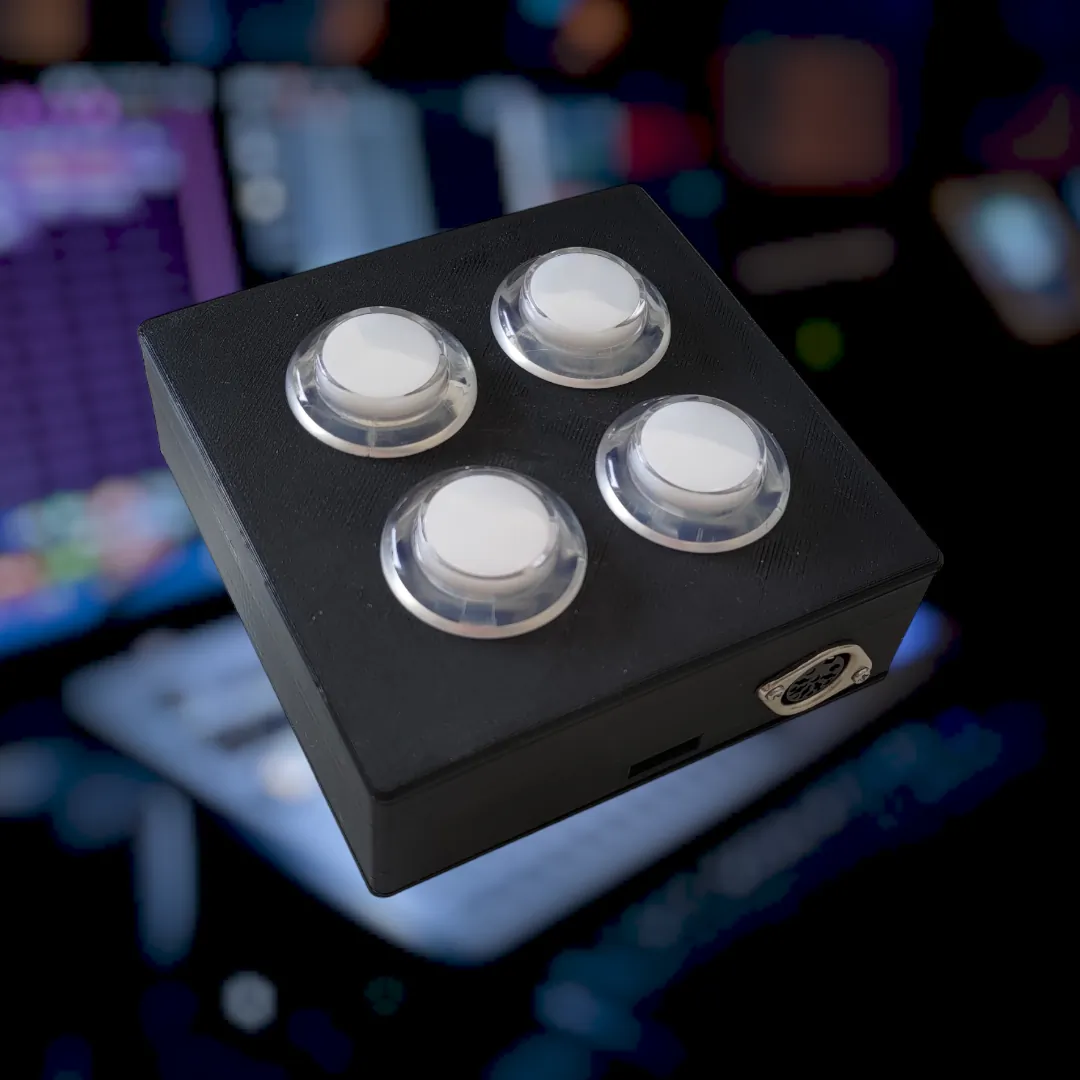
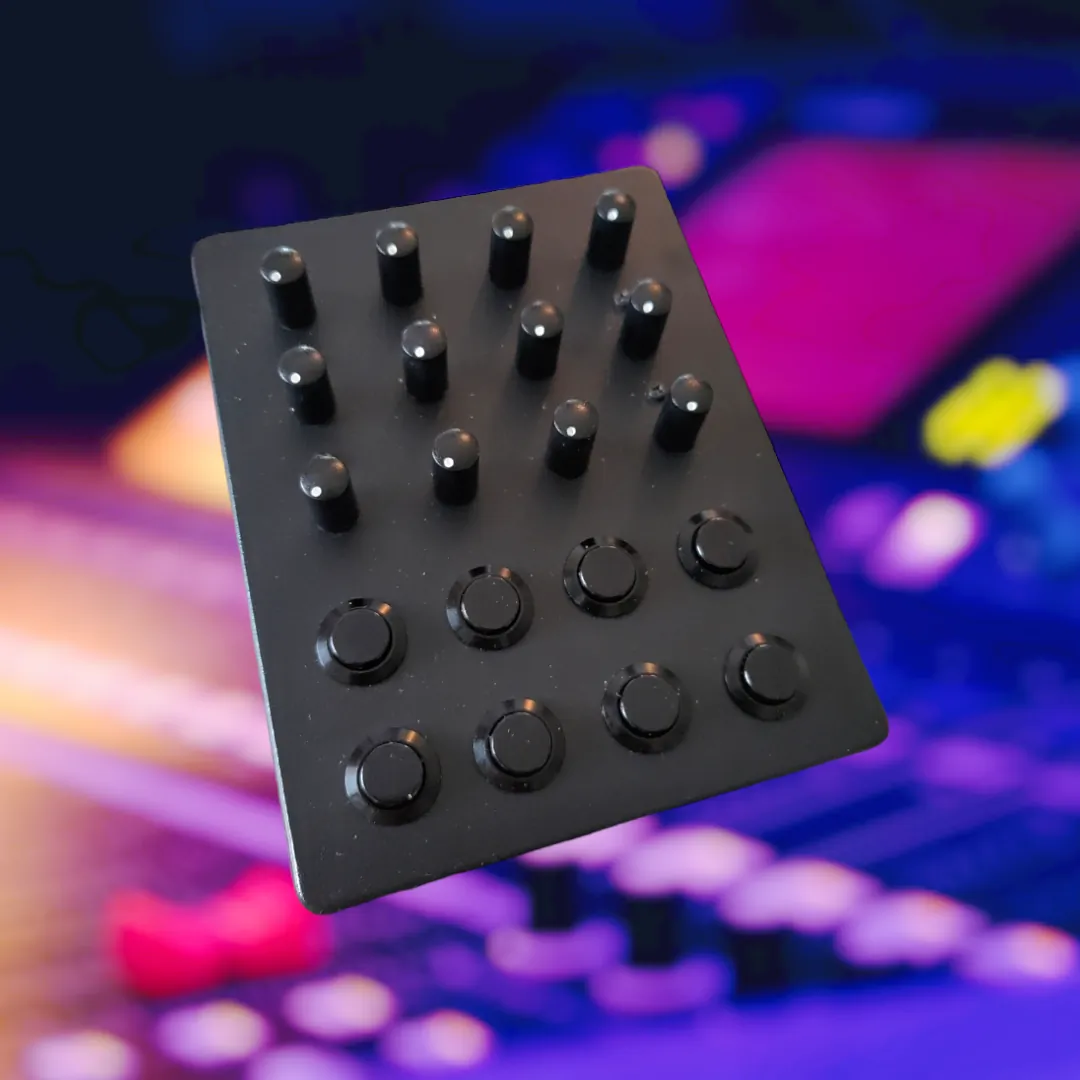
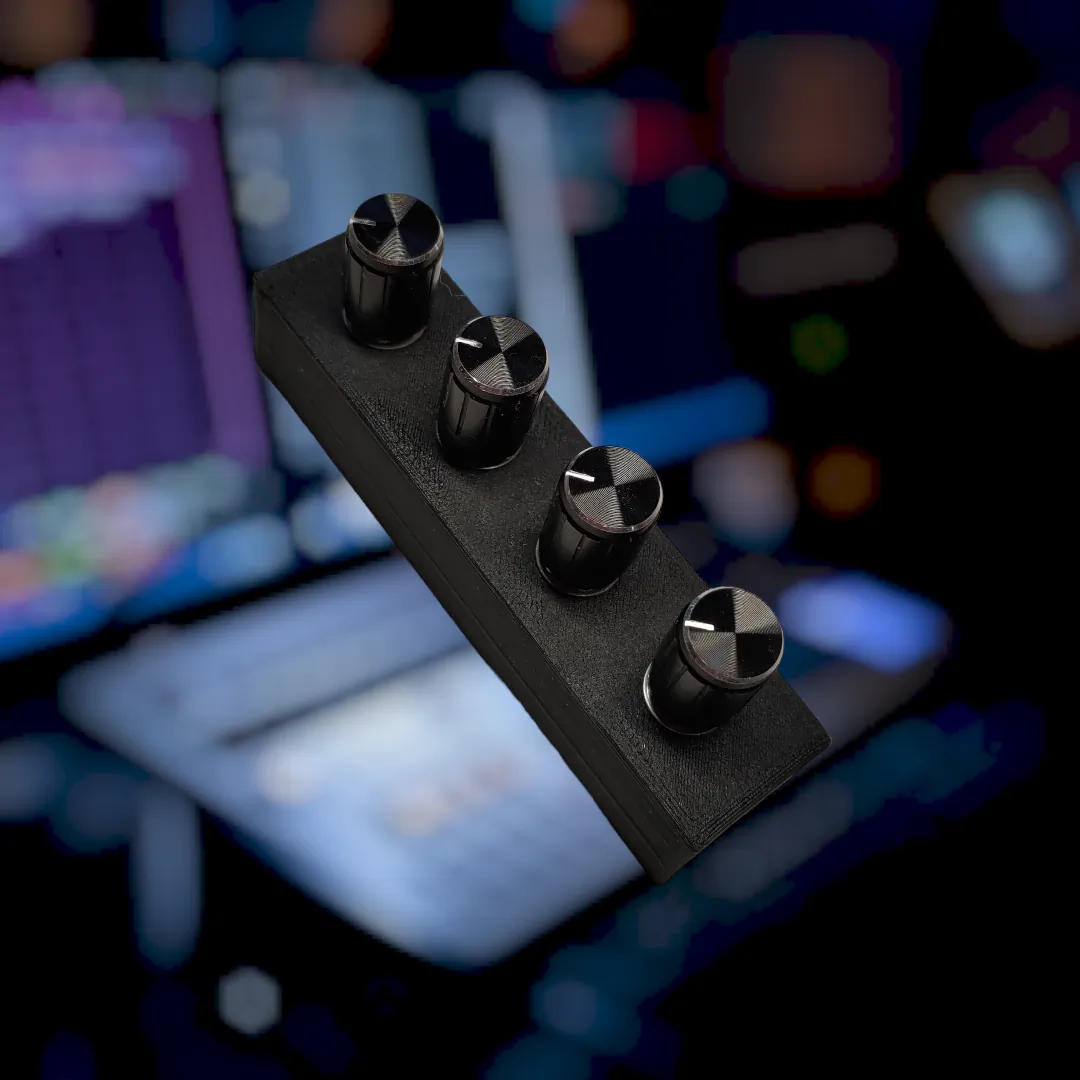
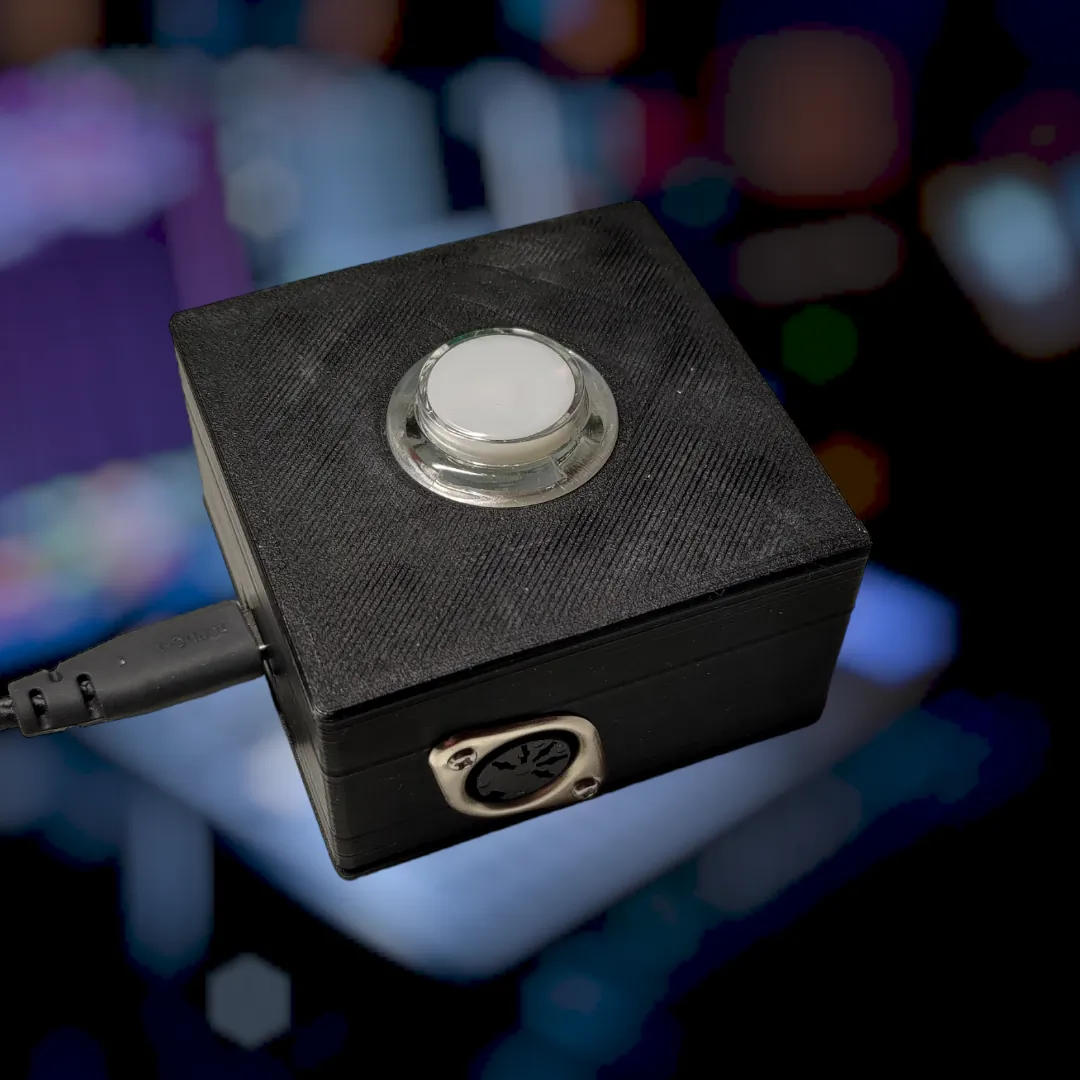
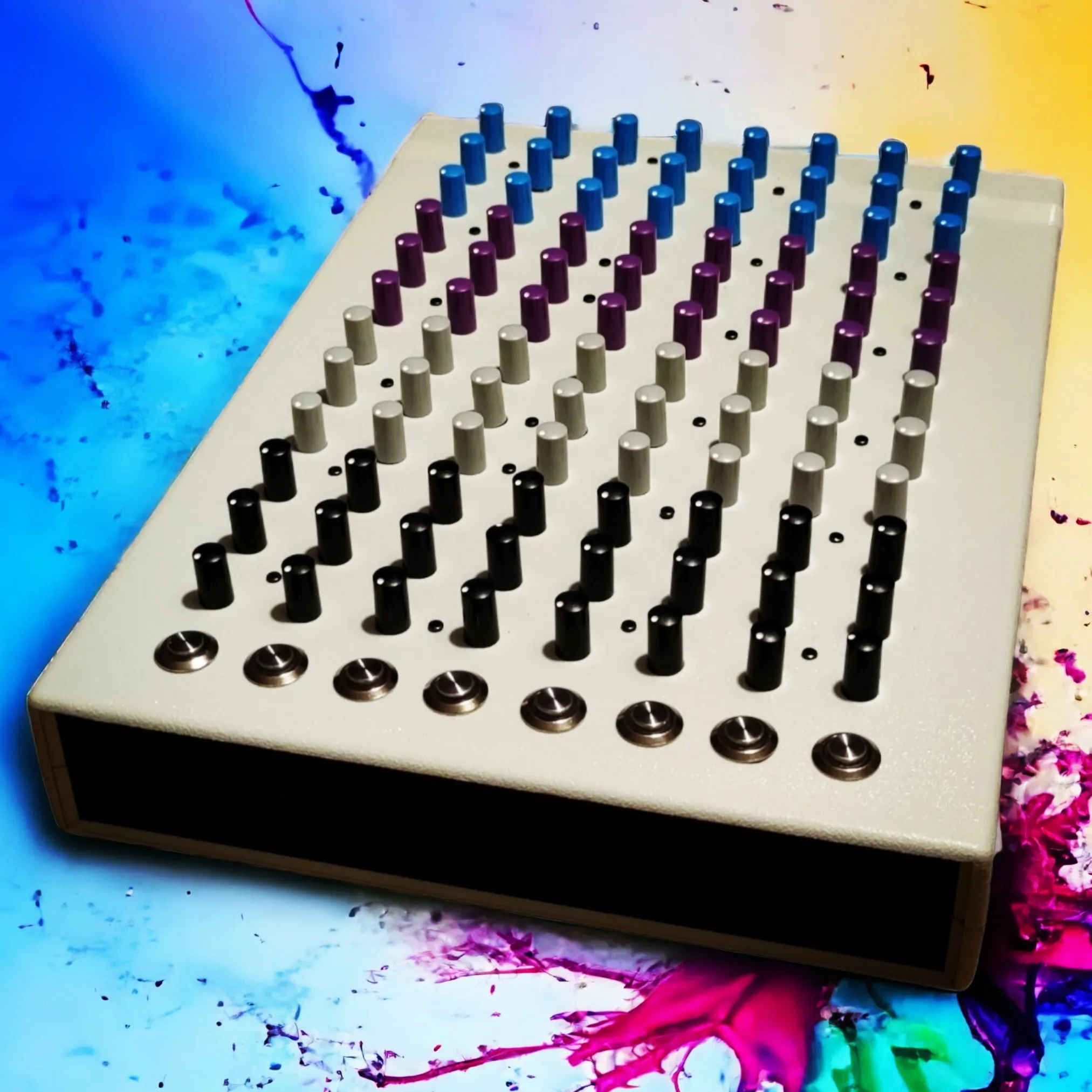
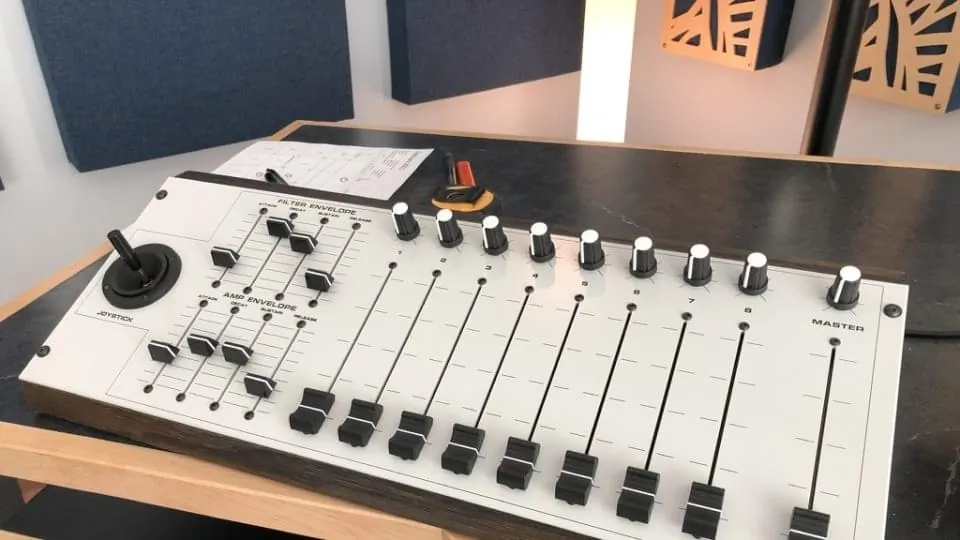
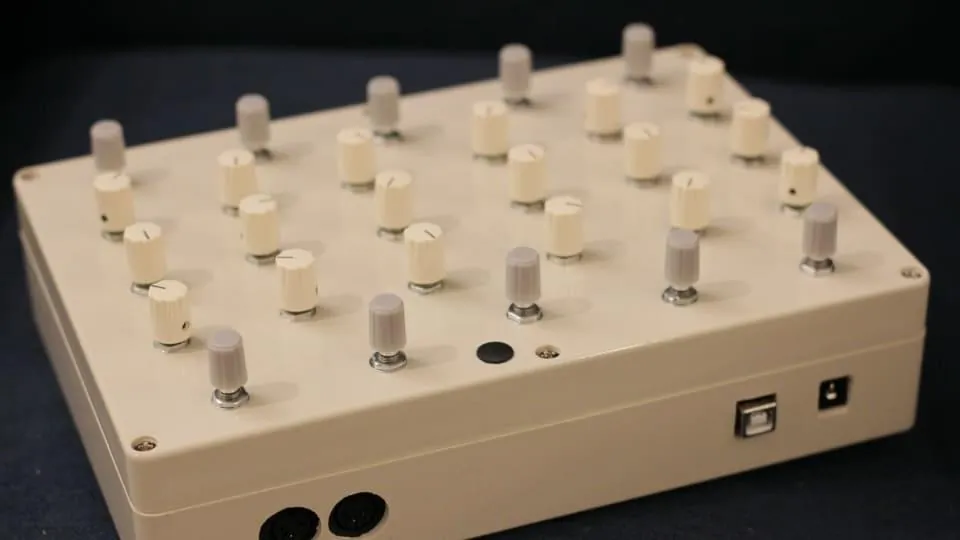
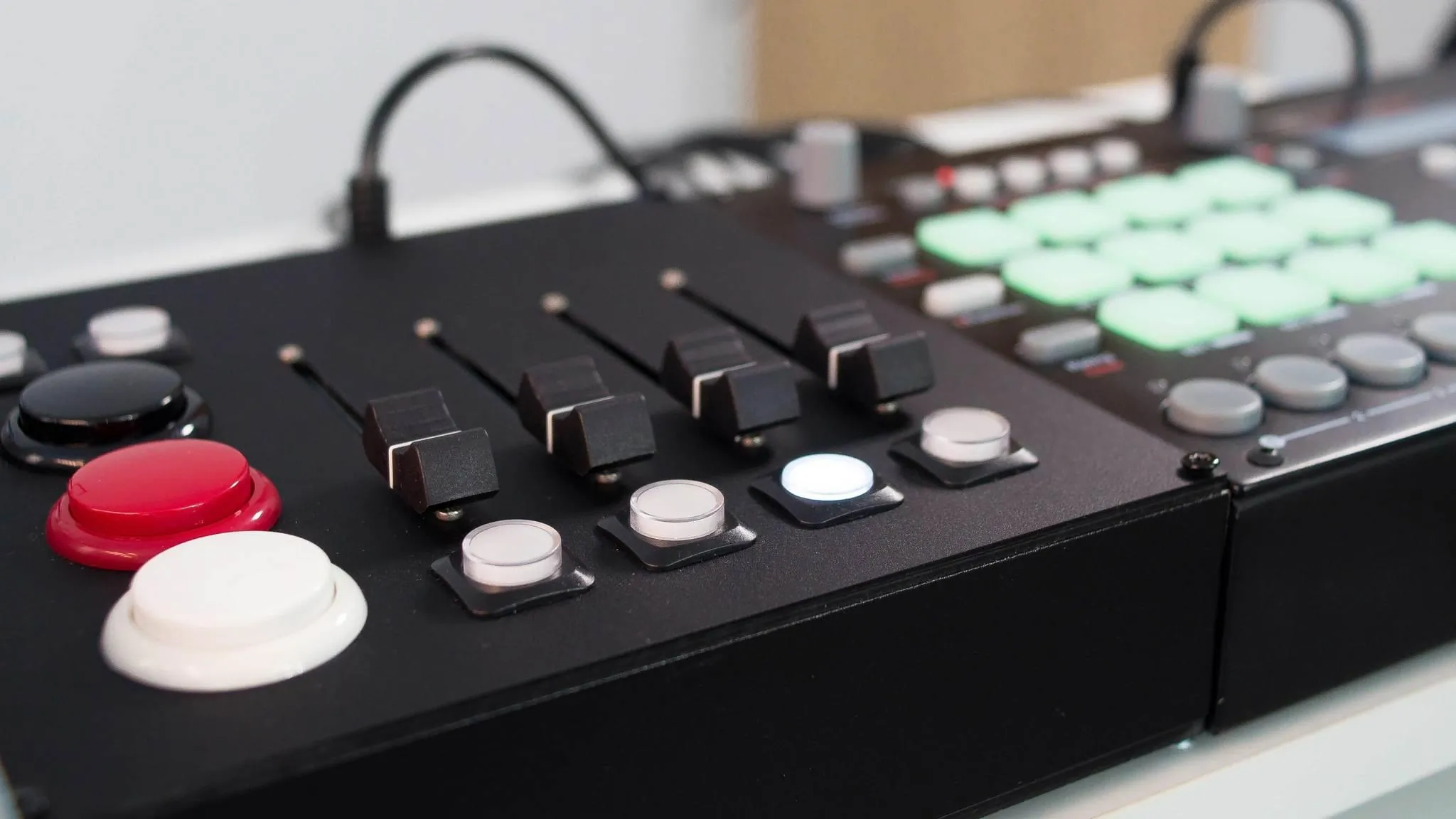
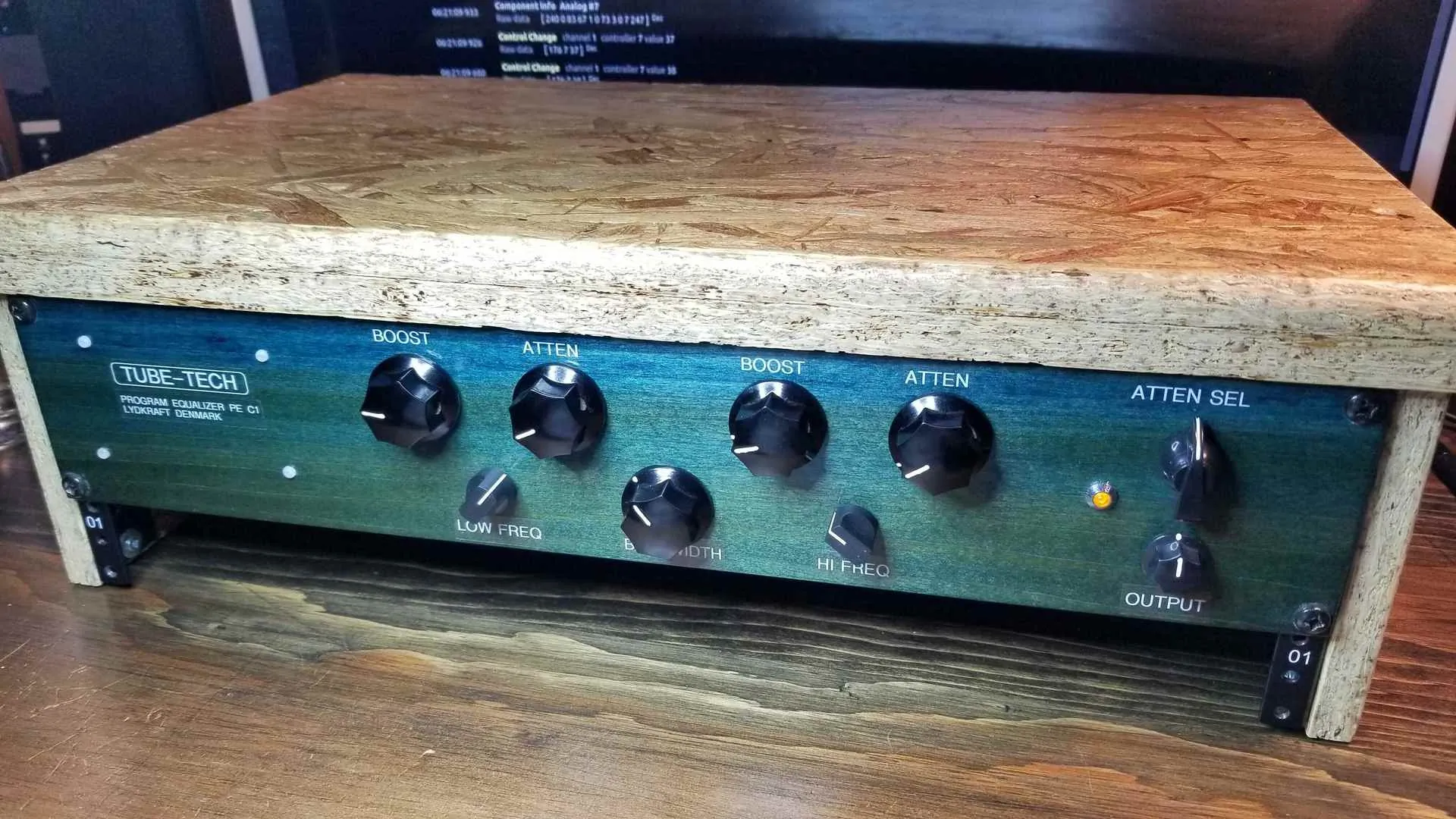
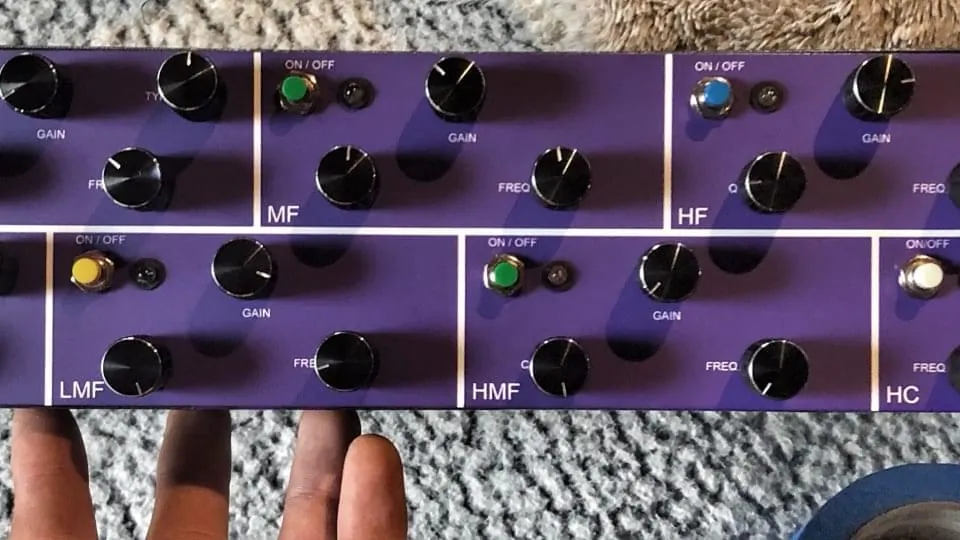
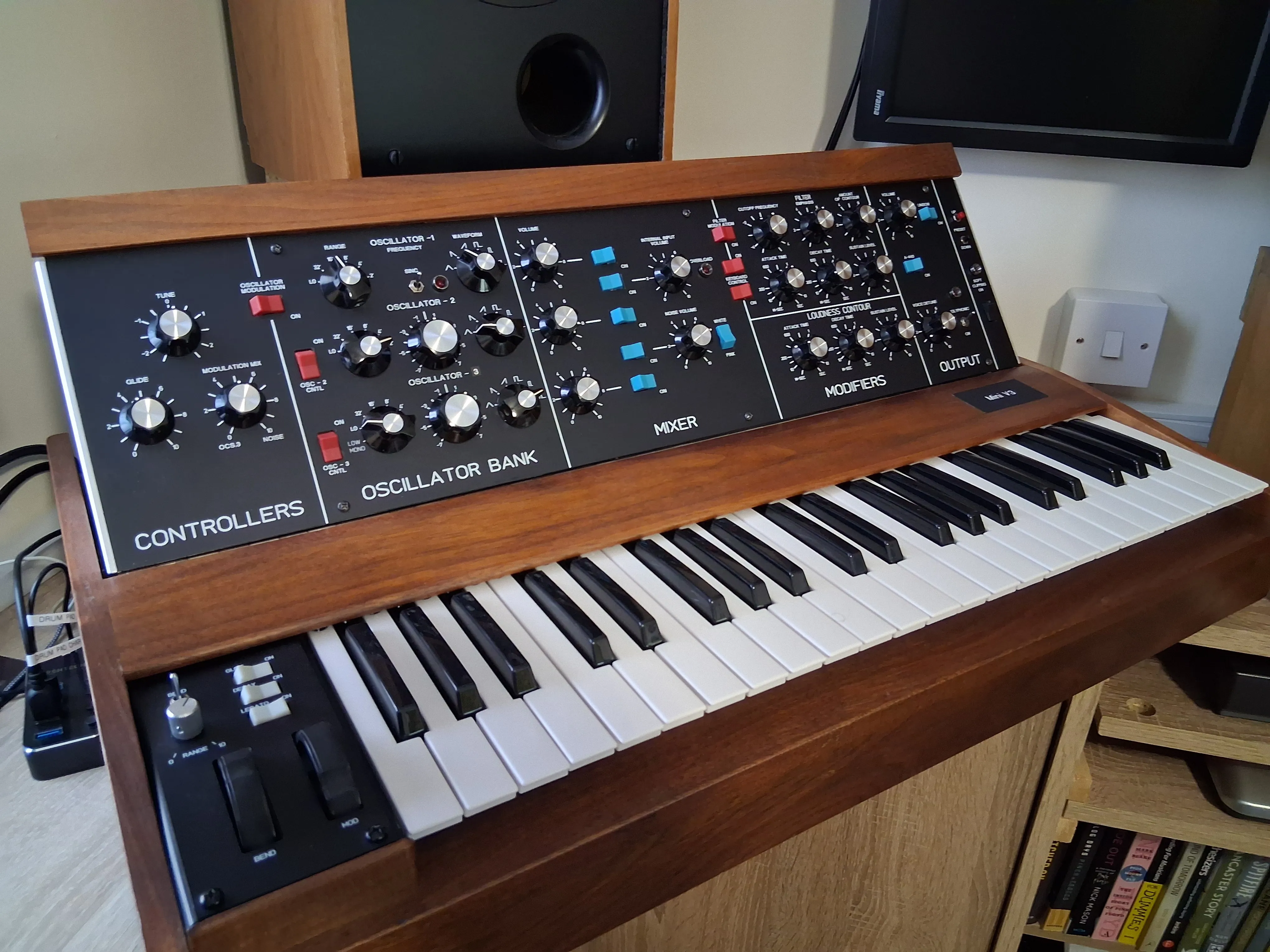
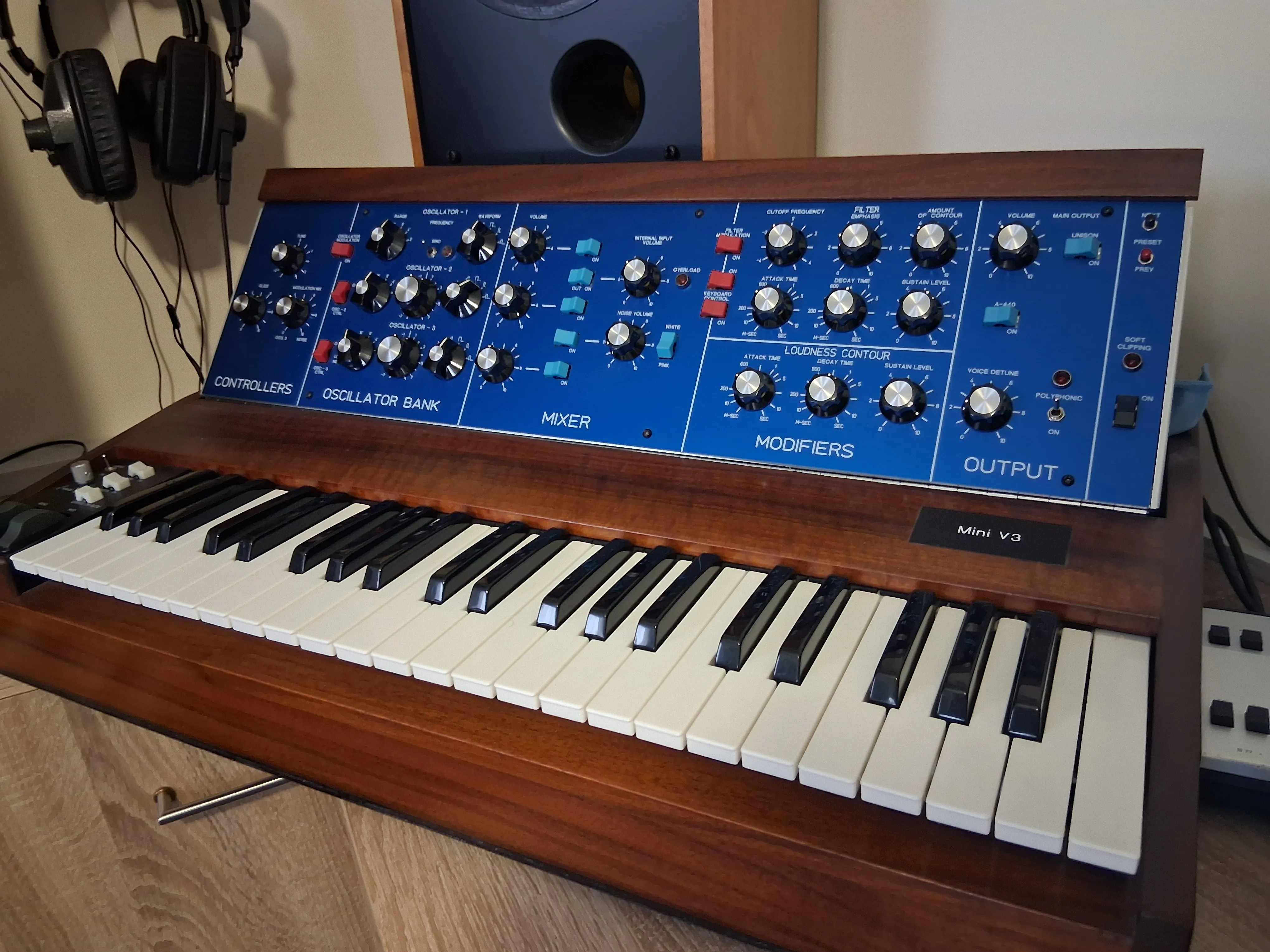
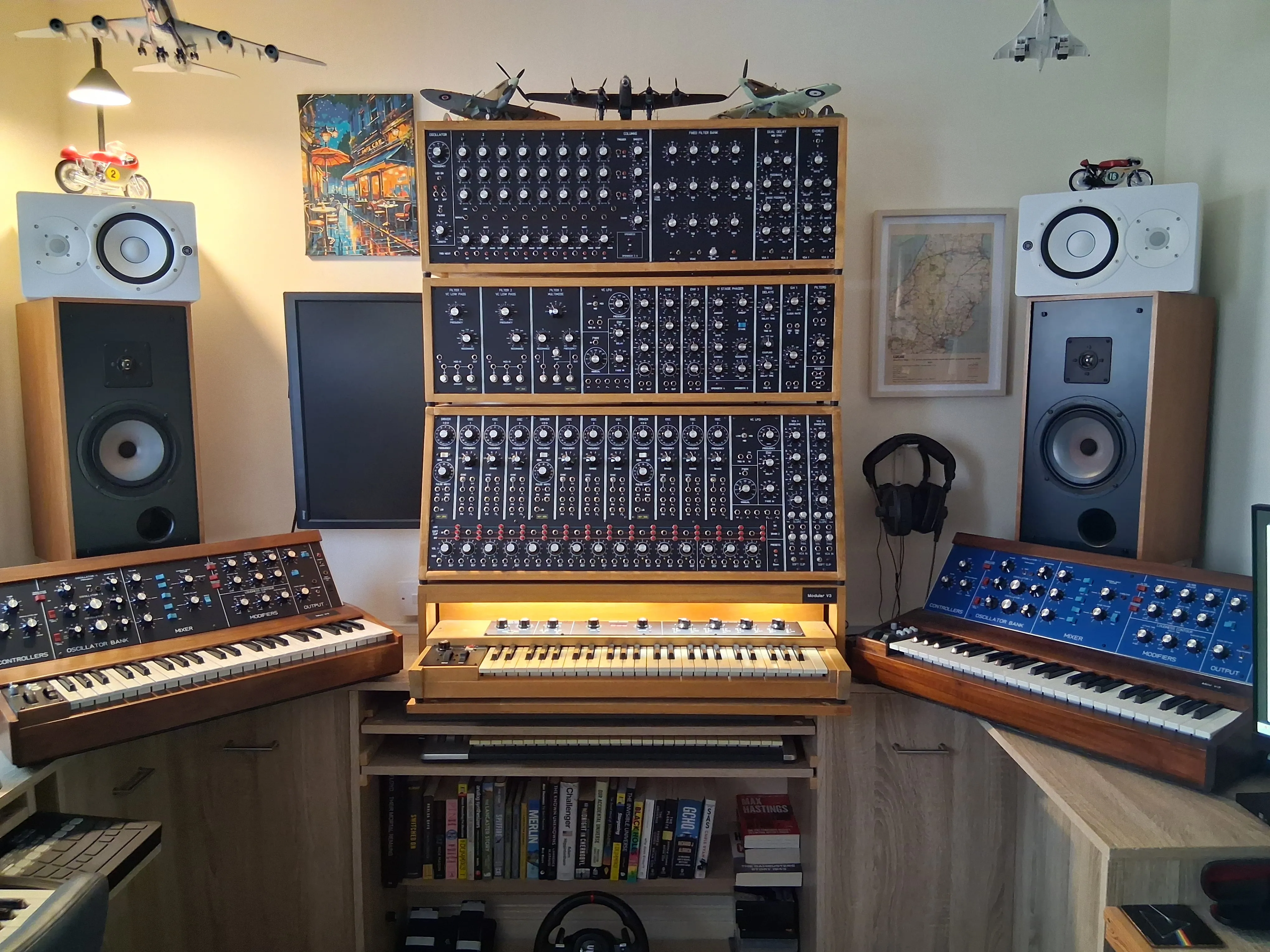
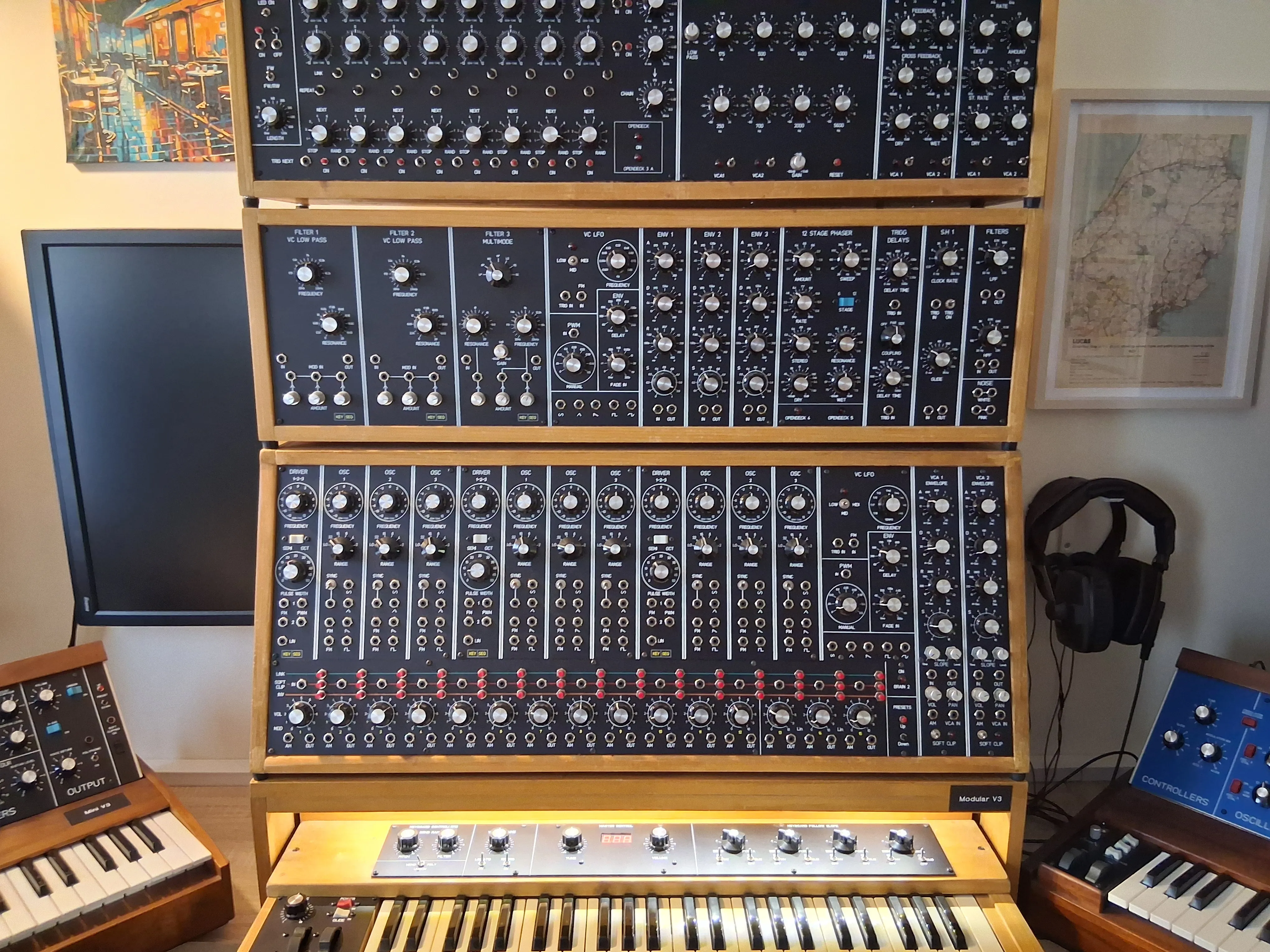
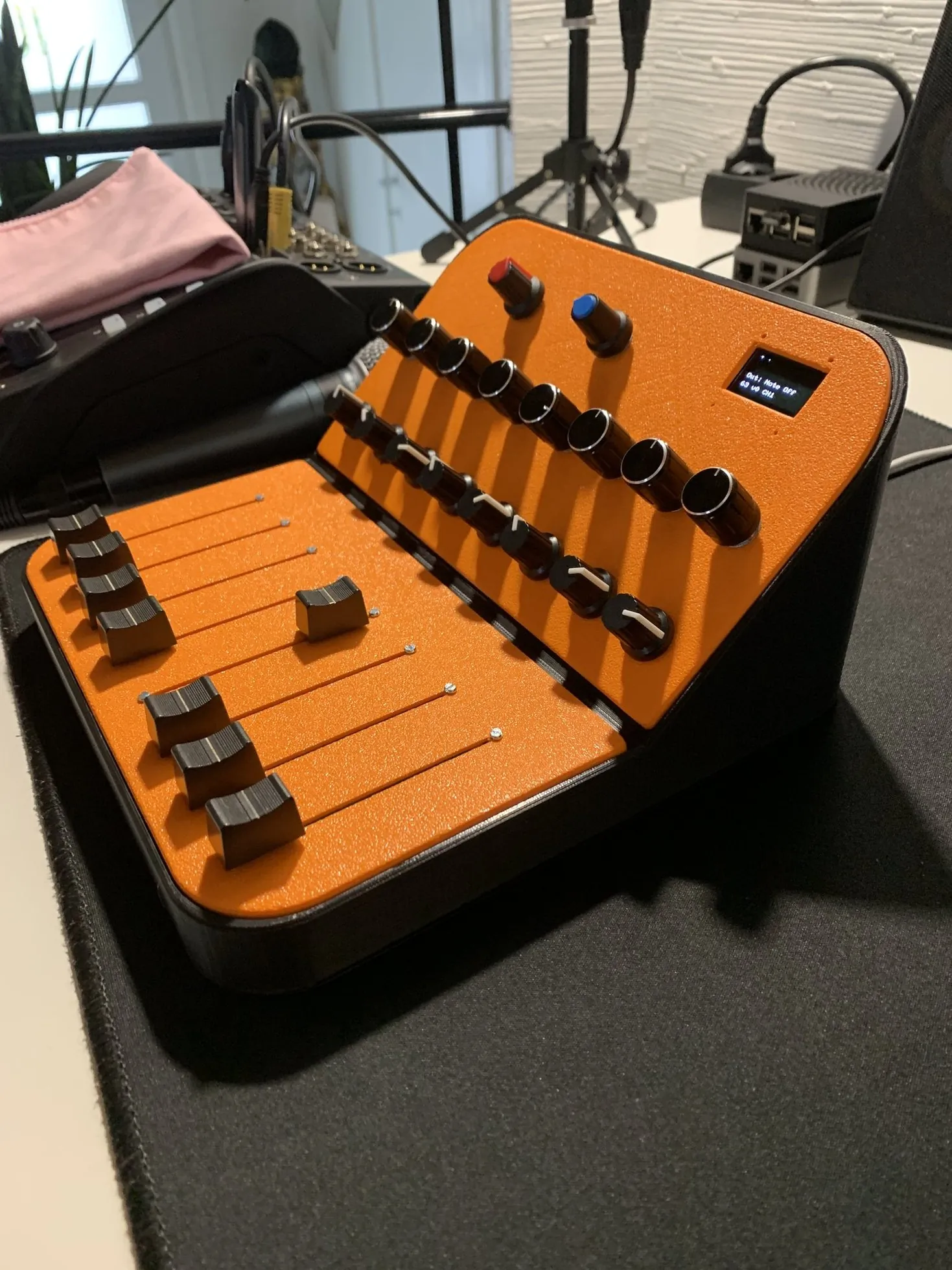
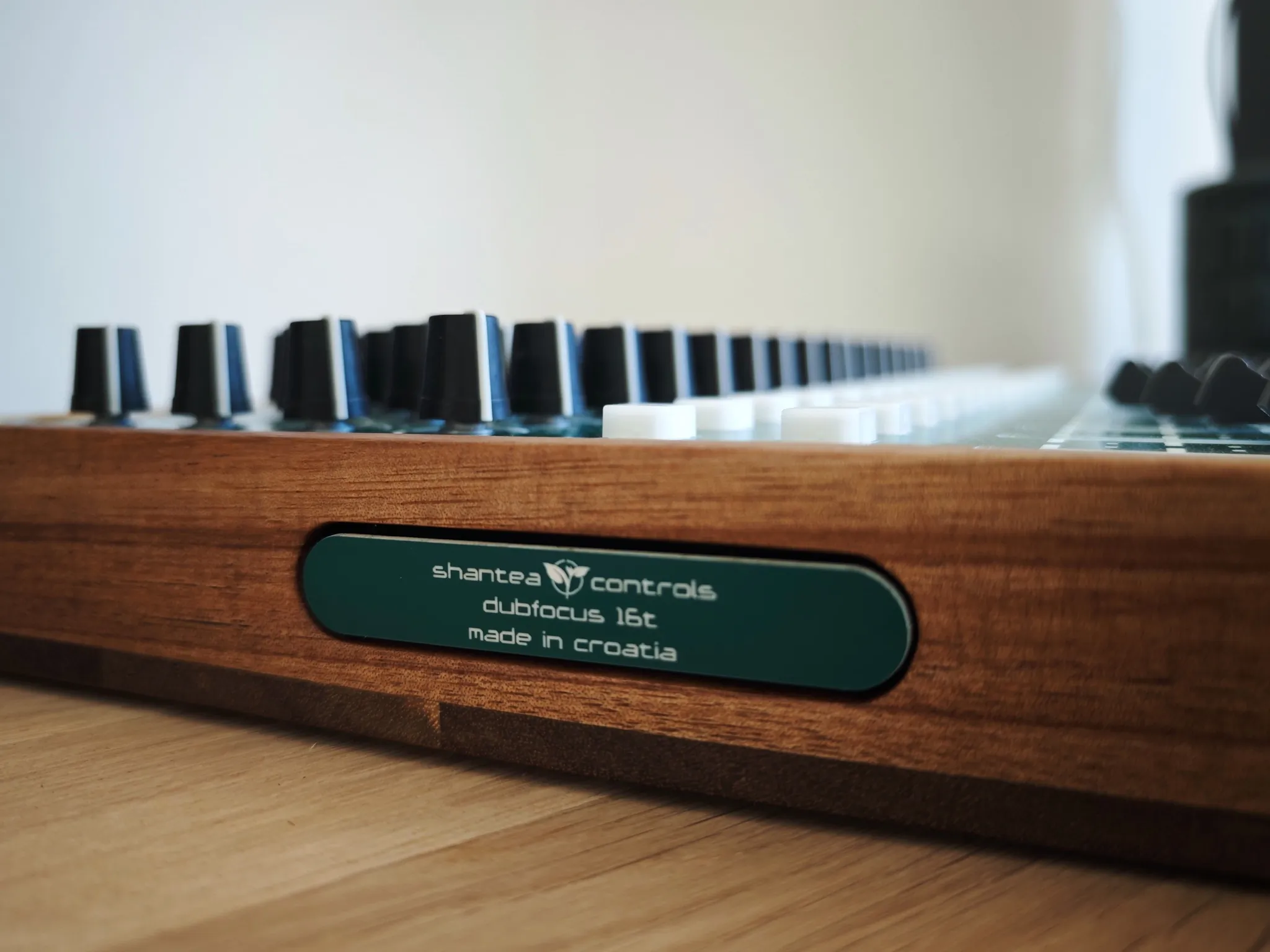
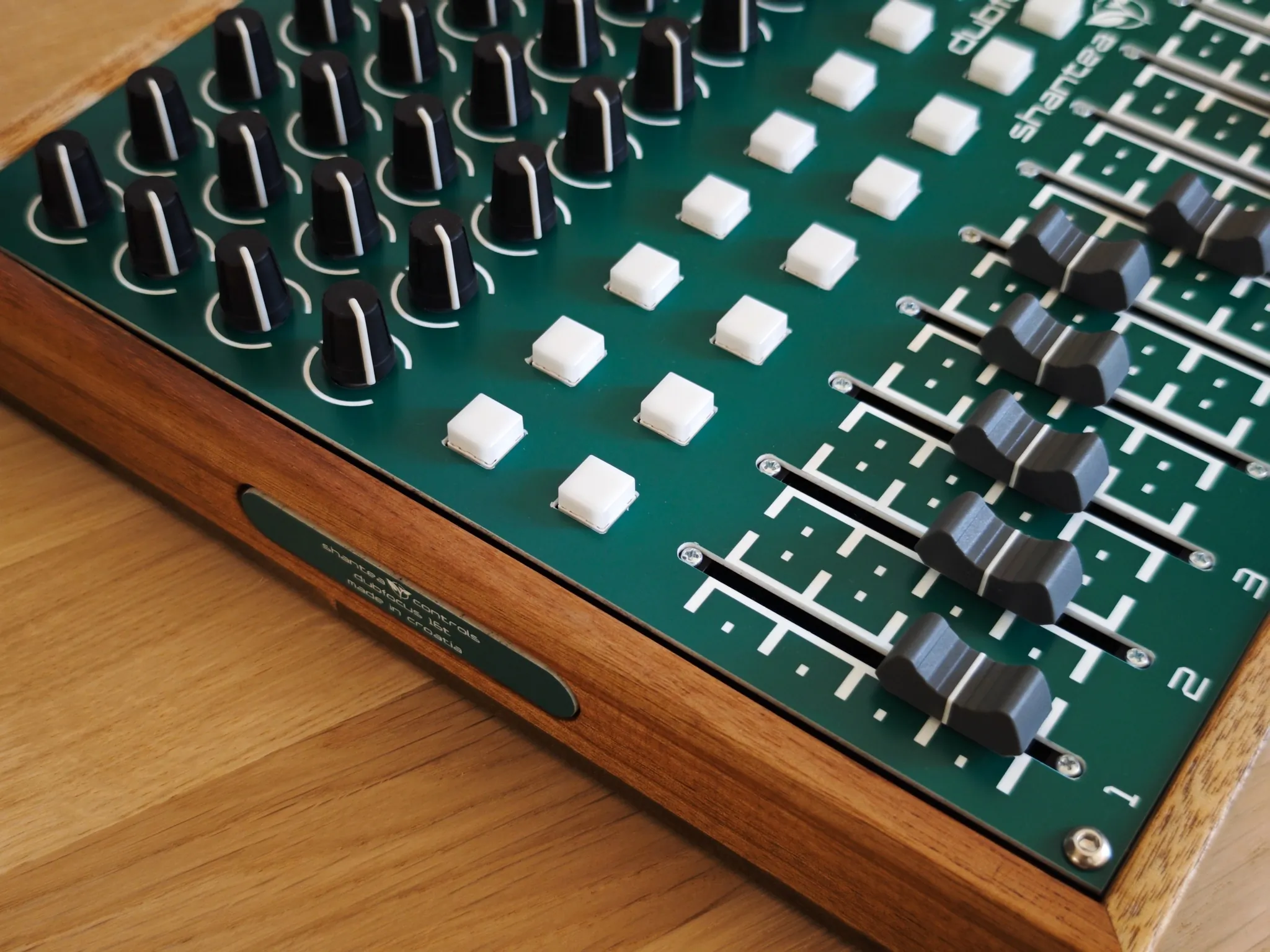
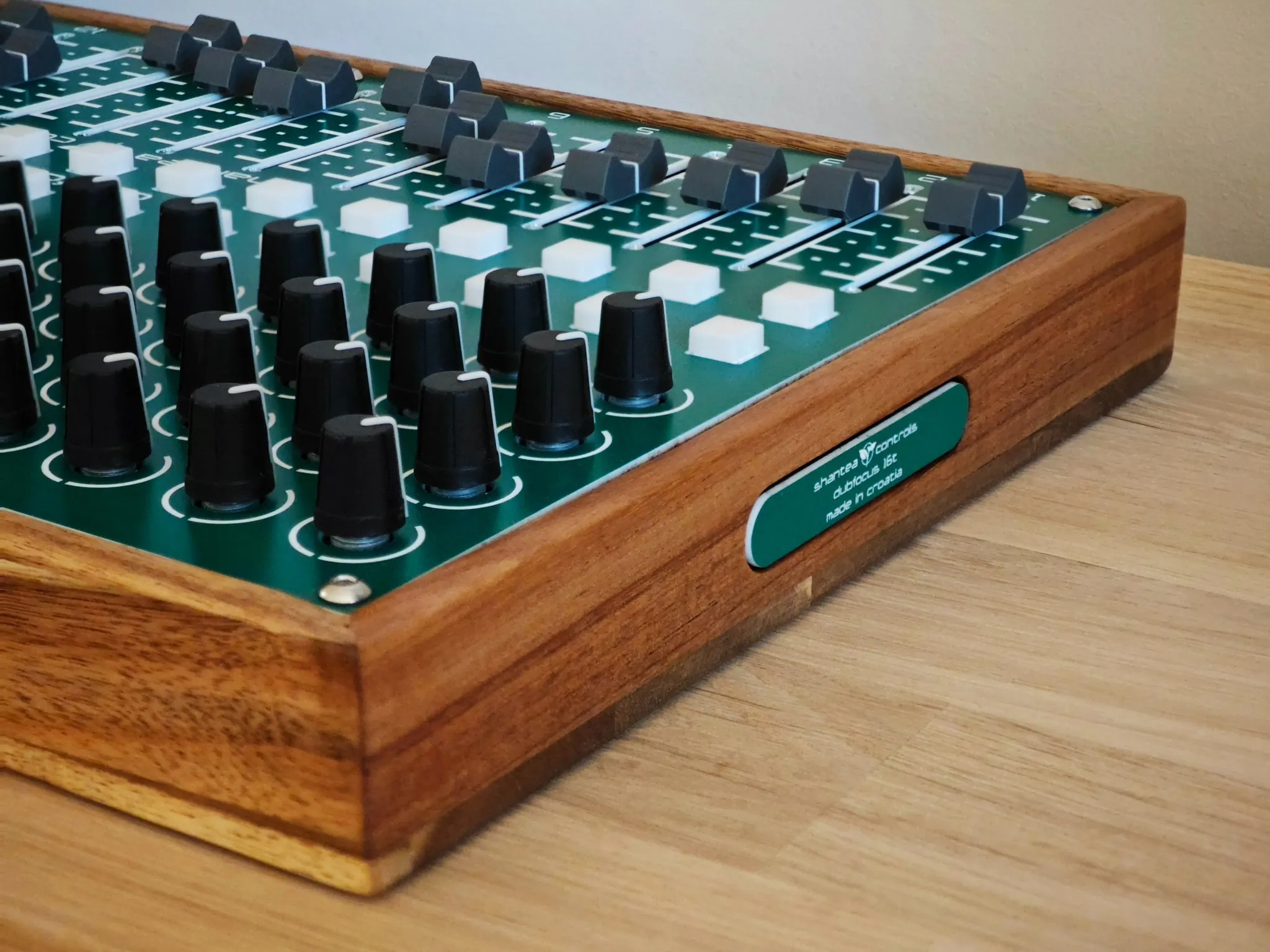
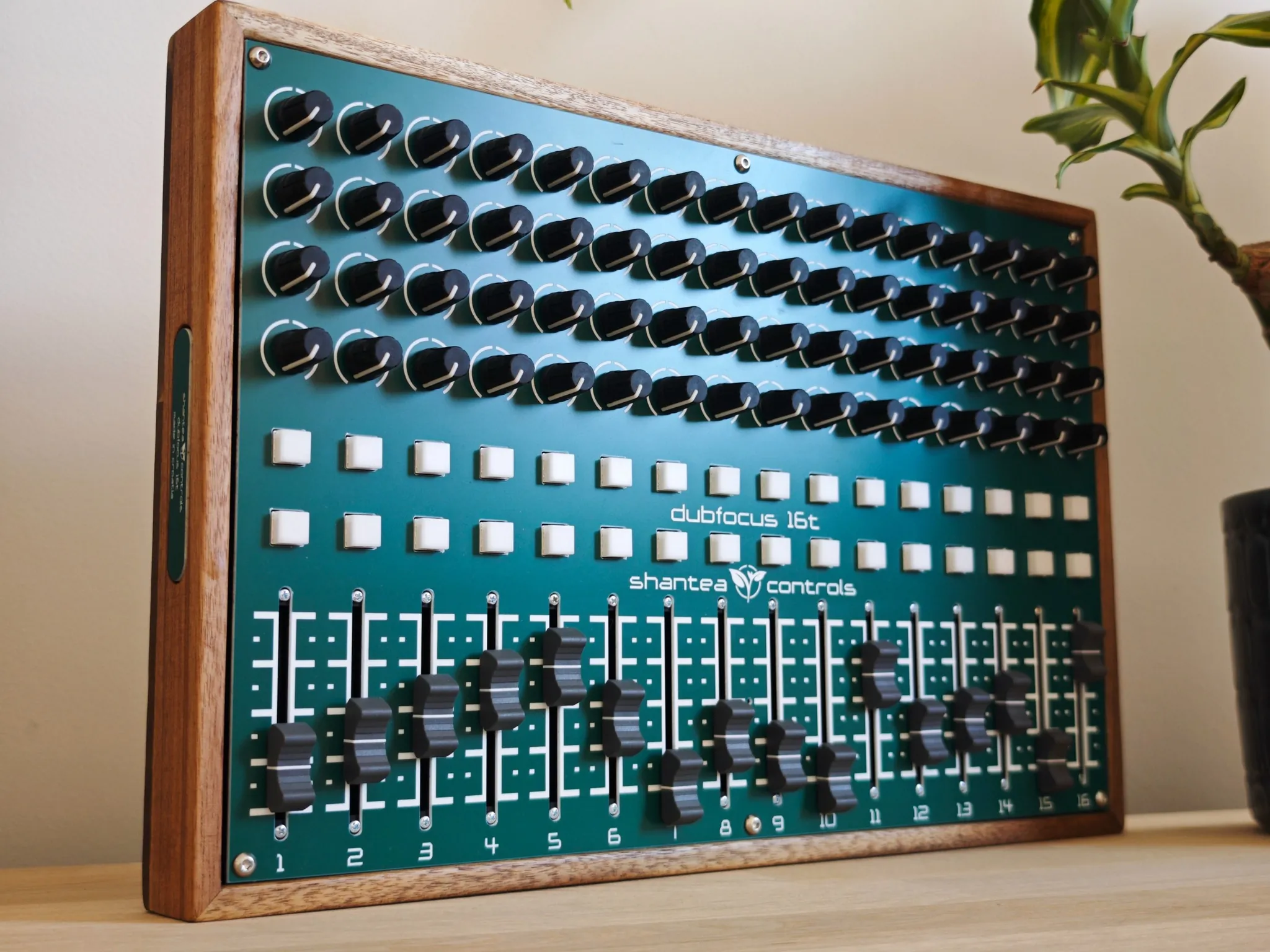
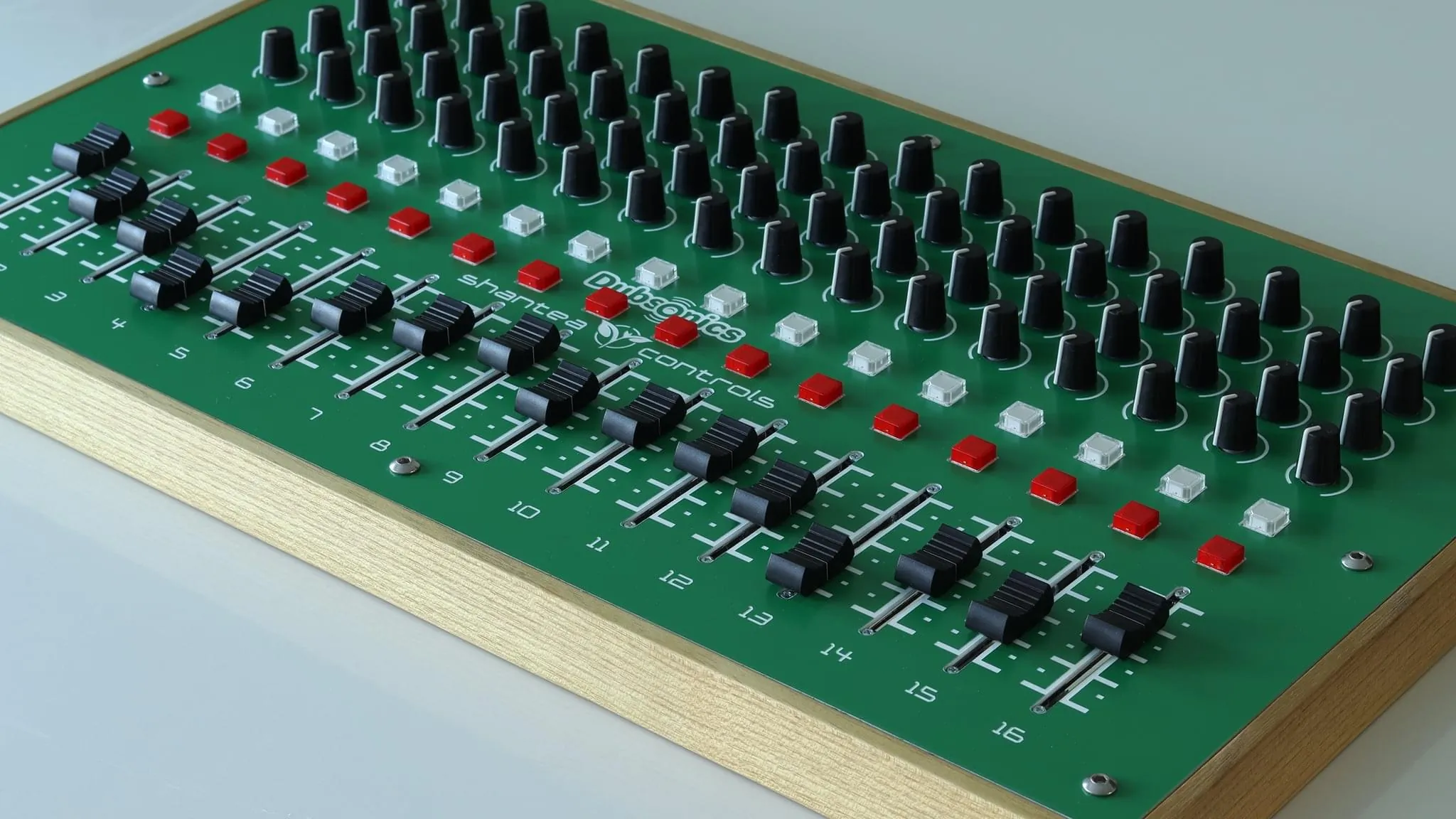
A custom OpenDeck-powered controller designed by Shantea Controls especially with dub producers in mind. 16 channels, high quality ALPS pots and faders, 32 Omron buttons with integrated red LEDs and USB-C connection. Contact for details on pricing and availability.
“(...) the most affordable and flexible platform for building your own custom MIDI controllers.”
“The new interface is a triumph of usability and makes configuring controllers very easy indeed. In my opinion, this is the best MIDI controller available.”
“It's the pointy, finished and perfect board for all your DIY MIDI”
“OpenDeck makes me excited for MIDI controllers like never before. It takes just a few MINUTES to get up and running with OpenDeck! It's literally plug and PLAY!”
“OpenDeck is the future of DIY MIDI controller builds. Hands down”
“I'm just blown away with how amazing this is. The web interface is super simple and really smooth to use.”
“Literally the greatest product related to MIDI controls I have ever seen”
“wow it works right out of the box, impressive”
“The OpenDeck platform has been the easiest and most stable board I have used to make a custom midi controller.”
I’m available for custom embedded development, OEM integration, and engineering collaborations.
From firmware architecture to custom PCBs and connected physical interfaces, I can help bring your hardware and software together.
Need technical help with OpenDeck? Join the discussion ↗